
NetApp Neo Connector Supercharges Microsoft 365 Copilot with External Data
Microsoft 365 Copilot turns into a data powerhouse


 2 min. read
  Published on
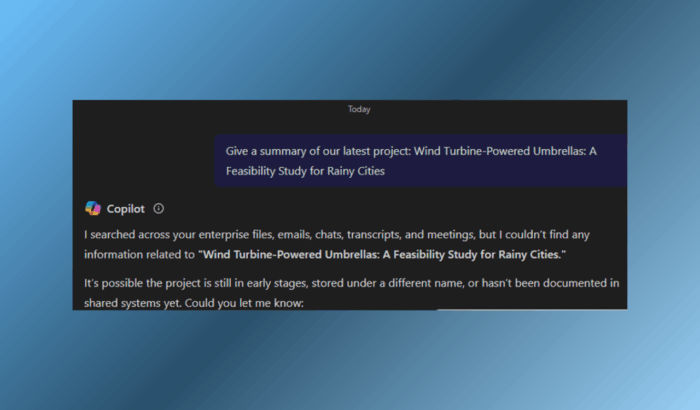
Microsoft is upgrading its AI assistant further with the introduction of the NetApp Neo Copilot Connector. That’s a new method of pulling external enterprise data directly into Microsoft 365 Copilot.
Instead of restricting answers to Word, Excel, Outlook, or Teams, you are now able to connect file shares and other sources without having to move everything into Microsoft 365.
What the connector does
The Neo Copilot Connector adds to Microsoft’s Copilot Connectors, which are meant to make Copilot more accessible outside of Microsoft’s sphere. With the NetApp variant, organizations that keep their data on NetApp systems can easily integrate those files.
This allows Copilot to provide answers based on company-specific data while maintaining permissions and security controls. Whereas previous VM-based solutions were cumbersome to deploy, the newer generation arrives as a containerized application that’s simple to deploy using Helm charts, Docker Compose, or even Azure Container Instances.
It’s also designed to be fast, reportedly operating at 40 times the speed of the previous generation.
Useful features for enterprises
NetApp’s connector is not merely about being fast. It includes GPU-based OCR for proper extraction from complex documents, no limitations on file size, and support for all kinds of formats, from PDF and images to Office documents.
The company has also automated the access by mapping on-prem AD permissions directly into Microsoft Entra IDs. This configuration provides users with only what they have permission for, but Copilot has a richer, more stable foundation of data to draw upon.
NetApp Neo Copilot Connector has already begun rolling out, and interested enterprises can sign up through NetApp.

Read our disclosure page to find out how can you help Windows Report sustain the editorial team. Read more



Improve this guide



User forum
0 messages