
NVIDIA Investigates Gaming Issues Caused by KB5074109 Patch in Windows 11
Mandatory update has reportedly triggered black screens, glitches, and performance drops


 2 min. read
  Published on

Windows 11’s first update of 2026, KB5074109, is causing more trouble than expected. Initially announced as a minor release focused on security fixes, the January patch has reportedly triggered black screens, visual glitches, and performance issues in several games for NVIDIA users. The problems have sparked widespread reports across Reddit, Feedback Hub, and NVIDIA forums.
NVIDIA is reportedly investigating gaming issues on Windows 11 post-January 2026 patch, KB5074109
Folks over at Windows Latest recently spotted a reply on the NVIDIA forum by the company’s staff (Manuel), who confirmed that they are aware of the reports and are investigating the matter. The NVIDIA staff has suggested uninstalling KB5074109 to resolve some problems, especially artifacts in games. He noted that the black screens and graphic glitches began after the Windows update, but removing it restores normal performance.
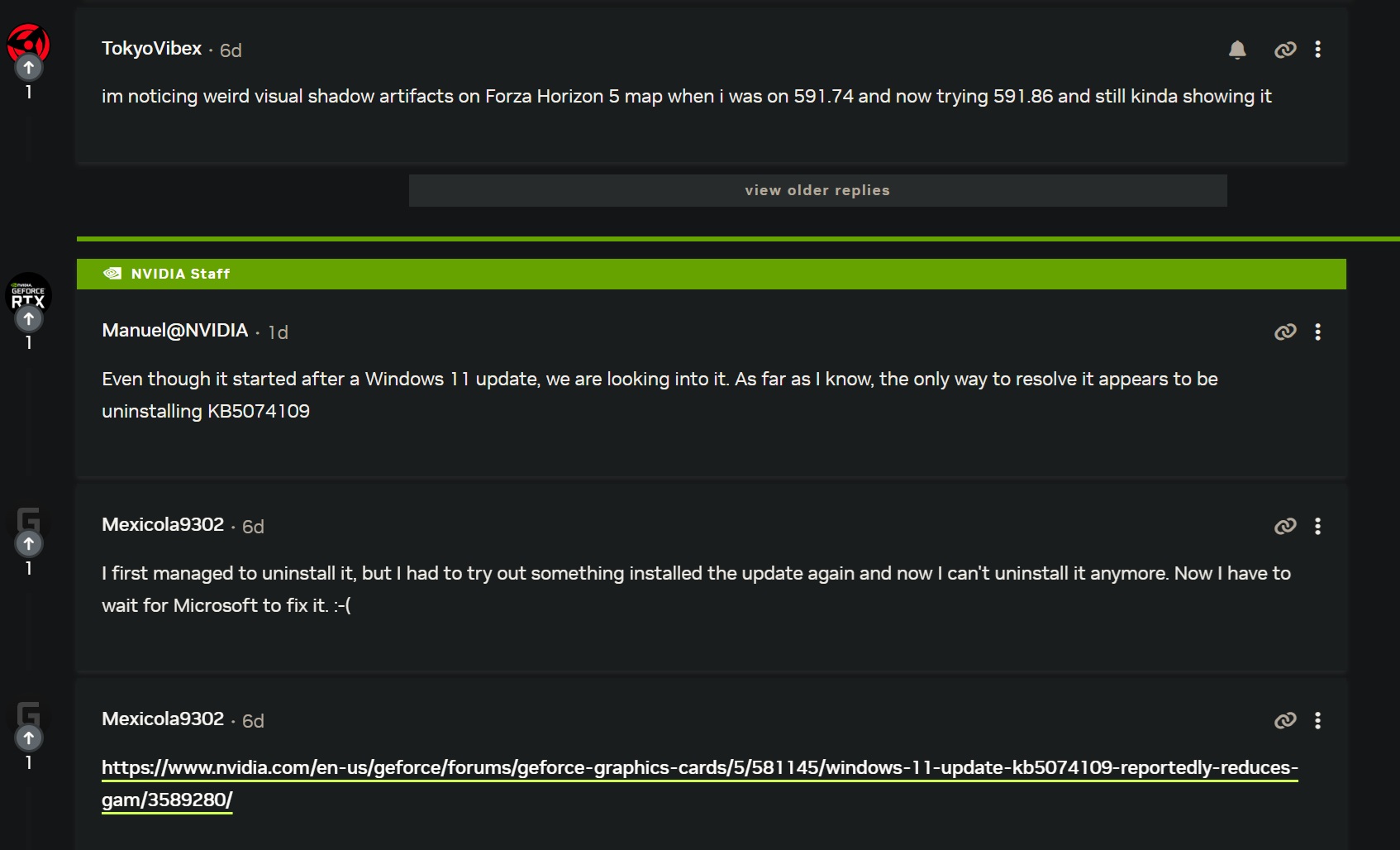
Gamers on Nvidia.com describe black screens appearing before the desktop fully loads, desktop wallpaper resetting, and dropped frame rates in intensive games such as Forza Horizon 5. As noted by the news outlet, one user noted, “I noticed weird visual shadow artifacts on the Forza Horizon 5 map, and uninstalling KB5074109 fixed it.” Meanwhile, others have complained of FPS drops of 10–20, with 1% lows suffering even more.
Microsoft rolls out an optional fix, but artifacts persist
While Microsoft has released an optional update, KB5074105, which addresses the black screen in some environments, it does not appear to fix artifacts in games. However, many reported that the same update has now triggered camera and lock screen issues. As far as NVIDIA users are concerned, the company is actively looking into these issues, while advising users who experience severe problems to temporarily uninstall KB5074109.
Since KB5074109 is a critical security update, it’s advised to keep it installed if you are not having any issues at all. Are you facing other problems after installing the January 2026 patch? If yes, let us know in the comments below.

Read our disclosure page to find out how can you help Windows Report sustain the editorial team. Read more



Improve this guide




User forum
0 messages