
Opera 120 brings built-in translation and smarter split screen
Update your browser now


 2 min. read
  Published on
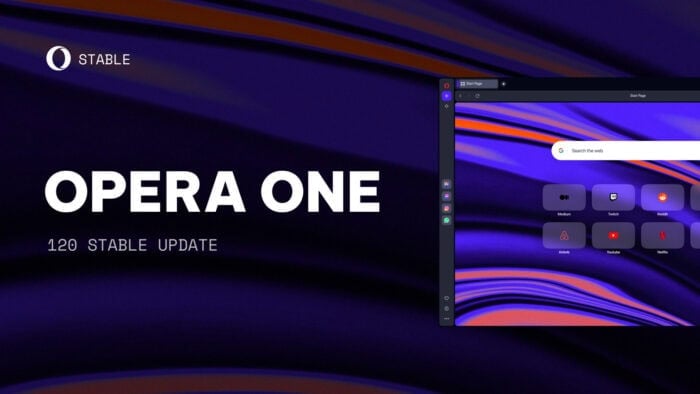
Opera just released version 120 of its desktop browser, and this update adds something users have waited for years. A native translator is finally here. It now supports over 40 languages, meaning you can read foreign sites without installing a third-party extension. The feature is powered by Lingvanex and runs on European servers, with Opera promising it doesn’t share your translation data with any outside party.
The translator may be the headline feature, but it’s far from the only improvement. Split screen is getting some serious attention, especially for those who use Tab Islands, a feature that automatically groups tabs and helps cut down on clutter.
In Opera 120, split-screen tabs can now live inside Tab Islands, and you can move them around between or out of islands. Toolbar icons have also been tweaked to behave more consistently when hovering between tabs in split view.
There are also updates to the browser’s Password Manager, Miniplayer, and VPN. Most of these aren’t flashy, but they matter for everyday usability. Bug fixes and UI polishing might not sound exciting, but they’re what help a browser feel fast, stable, and worth sticking with.
If you’re on Windows, macOS, or Linux (deb, RPM, and snap), Opera 120 is rolling out now. It’ll update automatically for most users, or you can grab it from Opera’s website or your Linux package manager if needed. Built on Chromium 135.0.7049.115, this version helps Opera finally catch up on features while refining what makes it stand out.

Read our disclosure page to find out how can you help Windows Report sustain the editorial team. Read more



Improve this guide




User forum
0 messages