
Samsung Browser Officially Lands on Windows, Availability of AI Features Limited for Now


 2 min. read
  Published on

Samsung has officially launched Samsung Browser for Windows, bringing its mobile browsing experience to PCs. To catch you up, the company has renamed the browser from Samsung Internet to Samsung Browser.
The South Korean tech giant has confirmed that the browser is available on Windows 10 and Windows 11 devices after months of beta testing. The move extends the company’s ecosystem beyond smartphones, while adding new AI-powered features designed to simplify everyday browsing tasks.
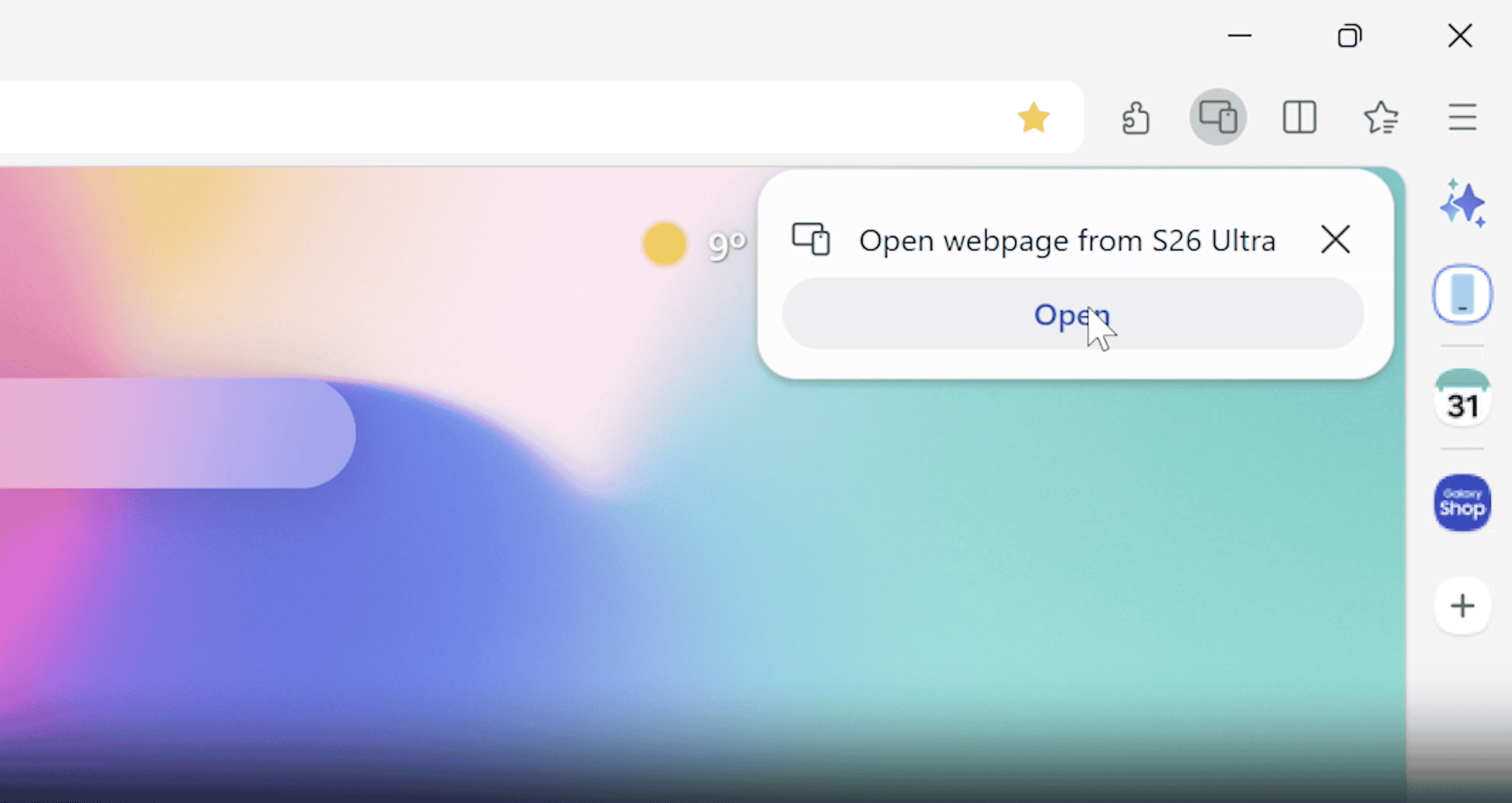
The browser focuses heavily on cross-device browsing. You can now move from phone to PC and continue browsing the same webpage without interruption. Samsung is also syncing bookmarks, history, and saved sessions to keep everything aligned across devices.
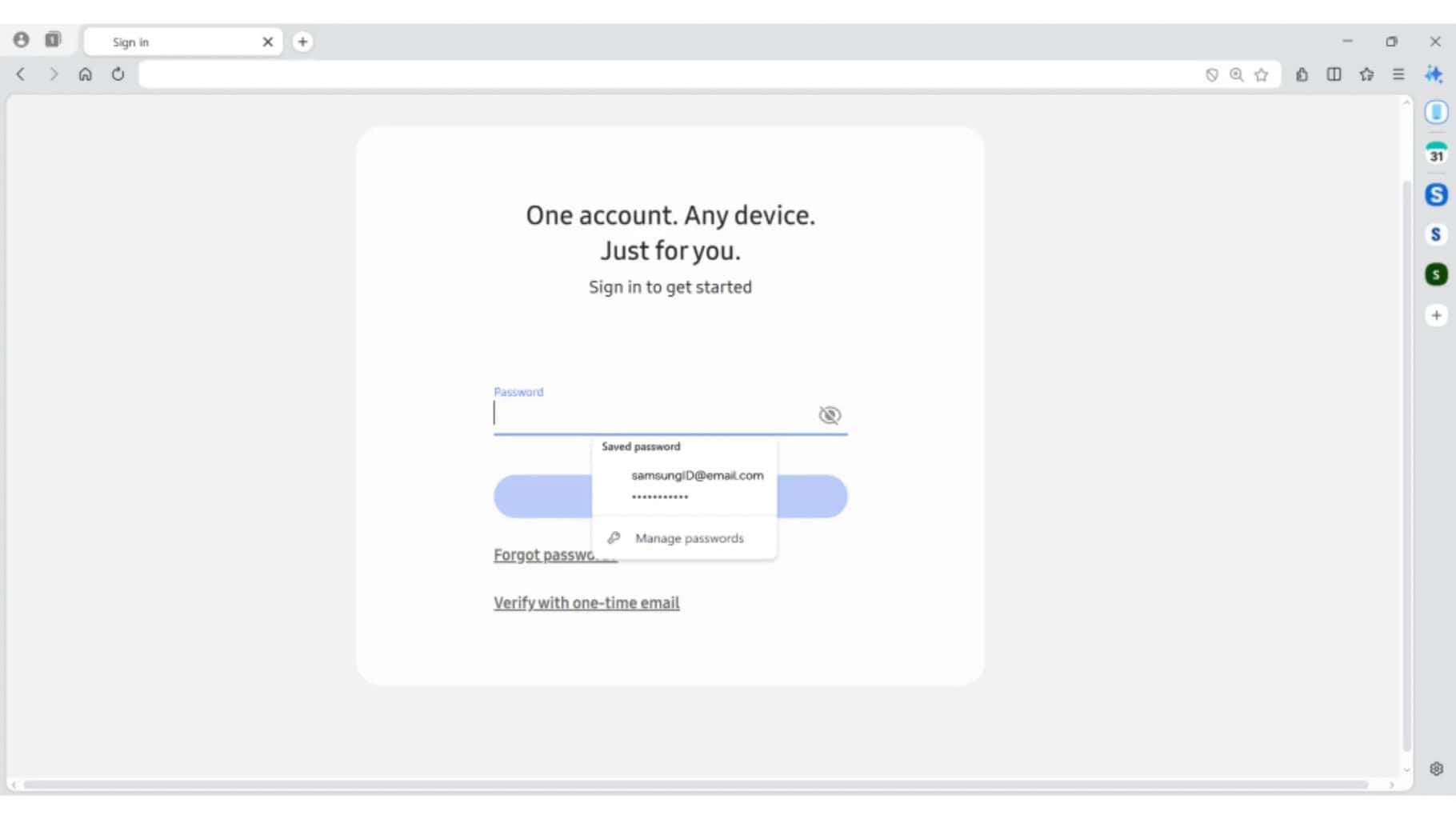
Samsung Pass integration is part of the experience as well. It allows users to autofill passwords and personal details securely across supported devices, which reduces the need to manually log in or re-enter information.
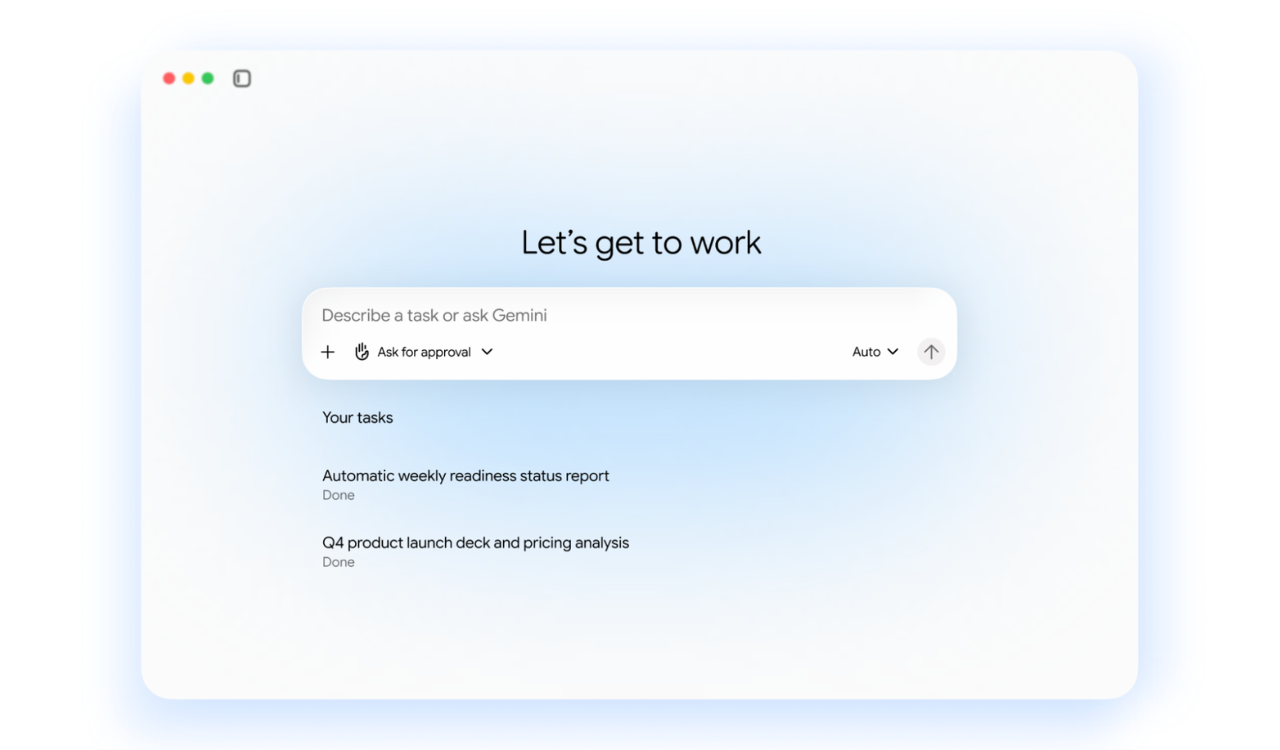
It’s worth noting that Samsung is also introducing a new AI assistant inside the browser, built in partnership with Perplexity. The company says this agentic AI can understand natural language, webpage context, and even activity across multiple tabs. This allows users to do more than just search.
For example, the browser can generate structured travel plans based on what’s on screen, summarize multiple tabs at once, or help find previously visited pages using natural language instead of keywords. It can also scan video content and jump directly to specific moments.

All that said, these AI features are currently limited to select markets like the US and South Korea, with wider availability expected later.

Read our disclosure page to find out how can you help Windows Report sustain the editorial team. Read more



Improve this guide



User forum
0 messages