
Teams Desktop Now Lets You Test Your Mic and Speakers Before Joining Meetings
The feature is only available to desktop users for now


 2 min. read
  Published on
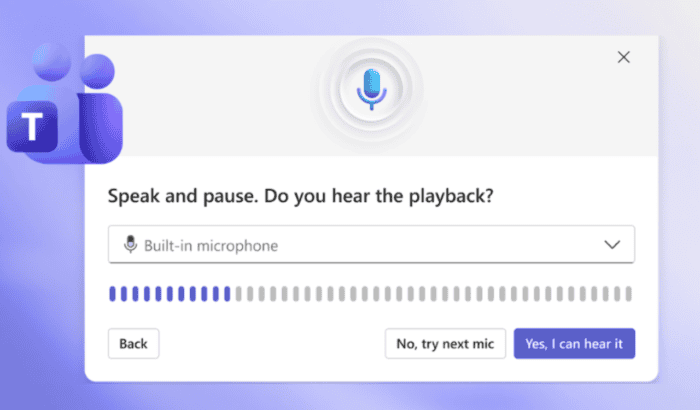
Nothing kills the momentum of an online meeting faster than spending the first few minutes asking, “Can you hear me now?” or realizing your microphone isn’t working after everyone has already joined.
Back in April, we reported that the company is working on a feature that lets you test mic and audio before you join the Teams call. Well, it’s finally here.
Microsoft Teams finally allows you to test your mic and speaker
Microsoft has announced the roll out of Test mic and speaker feature in Teams that allows users to check their audio setup before entering a meeting.
The new experience appears directly on the Teams pre-join page under the Computer audio section. With a single click, you can launch a guided audio test that walks them through both speaker and microphone checks before joining the meeting.
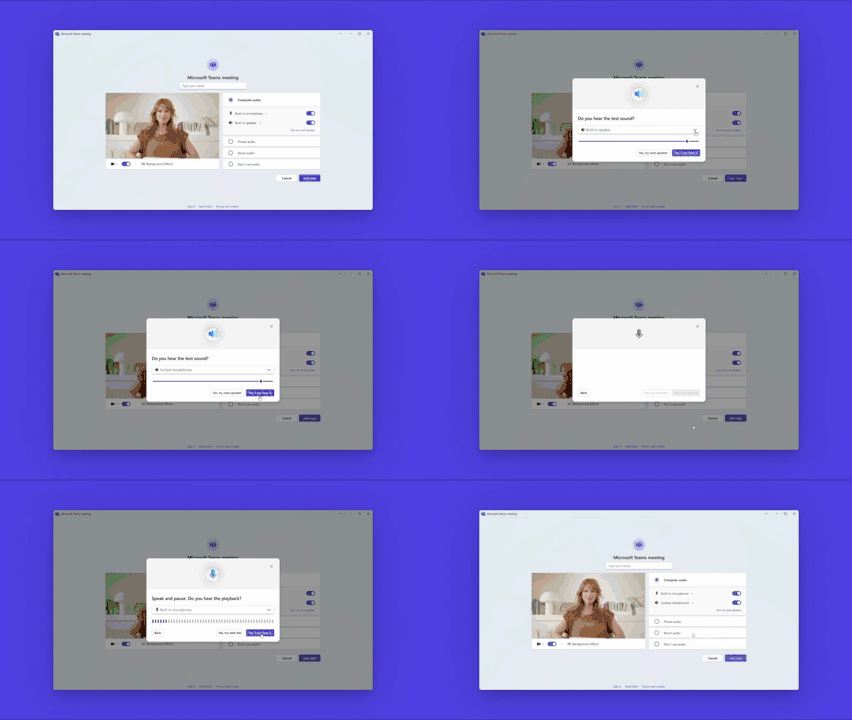
For speakers, Teams plays a short audio tone to confirm sound is coming through the selected output device. The microphone test records a brief voice sample and immediately plays it back, which allows you to verify that microphone is working properly and that their voice sounds clear.
Once both tests are complete, Teams displays a summary confirming whether the selected microphone and speakers are functioning correctly.
The rollout starts on desktop versions of Microsoft Teams, with additional platform support planned for a future release.

Read our disclosure page to find out how can you help Windows Report sustain the editorial team. Read more



Improve this guide




User forum
0 messages