
Visual Studio is Gets Copilot-powered Planning Mode
Users can enable it manually as well


 1 min. read
  Published on
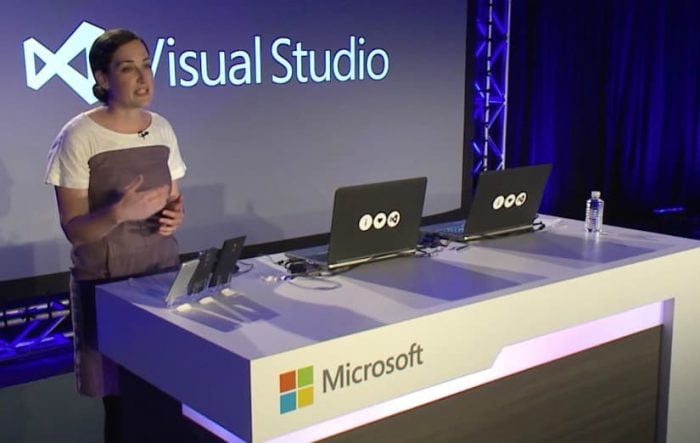
Microsoft is taking Copilot in Visual Studio one notch up with the Planning Mode. The company is now rolling it out in public preview for Visual Studio 2022 version 17.14.
Unlike traditional Copilot prompts that respond line by line, Planning Mode lets Copilot create a structured, multi-step plan to tackle larger or more complex tasks. When triggered, it generates a markdown file outlining the task, research steps, and execution progress, all in real time.
As Copilot works through each phase, it revises and updates the plan dynamically, giving developers full visibility into what it’s doing and why. Microsoft says the new workflow makes Copilot far more predictable and transparent.
Rather than just guessing what the AI might do next, developers can now see every step it’s taking. The plan file is saved temporarily under %TEMP%\VisualStudio\copilot-vs\, though users can commit it to their repo for long-term tracking.
Early testing has already shown good results. Microsoft notes that in SWE-bench trials, GPT-5 and Claude Sonnet 4 achieved 15% higher success and 20% more tasks completed when using Planning Mode. Planning mode is now rolling out gradually, but users can enable it manually under Tools > Options > Copilot > Enable Planning.

Read our disclosure page to find out how can you help Windows Report sustain the editorial team. Read more



Improve this guide




User forum
0 messages