
Windows 11 Experimental Build Brings Better Cross-Device Resume and Privacy Controls


 3 min. read
  Published on
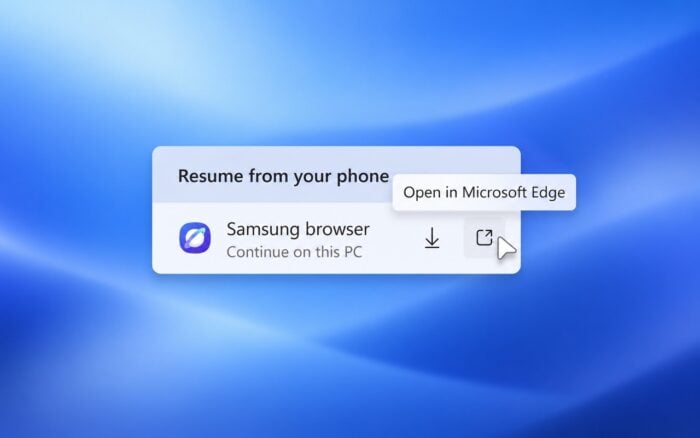
Microsoft has released Windows 11 Insider Experimental Preview Build 26340.9354 with changes across File Explorer, the taskbar, Settings, accessibility features, audio settings, and Windows setup.
One of the more useful changes makes it easier to continue browsing a webpage from a phone even when the same browser isn’t installed on the PC.
Windows 11 makes cross-device resume more flexible
Microsoft is improving the Resume experience used to continue activity from a phone on a Windows 11 PC.
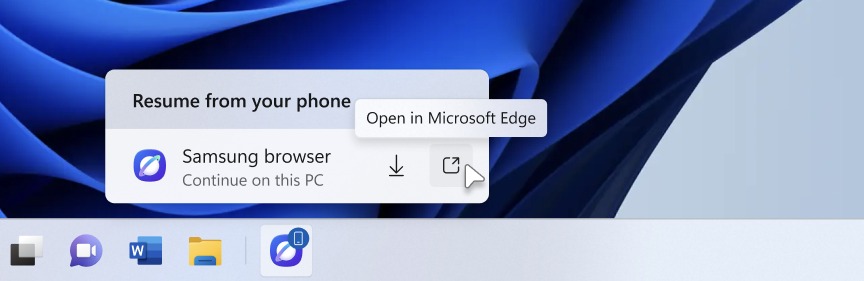
When a webpage comes from a mobile browser that isn’t installed on the PC, the Resume hovercard now gives users two options. They can open the page immediately in their PC’s default browser or install the browser they used on the phone.
Previously, not having the same browser installed could make the cross-device experience less convenient. The new options let users continue browsing without installing another browser first.
Settings gets an expanded Device Info Card
Microsoft is also expanding the Device Info Card on the Settings Home page to additional markets.
The feature appears for Windows Insiders who sign in with a Microsoft account and provides an at-a-glance view of important PC information, including key hardware specifications, device usage information, and storage details.
Users can also open Settings > System > About directly from the card when they need more detailed system information.
Privacy controls are easier to find
Microsoft has reorganized parts of Settings > Privacy & security to make commonly used privacy options more visible.
Camera, Microphone, and Location controls now appear together more clearly, while Windows surfaces additional usage information directly on the page.
Microsoft has also updated Family Safety messaging. Windows should provide clearer information when parental controls block an application because of age restrictions.
Taskbar animations return with smoother transitions
Microsoft is restarting the rollout of its enhanced taskbar preview animations.
The updated experience introduces smoother transitions when users move between previews belonging to different groups of open applications.
Because Microsoft is rolling the change out gradually, not every Windows Insider will necessarily see the updated animations immediately.
File Explorer search results become easier to scan
File Explorer also receives a small usability improvement in this experimental build.
Search results now present important information such as the file name, location, and date in a more consistent layout.
The change should make it easier to compare results when searching folders containing many similarly named files.
Narrator can now understand math equations
One of the bigger accessibility changes in Build 26340.9354 adds math reading and navigation support to Narrator.
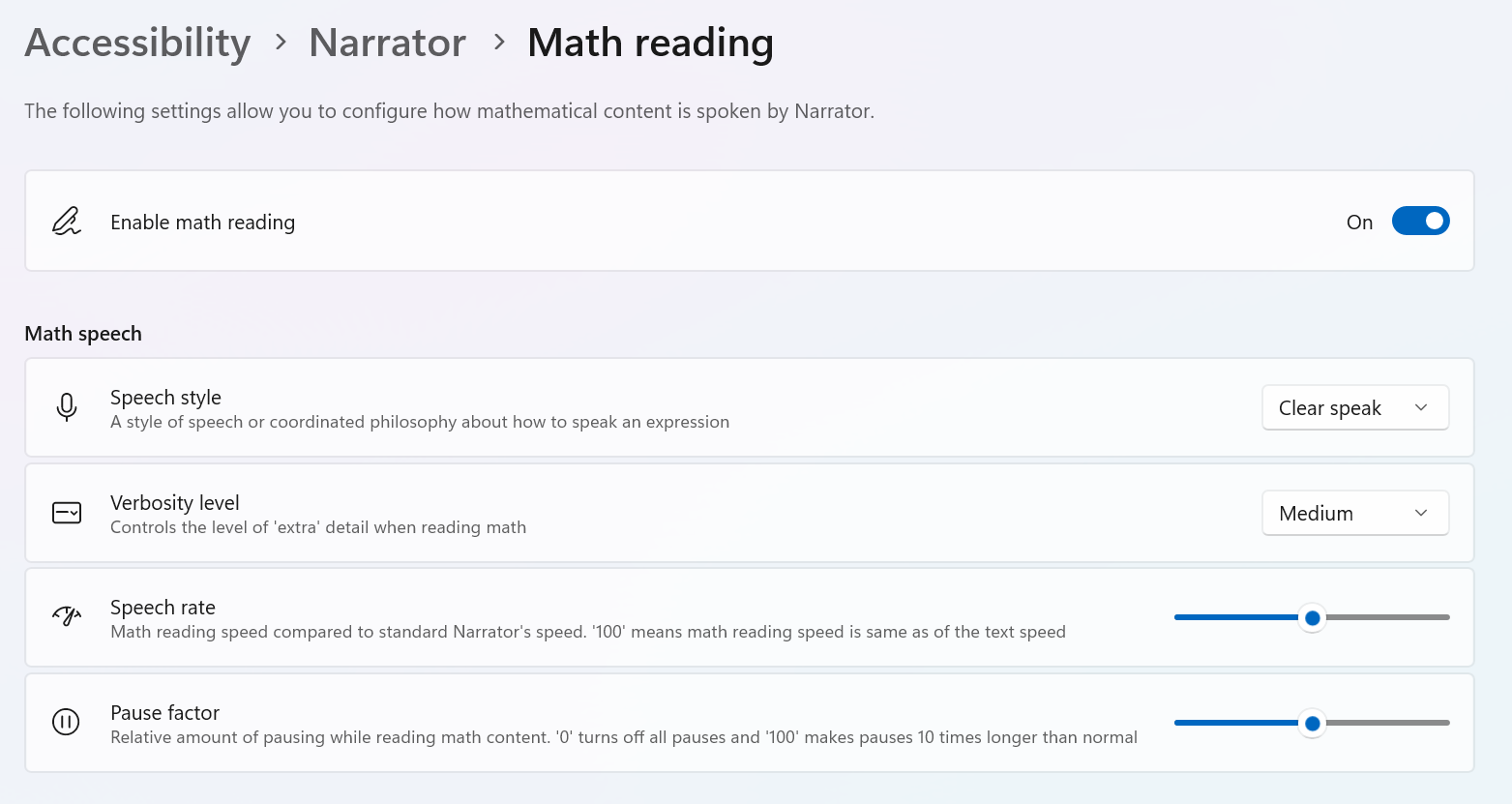
Narrator can read equations in supported Microsoft 365 applications, including Word and PowerPoint. Instead of announcing every mathematical character individually, it interprets equations and reads them in a more structured way.
Users can activate dedicated math navigation by pressing Narrator key + Alt + N. They can then use the arrow keys to move through parts of an equation.
The functionality comes with the Windows build and does not require an additional download.
Microsoft is rolling out Narrator math support gradually, so some Insiders may not see it immediately after installing the update.
More Windows 11 preview updates are available
Users who prefer the Beta Channel have another recent preview available. Windows 11 Preview Build 26220.9343 introduces a modern AutoPlay experience and improved recovery options.
The same Beta build also includes several File Explorer fixes and Magnifier improvements.
For users running stable versions of Windows 11, Microsoft has also released its September 2026 Patch Tuesday updates.

Read our disclosure page to find out how can you help Windows Report sustain the editorial team. Read more



Improve this guide



User forum
0 messages