
Windows 11 Hidden CPU Setting Unlocks Advanced Performance and Power Controls


 3 min. read
  Published on
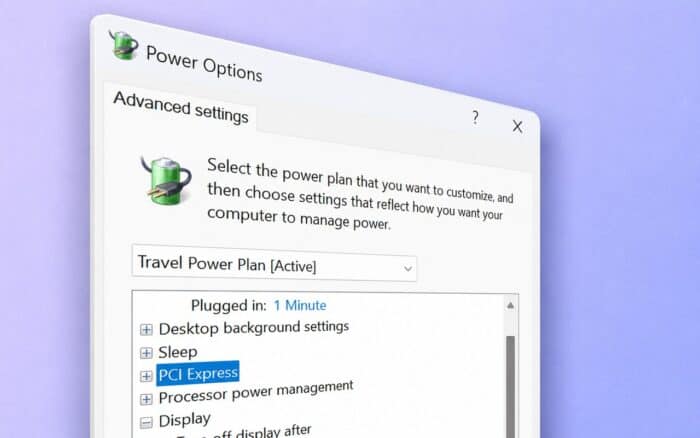
Microsoft’s Windows 11 includes a hidden CPU tuning feature that can give users more control over performance, power consumption, and system responsiveness. The option, called Processor Performance Boost Mode, is disabled by default and requires a Registry modification to appear in Windows power settings.
The feature controls how aggressively Windows allows a processor to boost beyond its base operating frequency. It can help users prioritize maximum performance, better battery life, lower temperatures, or quieter fan operation depending on their needs.
Processor Performance Boost Mode is available on systems that support Collaborative Processor Performance Control (CPPC), a technology commonly found on modern AMD and Intel processors.
Hidden Setting Can Be Enabled Through the Registry
By default, Windows power plans only expose basic CPU controls such as Minimum Processor State and Maximum Processor State. However, users can unlock additional boost behavior options by modifying a Registry value.
The setting can be found at:
HKEY_LOCAL_MACHINE\SYSTEM\CurrentControlSet\Control\Power\PowerSettings\54533251-82be-4824-96c1-47b60b740d00\be337238-0d82-4146-a960-4f3749d470c7Changing the Attributes value from its default setting to 2 makes Processor Performance Boost Mode appear under the Processor Power Management section of Windows power plans.
Because Registry changes can affect system behavior, users should create a backup or restore point before making modifications.
Multiple CPU Boost Profiles Become Available
Once enabled, Windows exposes several boost modes that change how the operating system manages processor frequency scaling.
Available options include:
- Disabled
- Enabled
- Aggressive
- Efficient Enabled
- Efficient Aggressive
- Aggressive At Guaranteed
- Efficient Aggressive At Guaranteed
Each mode offers a different balance between performance and power efficiency.
Aggressive mode prioritizes faster and more sustained CPU boosting, making it suitable for demanding workloads such as gaming, content creation, and software development.
Efficient Enabled focuses more on reducing power consumption while still allowing the processor to boost when necessary.
Efficient Aggressive attempts to strike a middle ground between responsiveness and battery life.
The Guaranteed variants encourage the processor to deliver performance above its guaranteed operating level, with the Efficient Aggressive At Guaranteed profile attempting to maximize performance while maintaining better power efficiency.
Useful Alternative to Traditional Overclocking
Unlike manual overclocking, Processor Performance Boost Mode does not require users to adjust voltages or clock multipliers. Instead, it changes how Windows requests performance from the processor.
This makes the feature particularly useful for laptop owners who want to reduce heat and fan noise, extend battery life, or improve performance for specific workloads without making hardware-level changes.
Users who frequently switch between gaming, productivity, and mobile use may find the additional power profiles useful for fine-tuning system behavior.
In other news, Microsoft has quietly started rolling out a new Low Latency Profile feature in Windows 11 aimed at improving responsiveness in supported applications and workloads.
Via Wccftech

Read our disclosure page to find out how can you help Windows Report sustain the editorial team. Read more



Improve this guide




User forum
0 messages