
Windows 11 KB5074109 Breaks Outlook for POP Accounts, Microsoft Confirms Issue


 2 min. read
  Published on
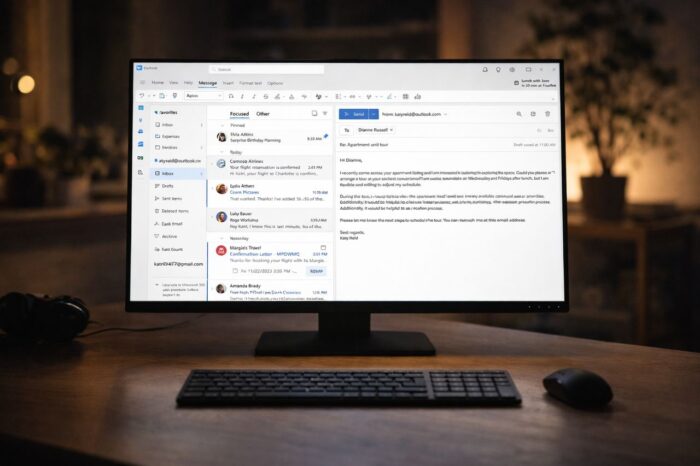
KB5074109 has already caused reboot loops and black screen reports, and new complaints now point to Outlook problems as well.
Outlook freezes reported after Windows 11 KB5074109 update
According to Bleeping Computer, after installing the January 13, 2026, Windows 11 cumulative update KB5074109, some users report that Outlook freezes or hangs, especially when using classic POP email profiles.
The issue mainly affects classic versions of Microsoft Outlook on systems running Windows 11 24H2 and 25H2. Users say Outlook fails to close properly or becomes stuck in a “not responding” state shortly after launch. Reports suggest the problem does not affect Exchange-based or modern account setups, which points to a POP-specific compatibility issue.
Microsoft has acknowledged the bug and added it to its official support documentation as a known issue. The company says it is actively investigating and will update its advisory once more details become available or a permanent fix is ready.
In the meantime, affected users have identified a temporary workaround. Uninstalling KB5074109 appears to restore normal Outlook behavior. Users can remove the update by opening Settings, navigating to Windows Update, selecting Update history, choosing Uninstall updates, and then removing KB5074109. Some users also report success by delaying updates to prevent the patch from reinstalling automatically.
Microsoft investigates KB5074109 as issues expand beyond Outlook
This Outlook bug adds to a growing list of KB5074109-related problems. Separate reports mention connection failures in Azure Virtual Desktop environments, which have raised concerns among enterprise administrators.
Microsoft says it continues to monitor feedback and encourages affected users to report issues through official channels while work on a fix continues.

Read our disclosure page to find out how can you help Windows Report sustain the editorial team. Read more



Improve this guide



User forum
0 messages