
Windows 11 KB5132061 November 2026 Patch Finally Fixes USB Audio Issues


 2 min. read
 Published on
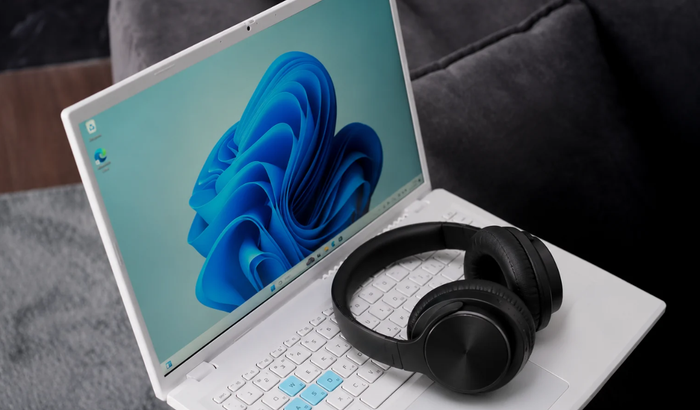
Windows 11 users dealing with broken USB audio finally have a fix. Microsoft’s November 2026 Patch Tuesday update, KB5132061, for Windows 11 24H2, 25H2, and 26H2 addresses an issue that could leave certain USB audio devices completely unusable. The problem dates back to September, when a security update introduced unexpected audio failures.
KB5132061 patches USB audio issues
Microsoft initially addressed part of the problem through an out-of-band update, KB5129195. That release fixed the 8-channel and 3D audio playback failures. However, other symptoms continued affecting USB Audio Class 1.0 devices.
Well, the November 2026 security update, KB5132061, has now fixed the remaining USB audio issues. The update applies to Windows 11 versions 24H2, 25H2, and 26H2, with version-specific availability.
As we covered in our November 2026 Patch Tuesday article, KB5132061 also brings security improvements, Secure Boot changes, and fixes for printer installation and Remote Desktop problems.
In case you are unaware, Microsoft is also rolling out automiatic fix for those those who can’t install KB5132061 with error 0x80070306, 0x800f0989, and 0x800f0993.
September’s Windows 11 security update triggered the USB audio problem
Interestingly, this wasn’t a problem affecting every USB headset or audio device. It specifically targeted USB Audio Class 1.0 hardware, with some users reporting missing sound and Device Manager error Code 10.
For Windows 11 25H2, the problematic release was KB5124008. Affected devices could fail to start, produce no sound, or display Code 10 in Device Manager. Volume controls could also become unresponsive, while sound settings sometimes stopped working.
Not to mention, the issue was quite frustrating for users relying on external USB headsets. Some devices also struggled with multichannel audio, including 8-channel and 3D audio configurations. Users experiencing the audio issue should install the latest applicable Windows security update through Settings > Windows Update. Microsoft recommends installing the latest update rather than relying on temporary workarounds.

Read our disclosure page to find out how can you help Windows Report sustain the editorial team. Read more


Improve this guide



User forum
0 messages