
Windows 11 Notepad, Snipping Tool & More Apps Reportedly Not Opening for Many With 0x803F8001 Error


 3 min. read
  Published on
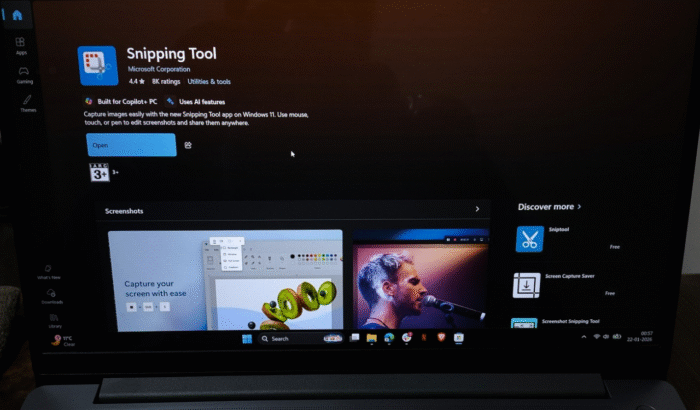
If you just woke up to find out that your Windows 11 apps are refusing to open suddenly, you’re not alone. After I came across a report by Windows Central, I checked in to see if I could replicate the same error on my Windows 11 PC. Guess what? The system threw the same error message as mentioned in their report.
Many Windows 11 users are reporting that apps like Snipping Tool, Notepad, and others aren’t opening
However, for me, it only happened once while opening the Snipping Tool. I got a similar error as reported by the news outlet. To give you a clear idea of what I’m talking about, here’s the screenshot of the “Check your account” dialog box that popped up for me. Since Snipping Tool refused to open at that moment, I couldn’t take a screenshot.

While Notepad has been opening fine for me, I’m quite unsure about the Xbox Ally Armoury Crate. Per the news outlet, both are refusing to open and throwing error code 0x803f8001. This is reportedly accompanied by a file system error (-2143322111) on affected systems.
A Microsoft Forum user reportedly also detailed the issue via a forum post, under which many reported similar issues. In a reply, Harold Milan, who appears to be an independent advisor, added details about the nature of the error code.
Microsoft Store error 0x803F8001 & possible solution
Milan notes that you usually get Microsoft Store error 0x803F8001 when the Store fails to properly verify app licenses, which can prevent built-in or Store-based apps from opening or updating. Most of the time, this is caused by a corrupted Store cache, a temporary sync problem with your Microsoft account, or a glitch in Store registration; not because of any actual data loss.
As far as workarounds or fixes are concerned, the independent advisor suggests starting by resetting the Microsoft Store cache using wsreset.exe, then signing out of and back into the Microsoft Store to refresh app licenses. The advisor further recommends temporarily disabling any VPN or proxy that could interfere with Store connectivity, and re-registering the Microsoft Store through an elevated PowerShell command.
Trying these workarounds, starting with a cache reset and account sign-in refresh, has reportedly helped many users restore normal app functionality without reinstalling Windows or losing personal files. All that said, it’s clear that the issue has been affecting many users around the world. Microsoft and ASUS are reportedly aware of the situation. If there’s any information from their side, I’ll update this piece.

Read our disclosure page to find out how can you help Windows Report sustain the editorial team. Read more



Improve this guide




User forum
0 messages