
Xbox Insiders Get New Home Controls, Local Save Management & a Special Day One Badge


 2 min. read
  Published on
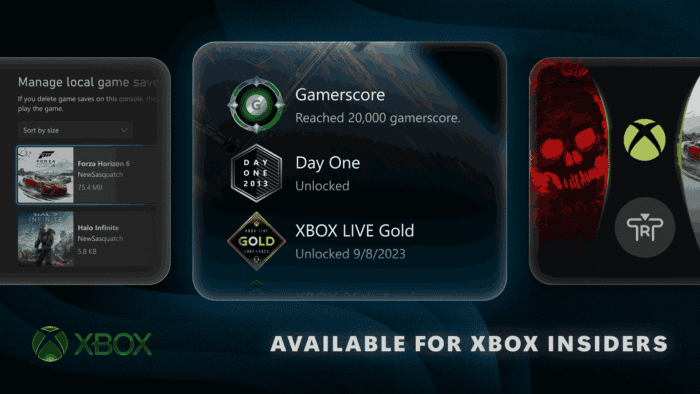
Xbox is giving Insiders several useful upgrades today. The update targets Home customization, local game saves, profile badges, and wish list management. Most features are initially reaching Alpha Skip-Ahead and Alpha members. Some changes are already available more broadly.
Xbox Home gets cleaner while local save management gets easier
Players can now remove individual items from the Recent Games and Apps section. The Menu button can also remove the Play History tile. A new immersive background mode lets players hide the Home interface. Pressing the right thumb stick button fades the interface away and highlights the background.
Local save management is also getting a much-needed upgrade. Players can view, sort, and delete unused local game saves directly from the console. The option lives under Settings > System > Storage > Manage local game saves. Xbox says recent saves remain backed up to the Xbox network.
That means deleting unused local files should not remove the latest synchronized progress. The feature can also appear through a storage warning when a new save cannot be created.
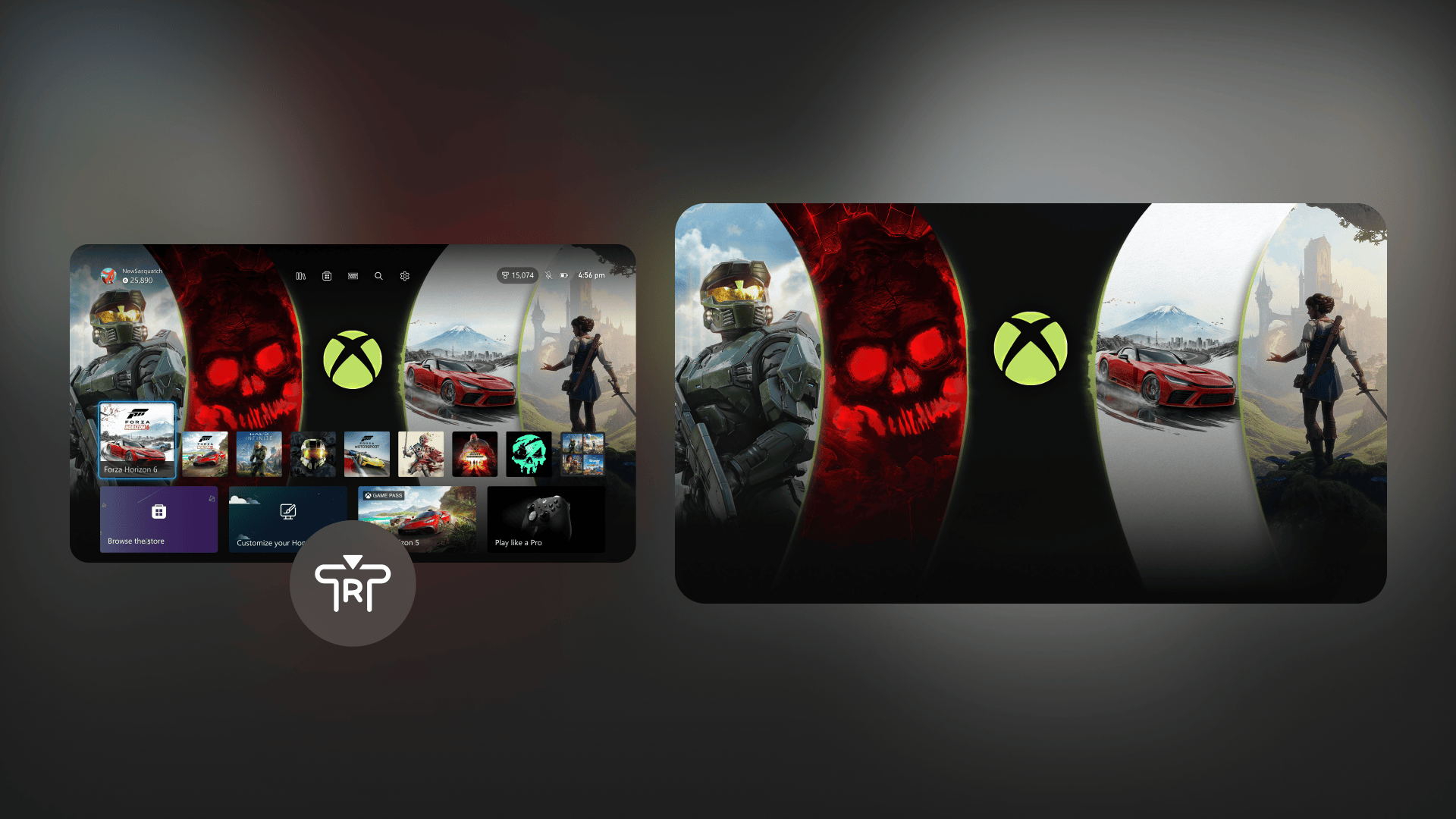
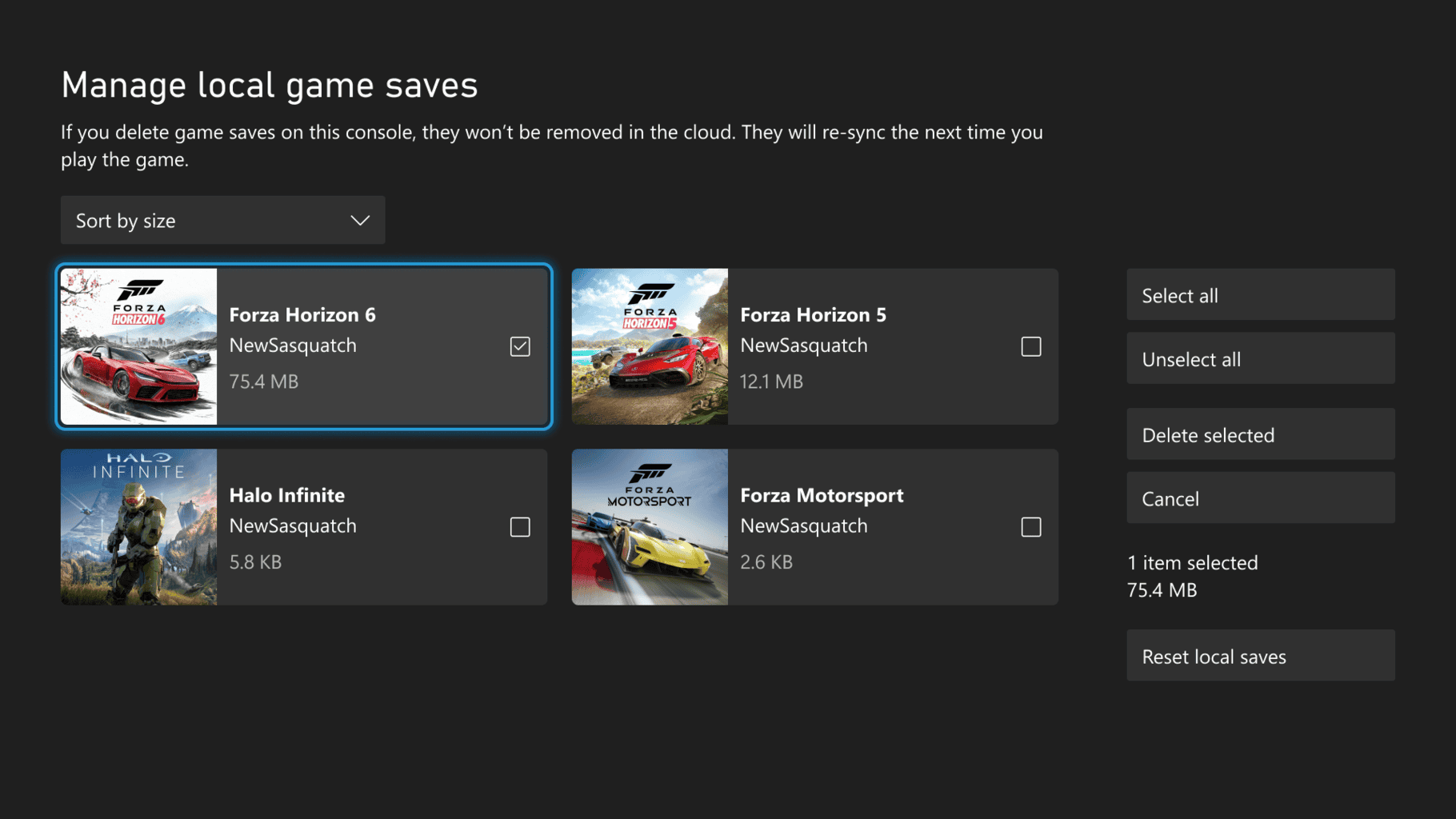
Image credit: Microsoft
Xbox adds more ways to show off your gaming history
Profile badges are becoming more informative. Players can now inspect detailed information, high-resolution artwork, and unlocking details for badges. Xbox is also marking the console’s history with a new Day One badge. Players who earned the Day One achievement will receive it automatically.
The badge celebrates the Xbox One launch on November 22, 2013. It recognizes players who were there when that console generation began. Wishlist management is getting simpler too. Purchased games will now automatically disappear from a player’s wish list.
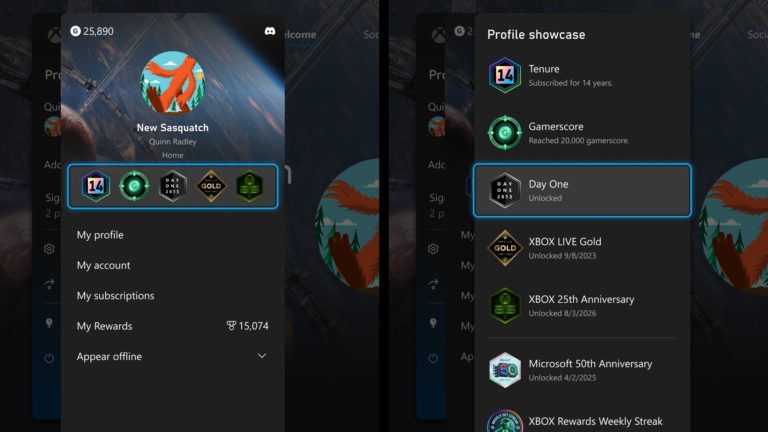
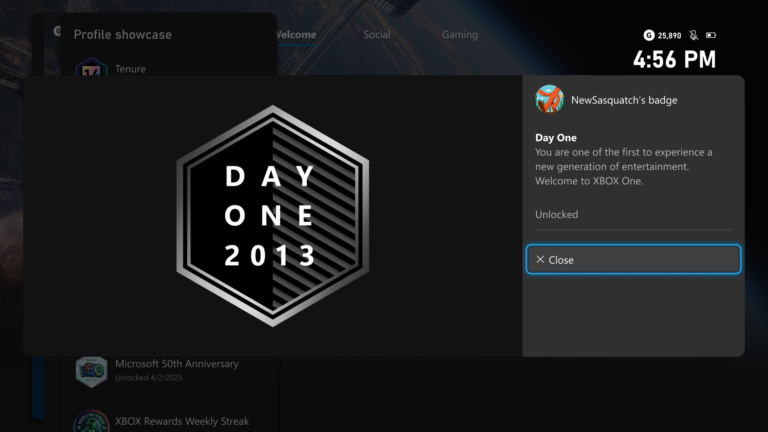
Image credit: Microsoft

Read our disclosure page to find out how can you help Windows Report sustain the editorial team. Read more



Improve this guide



User forum
0 messages