
Microsoft KB5074105 Quietly Restricts Access to Storage Settings


 2 min. read
  Published on
Microsoft released KB5074105 with several visible improvements, including File Explorer stability fixes and Smart App Control changes that allow users to toggle the feature without reinstalling Windows. However, the update also introduces an important security-related change that Microsoft did not mention in the original changelog.
Microsoft locks down Storage settings in KB5074105
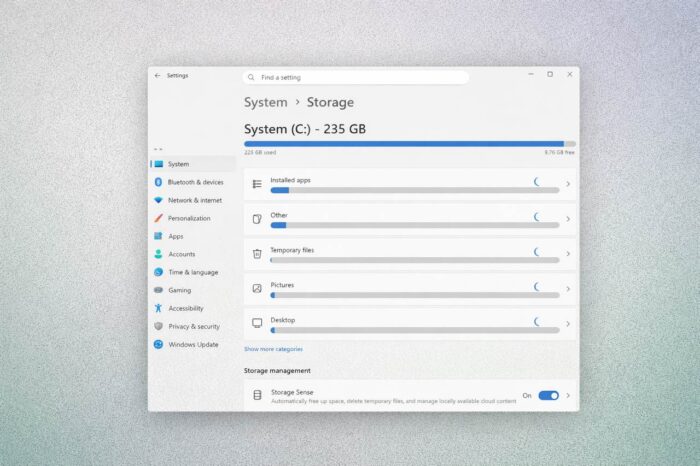
As Neowin reports, KB5074105 adds a new protection layer around system files by restricting access to Storage settings. When a non-admin user opens the Storage section in the Settings app, Windows now displays a User Account Control (UAC) prompt before allowing access.
The Storage section plays a critical role in how Windows manages system data. It gives users direct access to tools that can delete temporary files such as Recycle Bin contents, Delivery Optimization data, thumbnails, and other temporary files. It also controls disk cleanup operations, Storage Sense automation, Storage Spaces management, drive optimization, and where new apps, documents, and media files are saved by default.
Because these options can directly affect system files and overall stability, Microsoft says the new restriction ensures that only authorized users can make changes at this level. The added UAC prompt reduces the risk of accidental or unauthorized modifications on shared or managed PCs.
While this security hardening is a welcome improvement, KB5074105 still ships with known problems. Users continue to report lock screen and camera issues, and Microsoft has yet to address shutdown failures affecting Secure Launch and VSM-enabled PCs that originated in a previous update.

Read our disclosure page to find out how can you help Windows Report sustain the editorial team. Read more



Improve this guide



User forum
0 messages