
Office 365 Apps Get New 'Publish to Web' Feature for Easy External Sharing


 2 min. read
  Published on

Microsoft is rolling out a new Publish to web feature for Excel for the web and PowerPoint for the web, with Word for the web set to follow soon. As noted by the company, the feature helps enterprise users share publish-ready documents externally without revealing internal edits, comments, or version history.
The new feature ensures streamlined external sharing
The new Publish to web feature generates a clean, view-only web link for files stored in SharePoint. Once published, external recipients see only the updated content. To use Publish to web, users must open a worksheet or presentation in Excel or PowerPoint for the web, then select File > Share > Publish to web. A single click generates a public link, which can then be shared with external recipients.
If you want the recipent to view the updated version of the worksheet or presentation, you can simply republish it. However, if you want to instantly revoke access, simply use the Unpublish option.
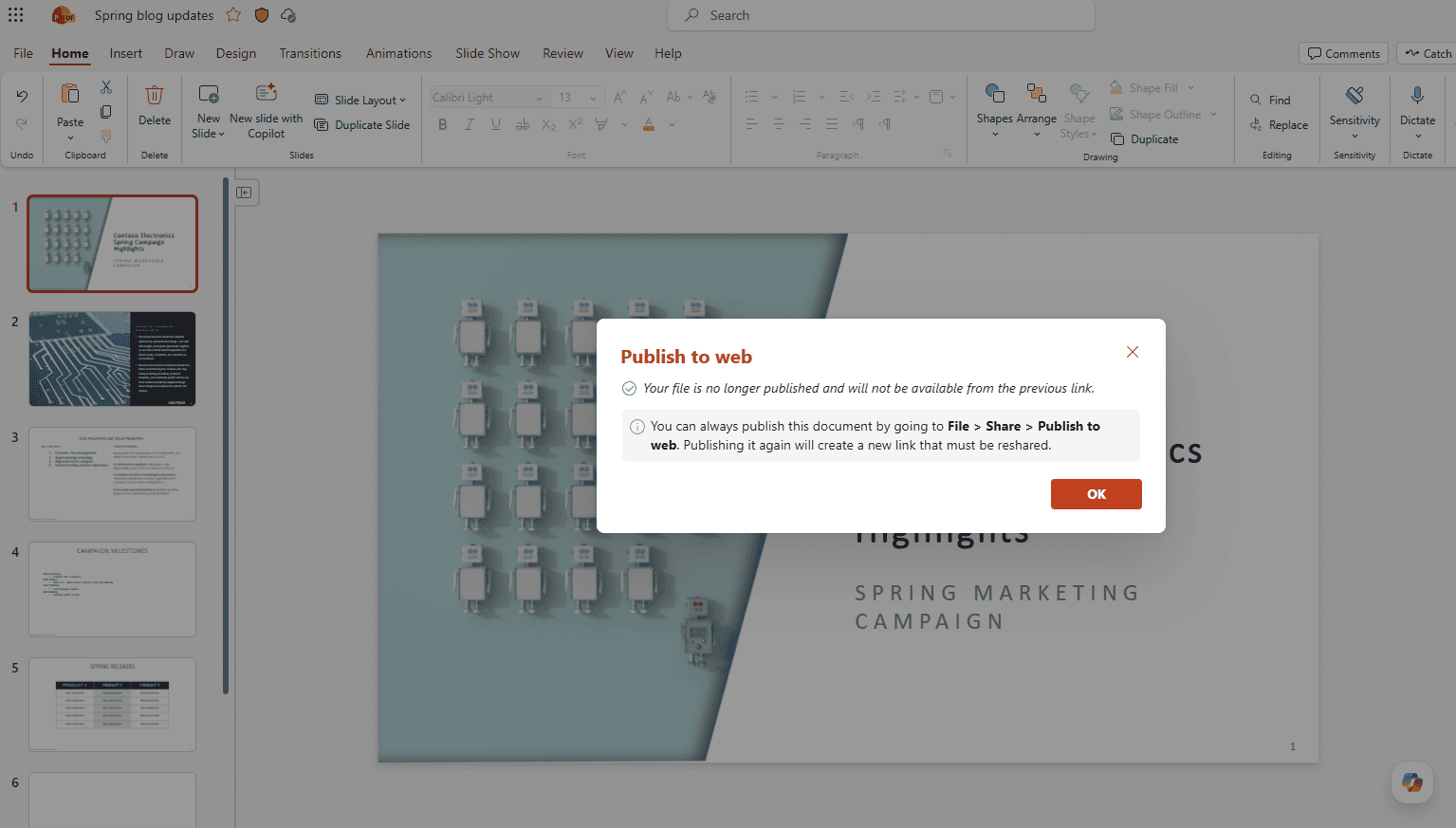
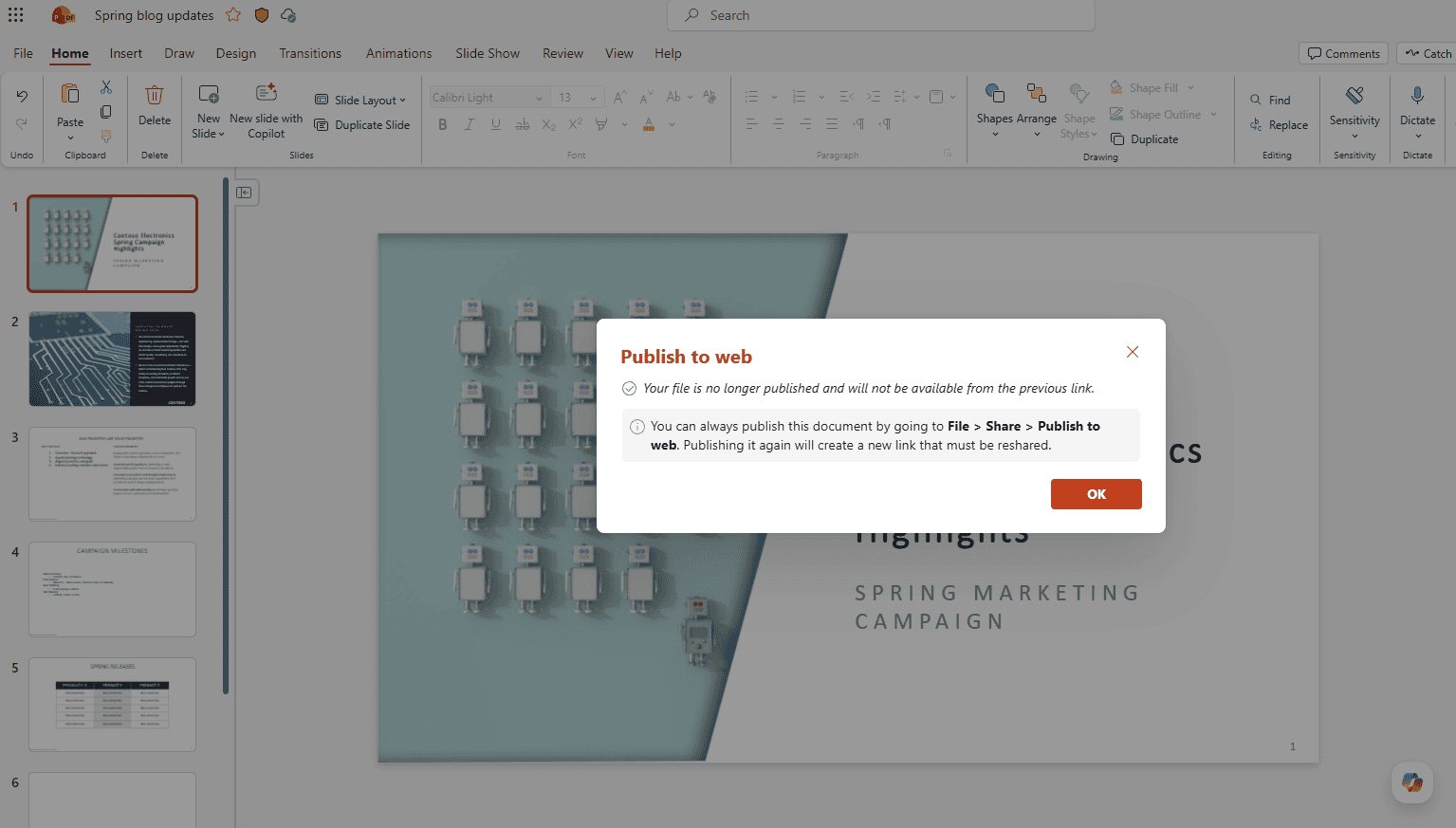
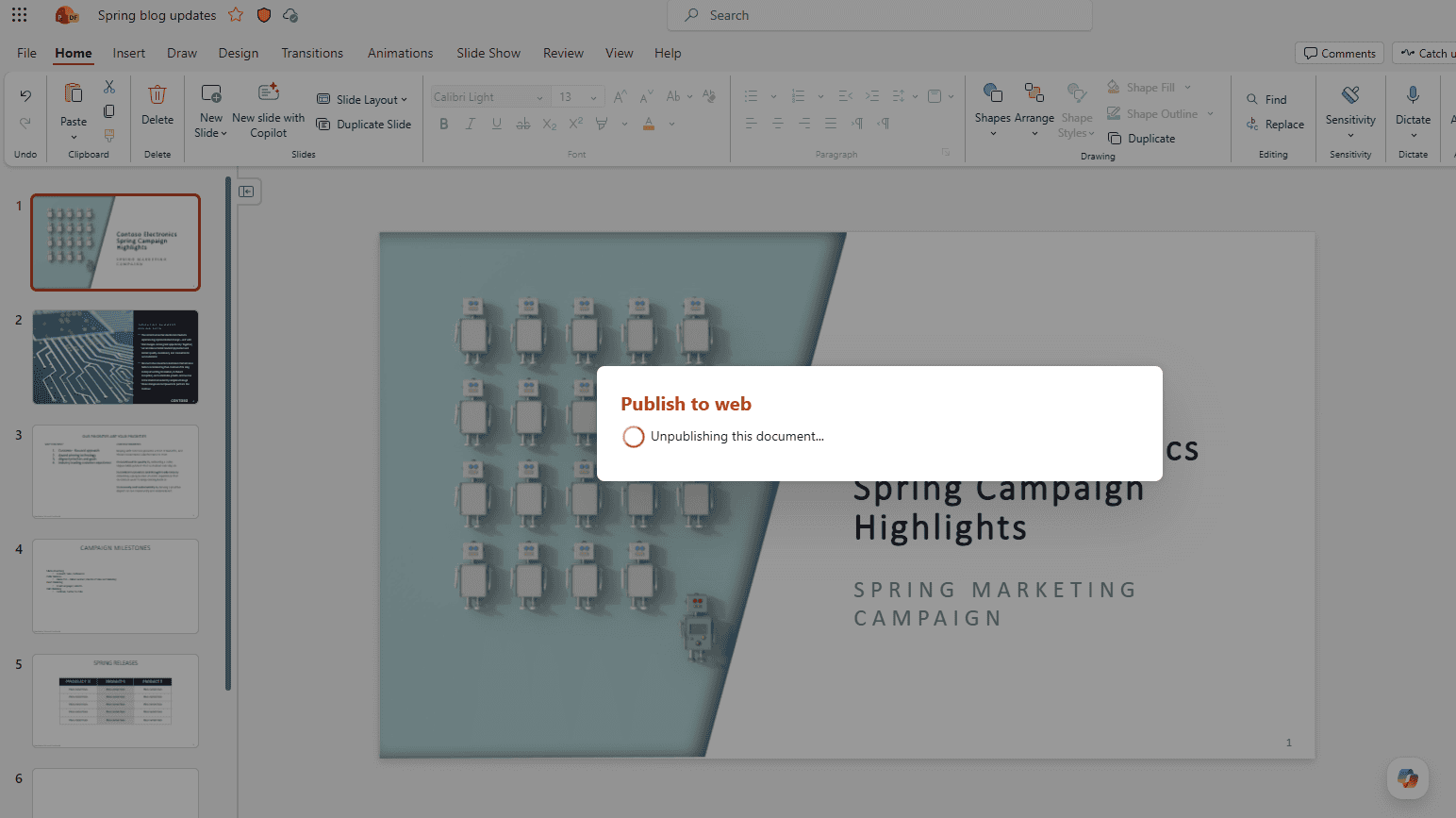
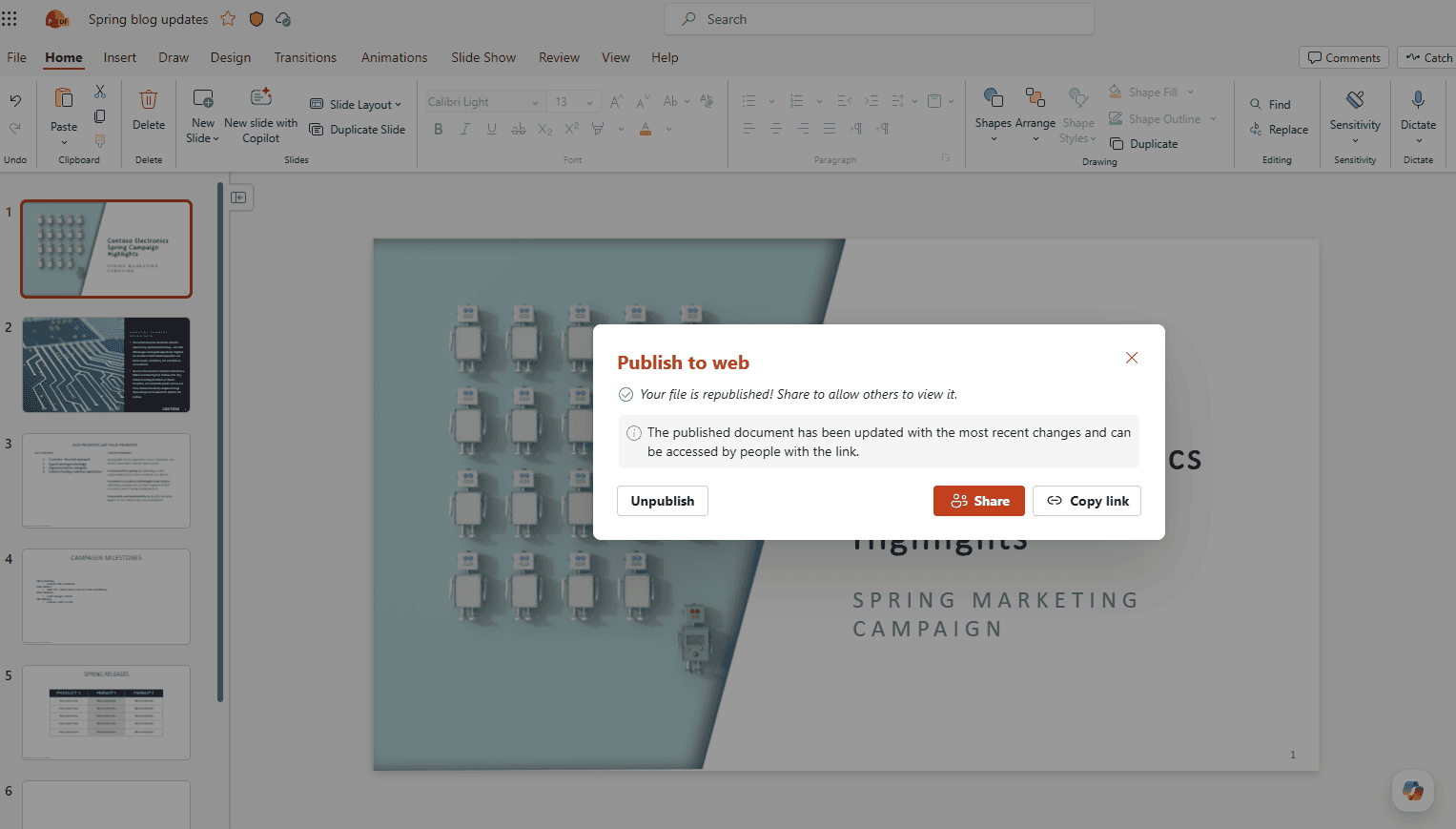
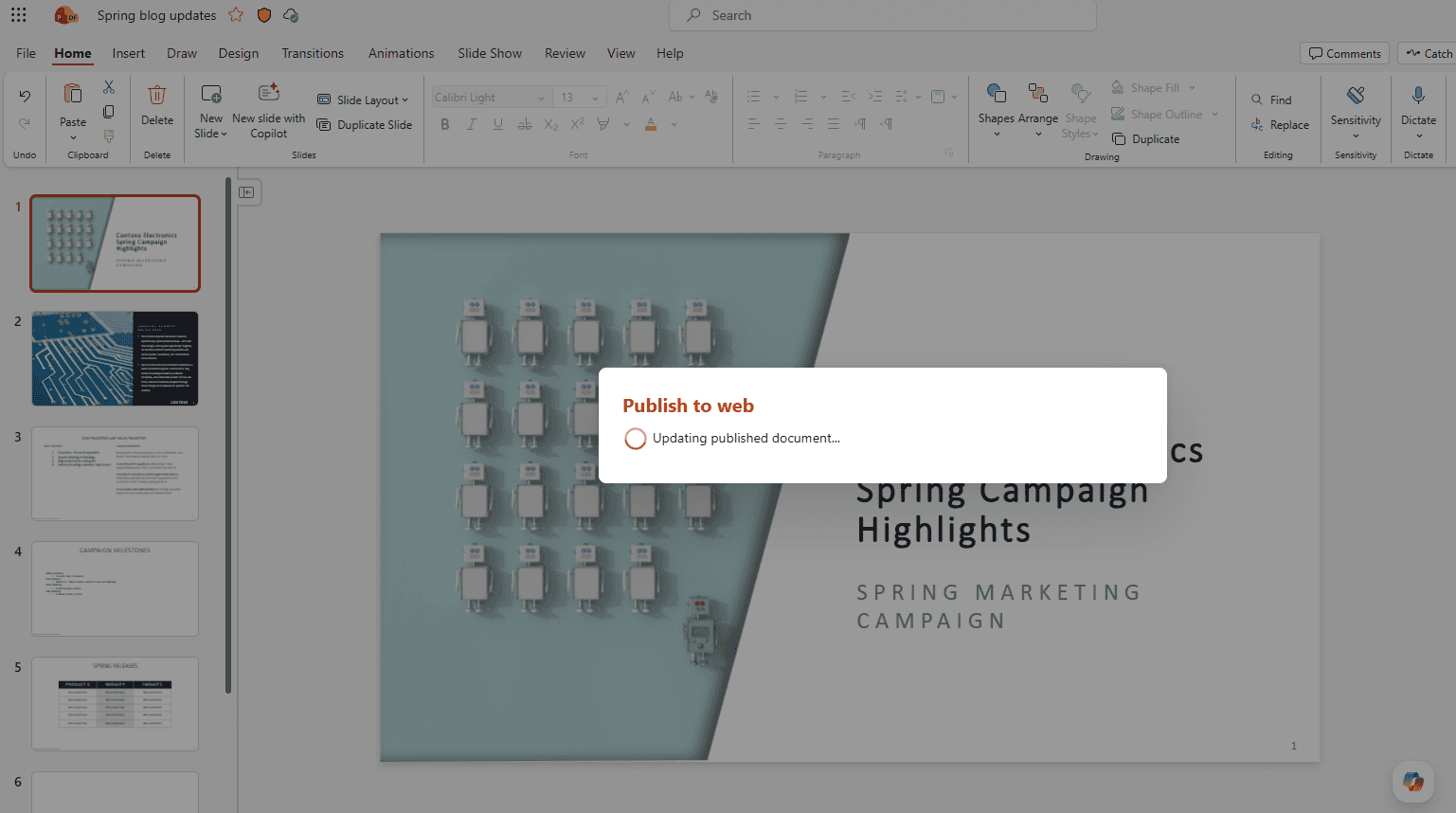
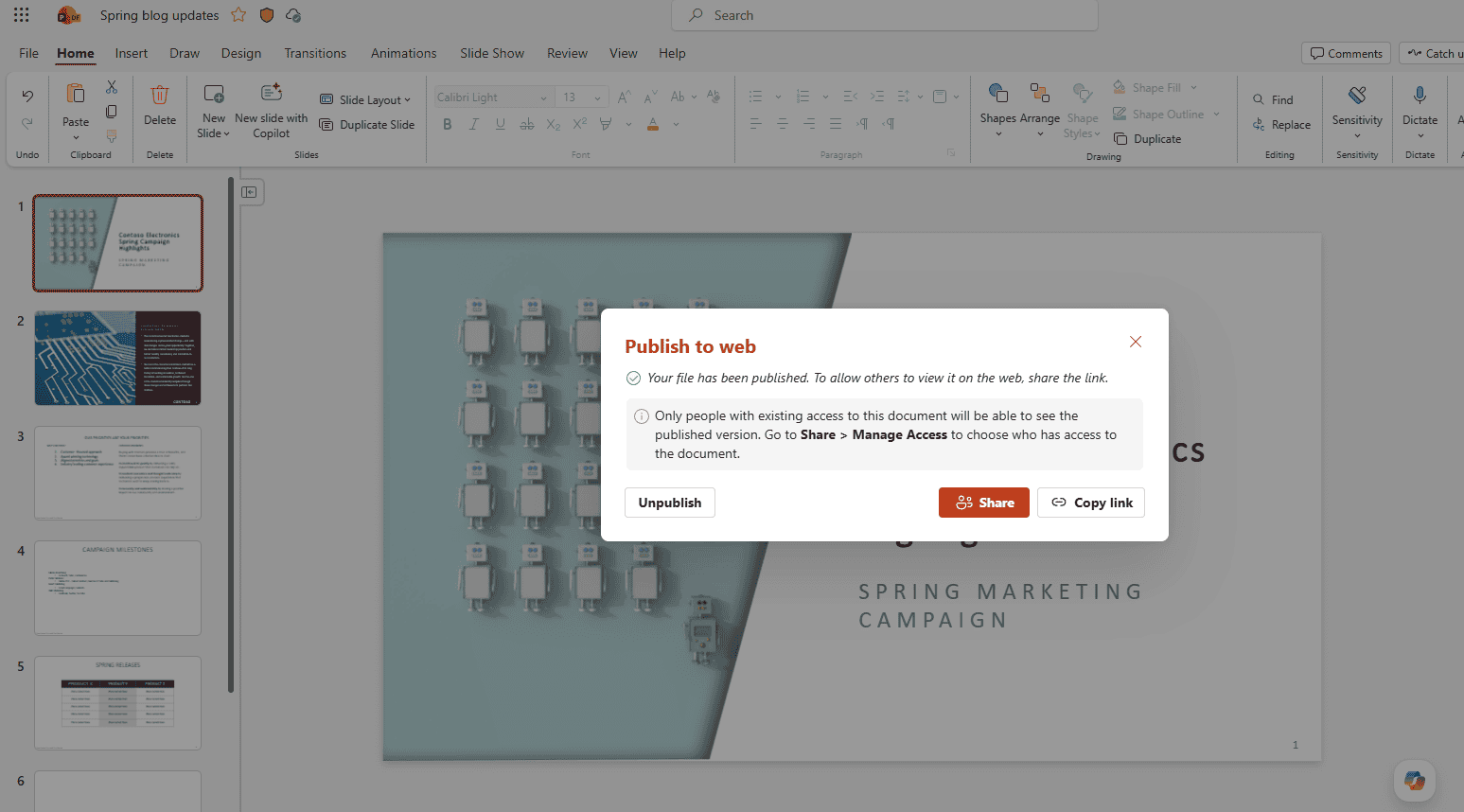
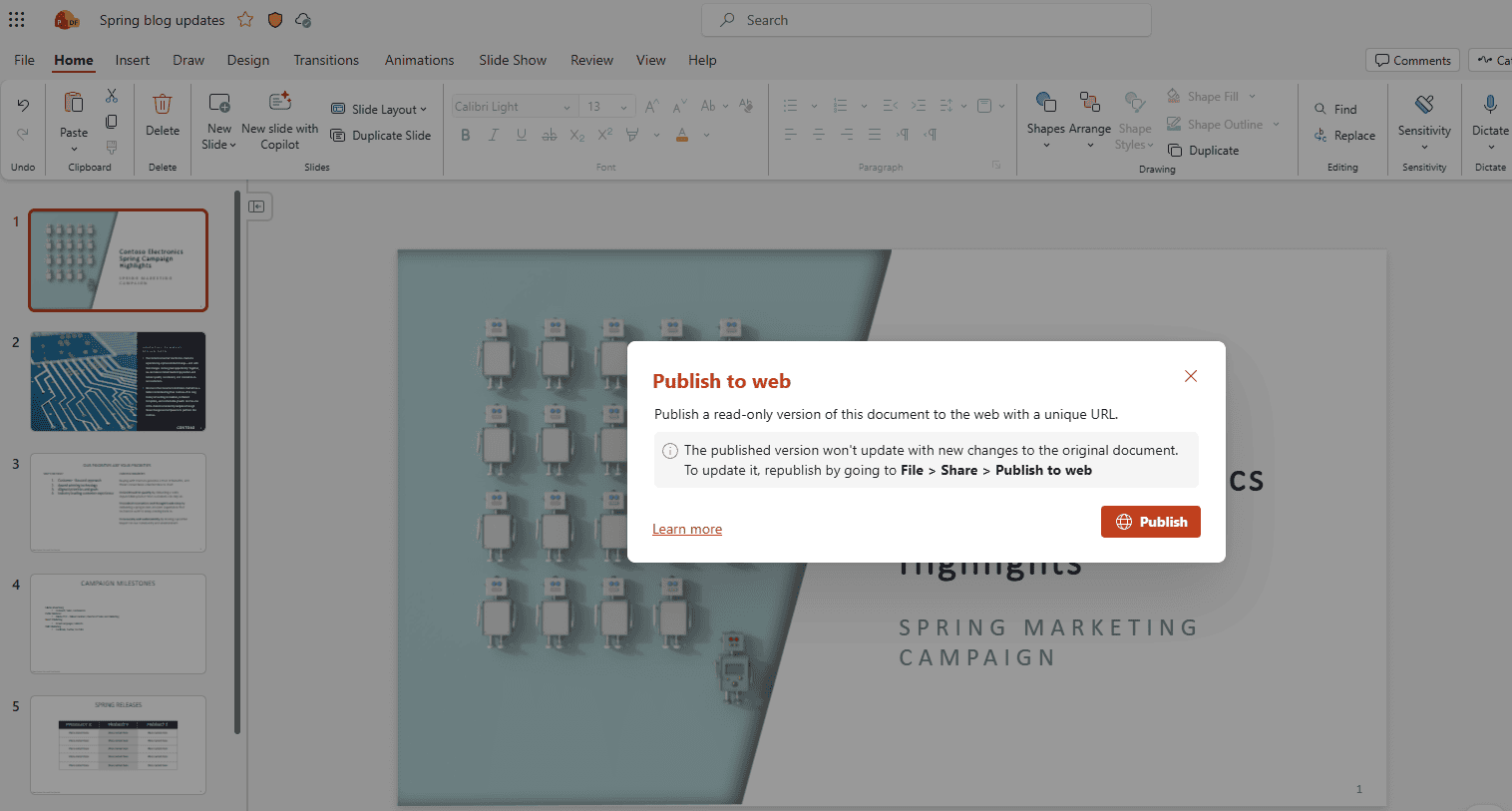
Image credit: Microsoft
Speaking of the feature, Product Manager on the PowerPoint team, Ekta Dwivedy, “It’s not uncommon to accidentally expose internal comments, version history, or speaker notes, and leak sensitive information or appear unprofessional. Publish to web solves that in one click.”
Publish to web is now available for users with a Microsoft 365 Enterprise license, provided the files are stored on SharePoint. Word for the web will support the feature in the near future.

Read our disclosure page to find out how can you help Windows Report sustain the editorial team. Read more



Improve this guide



User forum
0 messages