
How Does AI Image Recognition Work?


 5 min. read
  Published on

What is image recognition? Most Windows users encounter image recognition without even realizing it. Hello logs you in by reading your face. OneDrive groups photos by content, not filename. The Photos app opens pictures of your dog without you even tagging them.
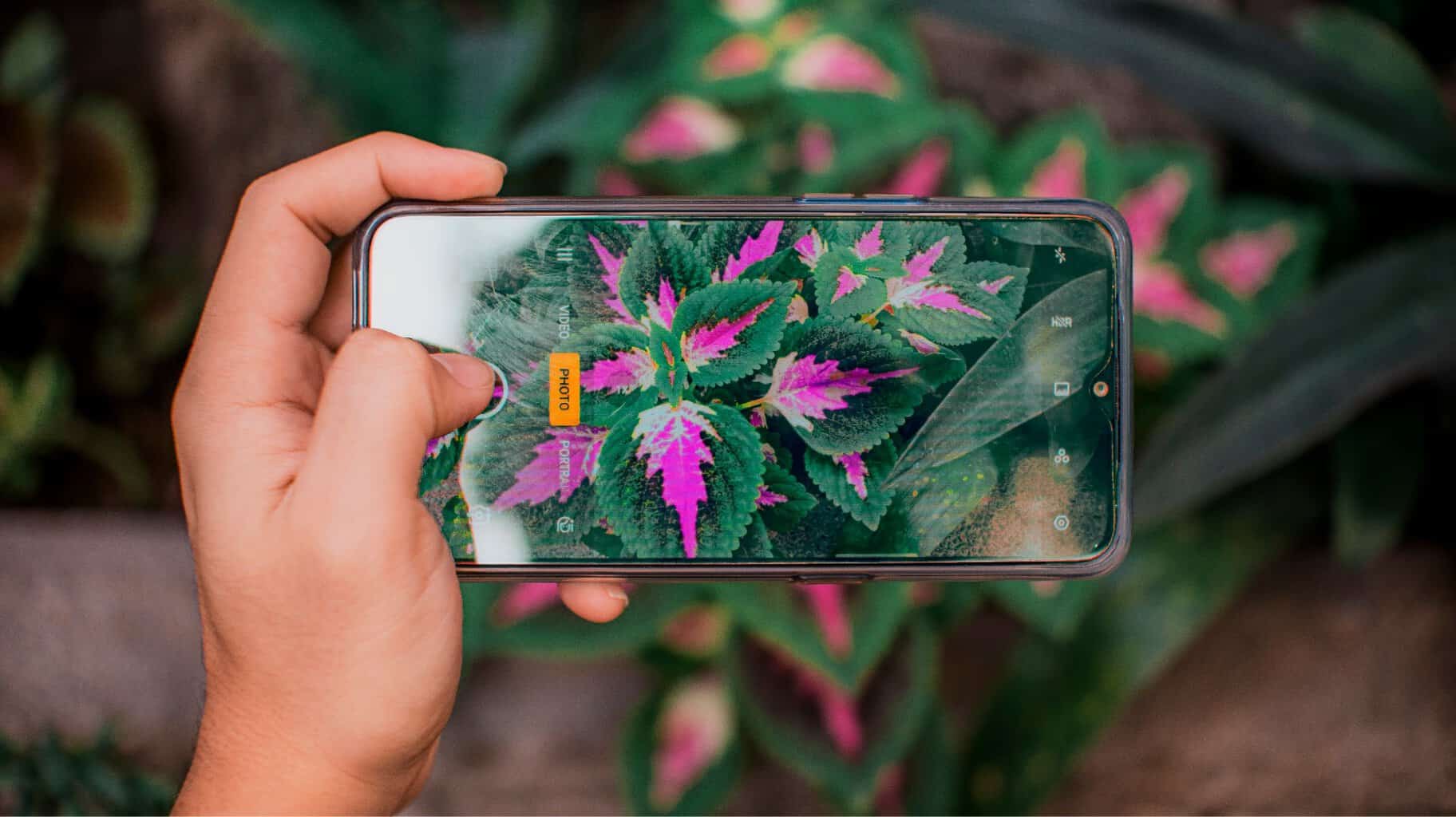
So, how does AI image recognition work? For example, you point your phone’s camera at a houseplant, and Botan identifier recognizes the species ID from a single leaf. The entire system works on the same principle. Software converts the image into numbers, runs them through several mathematical operations, and assigns a label.
Let’s check in detail how neural networks scan pictures to give us a confident result.
What Is Image Recognition? Decoding the Basics
Image recognition relies on software that analyzes an image and determines what it depicts.
The difference between how humans and machines see explains why this technology requires so much mathematical calculation. Below you can see what is photo recognition and how it works step by step:
- Image capture. The camera or a saved file transmits the image to the system.
- Pixelation. Each pixel is stored as three values for red, green, and blue.
- Matrix construction. A 4K image is converted into millions of these values arranged in a grid.
- Feature scanning. The model reads the grid and extracts edges, shapes, and textures.
- Label matching. The system associates a template with a word from its training set, such as “cat,” “license plate,” or “monstera leaf.”
People see a whole scene at once. Machines reach the same answer through that ordered chain. Skipping a step will result in the label never being found.
Machine Learning Image Recognition: The Shift From Templates to Context
Traditional photo recognition methods relied on templates. Developers hand-coded rules, such as “If the pixel pattern matches this shape, label it as a face.” This worked in lab settings. But in real life, it quickly faltered. Move the lamp, tilt the camera, and the rules stopped working.
Machine learning image recognition took a different approach. Engineers feed huge datasets of labeled images into a model. The model automatically finds patterns, without hand-written rules. AI trained on millions of samples can handle poor lighting, unusual angles, and partially occluded objects. Without this capability, the technology only works in a controlled environment.
How Does AI Recognize Images? Inside Convolutional Neural Networks
Training is one step. Processing a new image is another. The image recognition engine of artificial intelligence is at the heart of convolutional neural networks (CNNs). An image passes through layers stacked on top of each other. Each layer extracts something and then passes the result down the chain.
So, how does AI recognize images? The sequence looks like this:
- Convolution. Tiny filters slide over the image, capturing edges, color blobs, and textures.
- Pooling. The network reduces each feature map. There’s less data to process, but the essence remains the same.
- Deeper convolution. Subsequent layers stitch edges into shapes, and shapes into parts, such as ears, wheels, or petals.
- Fully connected layers. The final layer weighs all the data and votes on a class.
Using AI for image recognition allows you to get a fairly accurate answer. The system shows the voting result displayed as a number next to each option. For instance, “97% cat, 2% dog, 1% raccoon.” The winning result becomes the label.

Image Recognition Algorithms: Engineering Speed and Photo Recognition
Today, you can find multiple image recognition algorithms. Each has its own advantages: speed, accuracy, and file size. Here’s a quick overview of such algorithms.
| Model | Year | Best For | Runs On |
| YOLO (You Only Look Once) | 2016 | Real-time object spotting | Phones, GPUs, browsers |
| ResNet | 2015 | High-accuracy tagging | Desktop GPUs, cloud |
| Vision Transformers (ViT) | 2020 | Big-dataset workloads | Cloud TPUs, modern GPUs |
| MobileNet | 2017 | On-device apps | Phones, IoT chips |
YOLO reads the entire frame in a single pass. Methods that preceded YOLO processed the image piecemeal. ResNet adds skip connections, allowing deep networks to learn without crashing mid-train. ViT borrows elements from text models and treats image fragments as word tokens. MobileNet was originally developed for mobile phone-class chips.
Several architectural changes have taken photo recognition beyond the confines of supercomputer labs. Layered separable convolutions reduced the number of parameters from hundreds of millions to a few million. Quantization compressed these parameters from 32-bit floating-point numbers to 8-bit integers, so that a model that previously required a server rack now fits in a few megabytes of RAM.
Skip connections and batch normalization prevented deep neural networks from collapsing during training, allowing the researchers to distribute pre-trained weights that anyone could download. WebGL and WebGPU then gave the browser direct access to the graphics card, so the same model works in a Chrome tab even on a mid-range laptop. Stanford University’s Artificial Intelligence Index tracks progress year after year.
Conclusion
Cloud microservices continue to add visual tools to previously unavailable parts of the web. A developer inserts a few lines of code and gets back functionality like photo tagging, face blurring, or barcode scanning.
Most users won’t even notice this technology is in action. On Windows, this trend manifests itself in the growing number of apps that interact with screen content without any configuration on your part.


Read our disclosure page to find out how can you help Windows Report sustain the editorial team. Read more



Improve this guide


User forum
0 messages