
KB5101681 Brings File Explorer and PowerShell Fixes to Windows 11 26H1


 2 min. read
  Published on
Windows 11 26H1 update KB5101681 is now rolling out, increasing the operating system build number to 28000.2608.
Microsoft previously confirmed that the optional update introduces an Update Pause Calendar and Better Widgets, alongside Improved Voice Typing and Touchpad Controls.
Unlike those gradually released features, the bug fixes included in KB5101681 are available to all users who install the update.
File Explorer and app reliability improvements
Microsoft improved the reliability of some Win32 applications, addressing crashes that could occur when users created a new project.
The update also fixes a File Explorer issue affecting files stored on DFS mapped drives. Windows could incorrectly mark files as downloaded from the Internet when a computer started offline and later reconnected to the network.
As a result, the Preview Pane could display security warnings, while copied files could receive an unexpected Mark of the Web.
File Explorer search results and tooltips can also display all characters correctly for files using GB18030 or UTF-8 encoding without a byte order mark.
MDM, PowerShell, and File History fixes
Microsoft fixed an issue that could leave newly provisioned or recovered devices incorrectly marked as noncompliant after enrollment in Microsoft Intune or another mobile device management service.
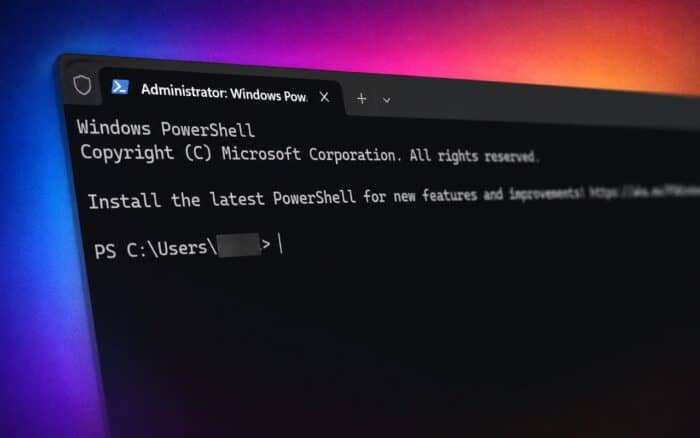
The update also changes the application name from PowerShell back to Windows PowerShell, restoring compatibility with tools that depend on the original name.
File History automatic backups to SMB network shares should now work correctly after Microsoft fixed an invalid credentials error.
Devices with previous updates installed will download only the new fixes contained in this package.
Microsoft has also released Windows 11 Insider Preview Build 29634.1000 to the Experimental channel.

Read our disclosure page to find out how can you help Windows Report sustain the editorial team. Read more



Improve this guide




User forum
0 messages