
Chrome Soon Lets You “Ask Google From Anywhere” on Windows
Google is updating Search in Chrome with a new prompt highlighting screen sharing, Google Lens, and the Alt + Space shortcut.


 3 min. read
  Updated on
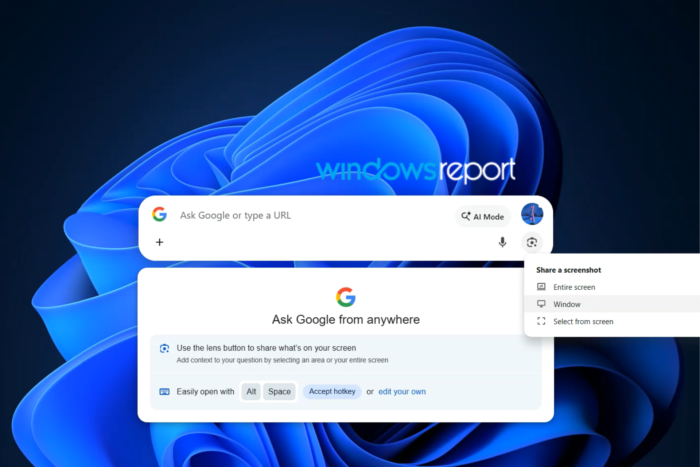
Google wants you to “Ask Google from anywhere” on Windows, and it’s now saying so in the floating search bar that lives outside the Chrome window. The new prompt positions the feature as a way to question what’s on your screen, not just another place to type a search.
What is Search in Chrome?
Search in Chrome, originally called Omnibox Everywhere and also referred to as Loomnibox, is Google’s experiment with a floating search bar that lives on the Windows desktop. Instead of opening a Chrome window and typing in the address bar, users can summon the floating bar from other apps and enter queries directly using the default Alt + Space keyboard shortcut.
Ask Google from Anywhere
Google is now evolving Search in Chrome with a new dailog that appears under the floating search bar. It reads:
Ask Google from anywhere.
The dialog also calls out Google Lens, explaining that you can share what’s on your screen and ask questions about it. According to the prompt, you can select a specific area or your entire screen, giving Google visual context alongside your question.
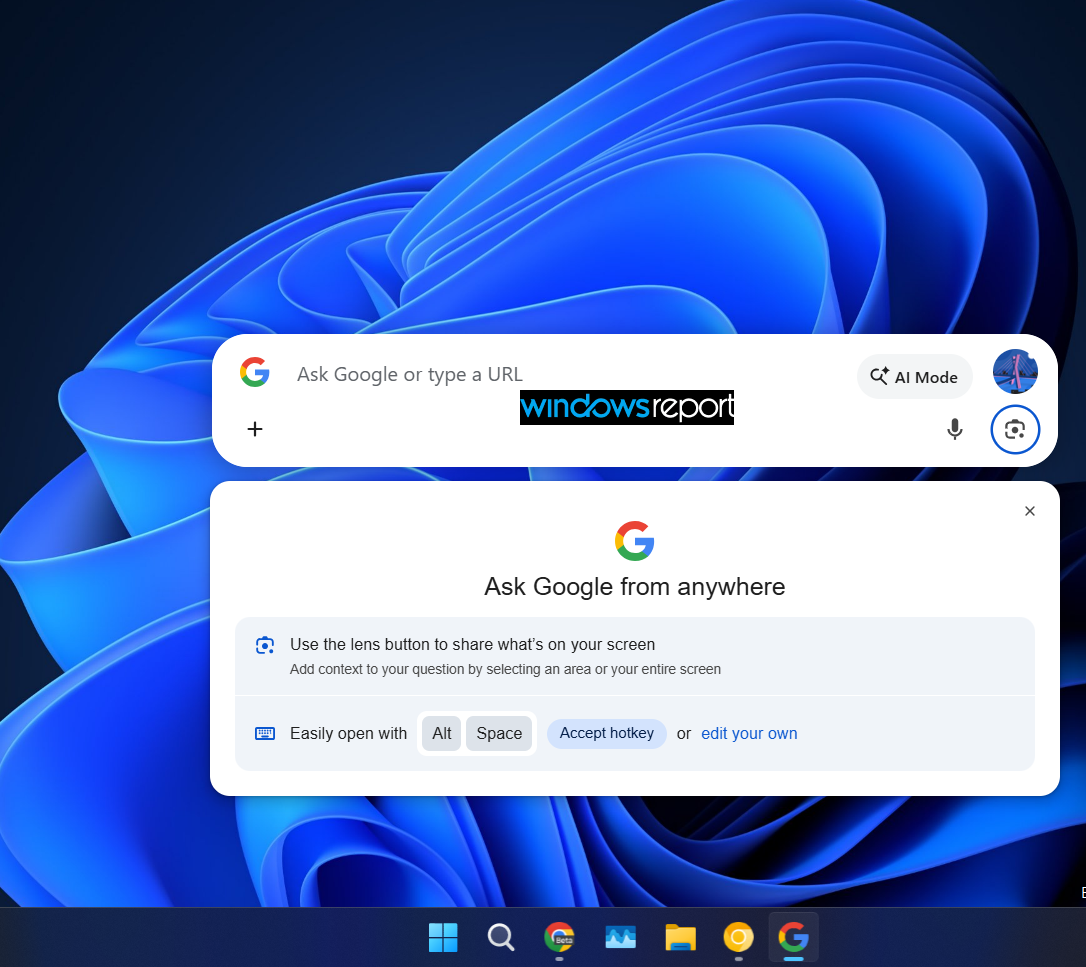
At the moment, however, we’re not seeing a Lens button in the Search in Chrome bar, nor an AI Mode button. This could change in a future update as Google continues developing the feature.
Update — September 5, 2026: Since this story was originally published, the Lens button and AI Mode have started appearing in the Search in Chrome bar. We’ve updated the screenshots and details to reflect the latest version.
Interestingly, the Lens button and AI Mode are now appearing in the Search in Chrome bar. Clicking the Lens button opens a “Share a screenshot” menu with options to share your entire screen, a specific window, or select an area from the screen.
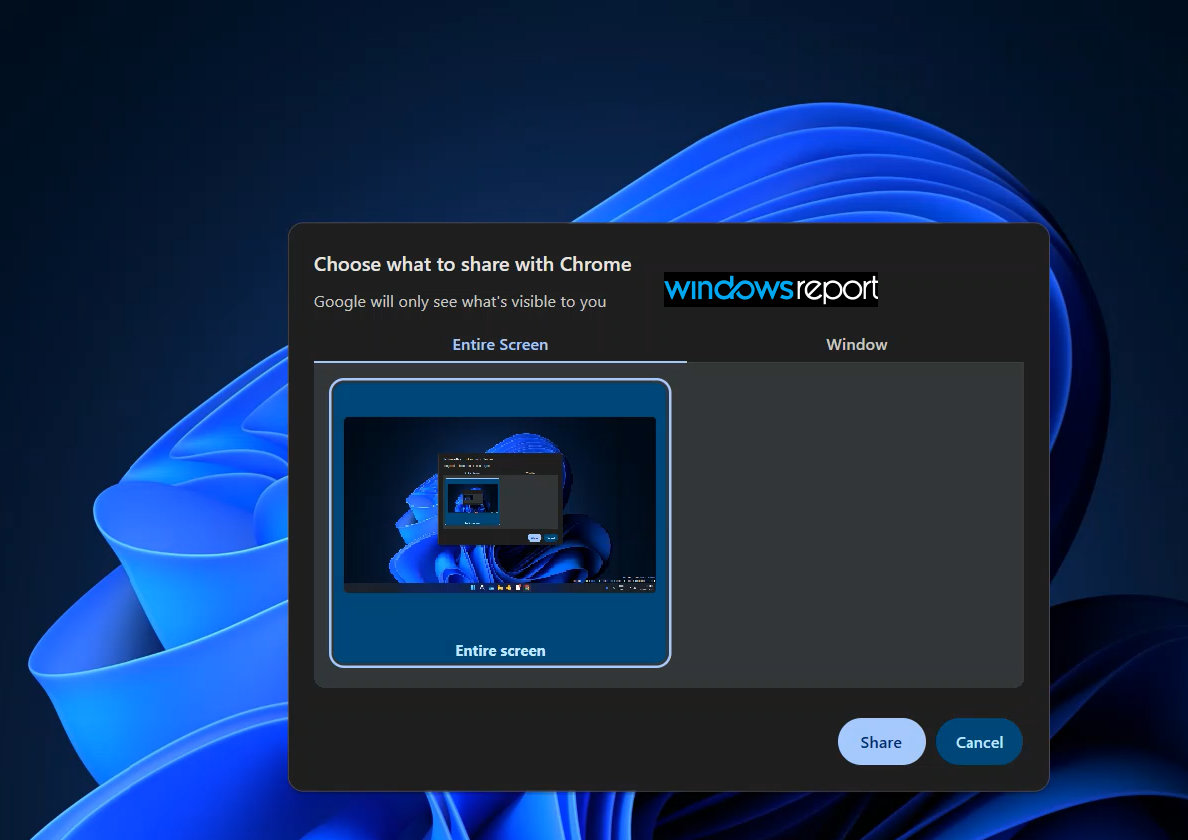
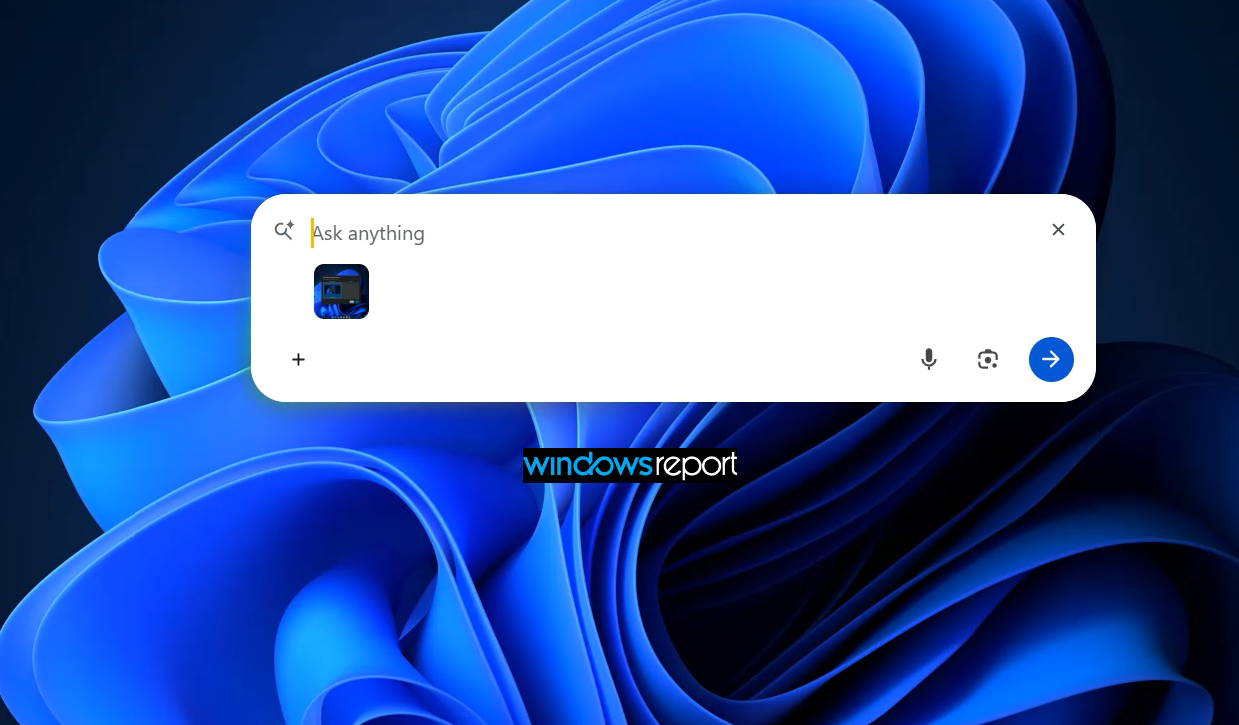
That positioning is more ambitious than simply adding “a second Omnibox.” Google appears to be presenting Search in Chrome as a way to ask Google about whatever you’re looking at on your Windows desktop, rather than just another way to run a web search.
Changing the shortcut
The prompt also reminds users that Alt + Space launches Search in Chrome. It gives you the option to accept the default shortcut or change it to a key combination of your choice.
You can also configure the shortcut later by going to Settings > Search engine > Search with Chrome in Chrome.
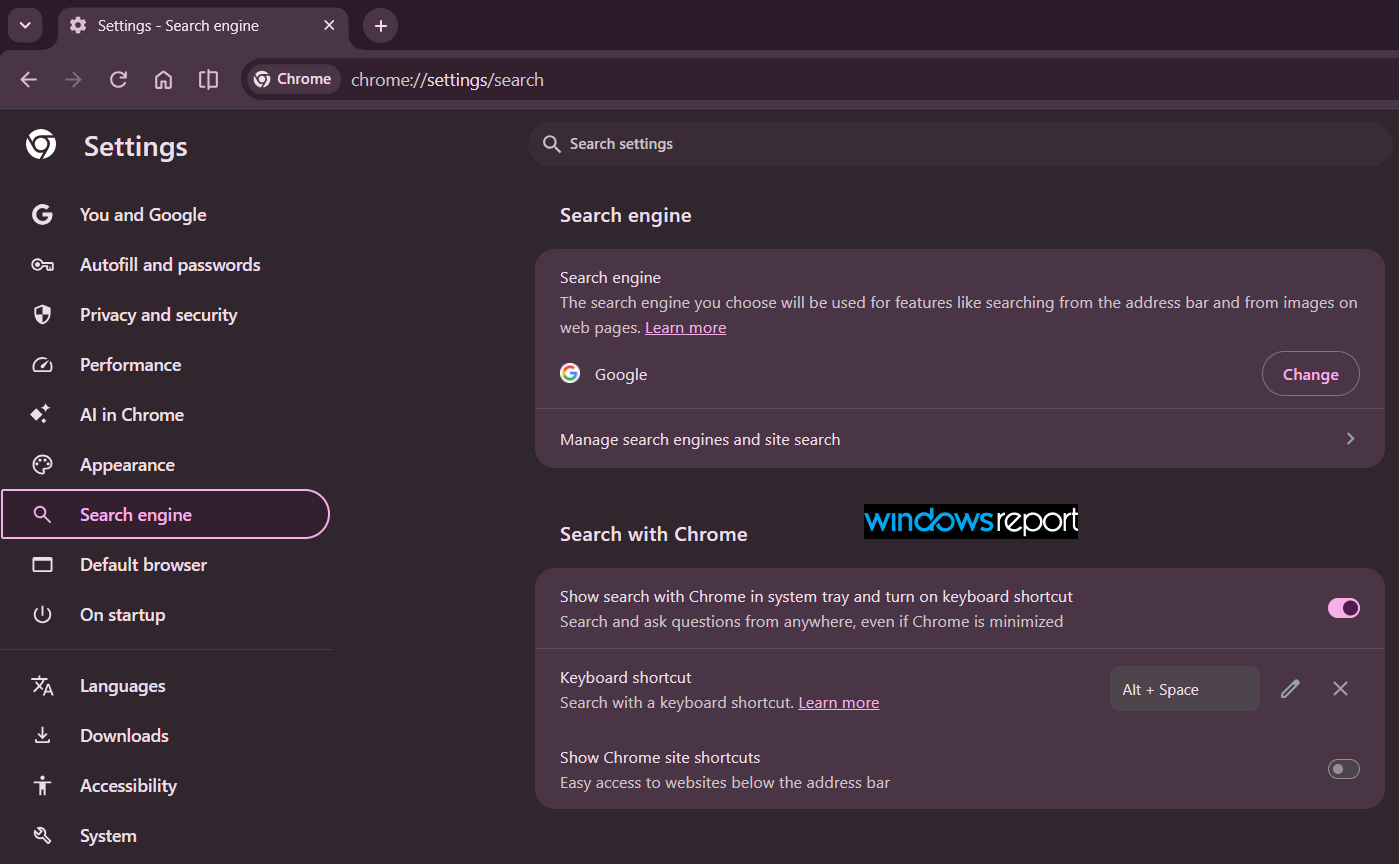
Still in development
Search in Chrome remains a work in progress. Google could add more UI, change how the feature works, or remove parts of the experience before a wider rollout. There’s also no guarantee that everything currently visible in testing will make it into the final public version.
For now, the important takeaway is the messaging: Google is explicitly connecting Lens and screen sharing with its “Ask Google from anywhere” messaging for Search in Chrome.


Read our disclosure page to find out how can you help Windows Report sustain the editorial team. Read more



Improve this guide



User forum
0 messages