
Windows 11 26H2 Enterprise Deployment Lands in Configuration Manager


 2 min. read
  Published on

Windows 11 26H2 enterprise deployment is now supported through Microsoft Configuration Manager and Intune, giving organizations updated tools for rolling out the operating system.
Microsoft confirmed that Configuration Manager 2603 and 2609 support Windows 11 26H2 site deployments. Microsoft has also updated the Intune Settings Catalog with Windows 11 26H2 settings.
ConfigMgr 2603 arrived in March 2026, while version 2609 is currently available through the early update ring.
ConfigMgr 2609 brings infrastructure changes
Configuration Manager 2609 removes support for Windows Server 2012, Windows Server 2012 R2, and SQL Server 2016. Sites using unsupported SQL Server versions cannot upgrade until administrators move to a supported release.
Microsoft has also disabled shared key access for Cloud Management Gateway storage. CMGs now use newer Azure Load Balancer NAT rules, while existing deployments migrate to newer virtual machine sizes with additional CPU and memory resources.
Version 2609 will also mark the final biannual Configuration Manager release. Microsoft plans to move ConfigMgr to an annual release schedule, with ConfigMgr 2709 currently planned for September 2027.
ConfigMgr 2603 adds SQL Server 2025 support
Configuration Manager 2603 added support for SQL Server 2025, including SQL Server 2025 Express for secondary sites.
The release also removed the dependency on the deprecated SQL Server Native Client, strengthened Network Access Account security, and disabled weaker DHE cipher suites on Cloud Management Gateway instances.
Management points using Microsoft Entra authentication now require internet connectivity so they can validate authentication tokens.
Admins need to check upgrade requirements
Organizations upgrading to ConfigMgr 2603 must already run version 2409 or later. ConfigMgr 2609 requires version 2503 or newer.
Both releases require .NET Framework 4.8, a supported Windows ADK, and the Microsoft ODBC Driver for SQL Server. ConfigMgr 2609 also requires SQL Server 2017 CU2 or later.
Microsoft recommends checking site and database replication health before starting the upgrade. Administrators should also run the Configuration Manager prerequisite checker to identify blocking issues.
The changes give enterprise administrators supported deployment paths for Windows 11 26H2 while Microsoft continues updating its management stack around newer Windows, Azure, and SQL Server technologies.
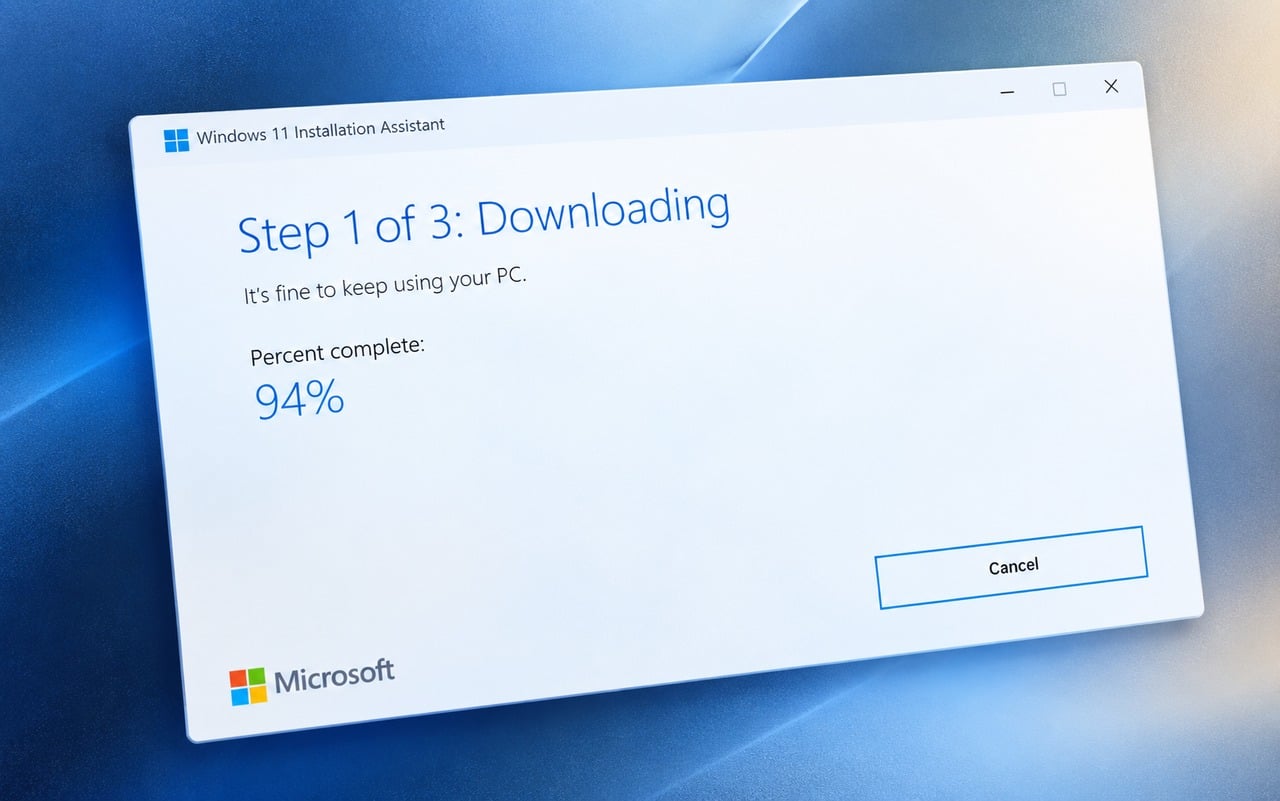
For organizations preparing deployments, here’s how to download and install Windows 11 26H2. Microsoft has also released a dedicated Windows 11 26H2 Installation Assistant.
Admins handling offline or large-scale deployments can also use the Windows 11 26H2 Enablement Package, while official Windows 11 26H2 ISOs are available for AMD64 and Arm64 systems.

Read our disclosure page to find out how can you help Windows Report sustain the editorial team. Read more



Improve this guide

User forum
0 messages