
Windows 11 Release Preview Update KB5127936 Adds Custom Right-Click Menus and Cloud Rebuild


 4 min. read
  Published on
Microsoft has released Windows 11 Insider Preview Builds 26200.9807 and 26300.9807 (KB5127936) to the Release Preview Channel for Windows 11 versions 25H2 and 26H2.
The update introduces customizable File Explorer menus, new recovery options, Xbox mode improvements, accessibility features, and several bug fixes. Microsoft is rolling out new features gradually, while other fixes follow the normal rollout schedule.
File Explorer and interface improvements
According to Microsoft’s release notes, KB5127936 introduces several changes to File Explorer and the Windows 11 interface.
- Customizable context menus: A new Customize menu option lets users show, hide, and rearrange right-click commands and third-party extensions.
- Faster context menus: File Explorer’s right-click menus open faster and display fewer unnecessary items.
- Address bar: Users can enter ~ to open their profile folder or use paths such as ~\AppData.
- Dark mode: The Folder Options dialog now supports dark mode.
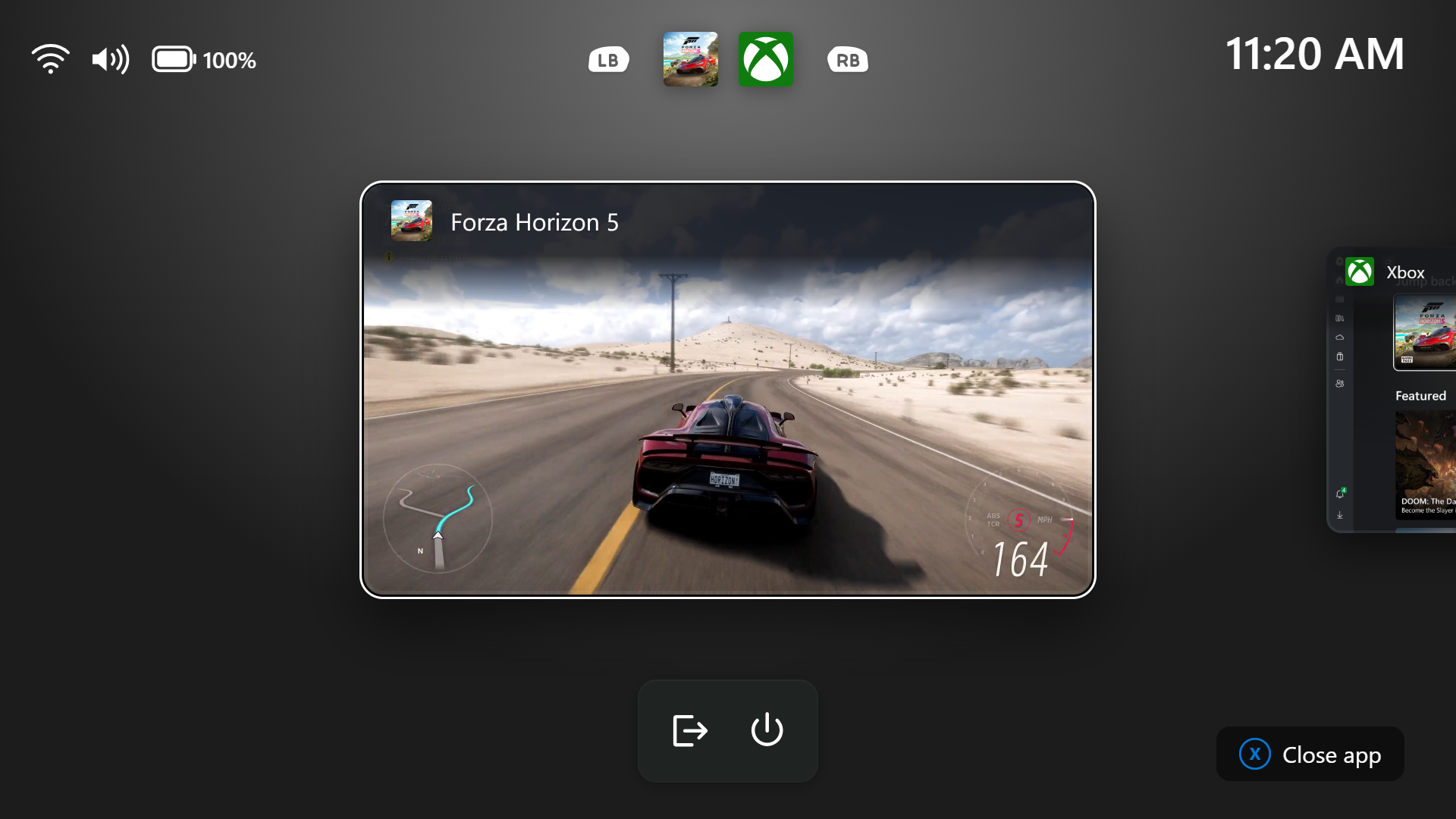
- Xbox mode: Gaming Task View gains a navigation bar with Exit to Desktop and Power Options.
- Settings: Privacy & security groups camera, microphone, and location controls. The Device Info Card also expands to more markets.
- Taskbar: Microsoft improves app preview animations and preserves multi-monitor taskbar settings more reliably.
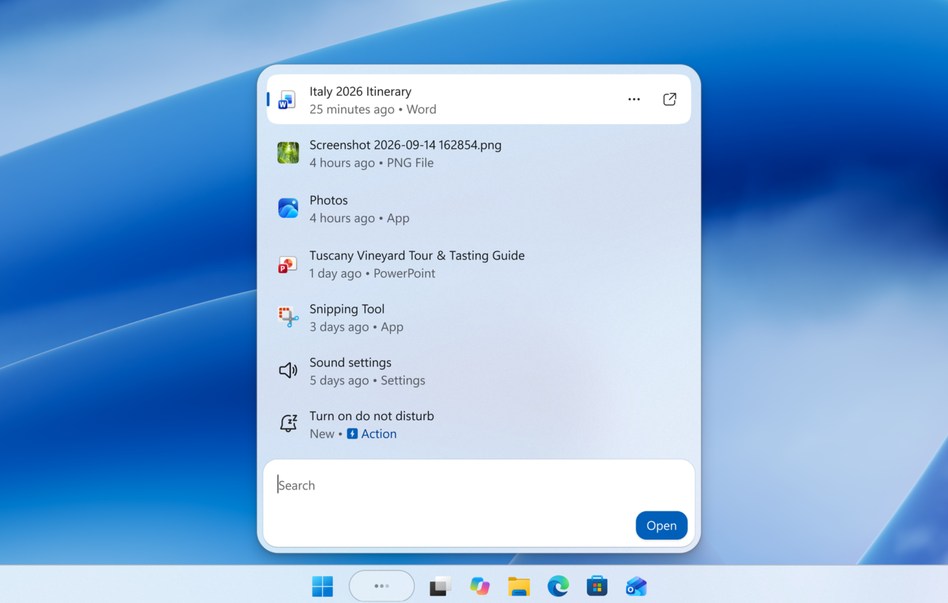
- Phone Link: Users can preview recent messages and notifications by hovering over them in the Start menu.
Accessibility improvements
The update also introduces new capabilities for Magnifier, Narrator, and Live Captions.
- Magnifier: Users can configure independent zoom levels for each connected monitor.
- Viewport locking: Press Windows + Ctrl + K to lock the magnified view on one display while working on another.
- Narrator: Adds support for reading and navigating mathematical equations in supported Microsoft 365 applications, Edge, and Chrome.
- Live Captions: Users can choose whether captions include audio from screen readers.
- Family Safety: Windows displays clearer messages when age restrictions block applications.
Cloud rebuild and performance improvements
One of the biggest additions is Cloud rebuild, which helps users reinstall Windows 11 even when their PC cannot boot normally.
- Cloud rebuild: Downloads Windows images and drivers from Windows Update to reinstall the operating system.
- Recovery access: Users can launch the feature through Settings > System > Recovery > Rebuild PC or the Windows Recovery Environment.
- Data removal: Recovery options include removing personal files or securely erasing data. Secure erasure is irreversible.
- WinRE: Windows Recovery Environment can automatically reuse eligible saved Wi-Fi profiles during recovery.
- Microsoft Edge: Windows launches Edge faster by using an existing background instance instead of creating a temporary process.
- Adaptive hibernation: Windows reduces hibernation when battery levels exceed 80% and enters hibernation sooner when they fall below 10%.
- Windows Spotlight: Reliability improvements address issues with lock screen wallpapers.
Security and networking changes
KB5127936 also introduces security improvements and compatibility changes.
- Smart App Control: Fixes a problem that prevented users from re-enabling the feature because its option appeared grayed out.
- BitLocker: Improves pre-boot PIN handling to help prevent accidental TPM lockouts and recovery prompts.
- Memory integrity: Expands HVCI protection to more eligible devices while respecting existing security settings.
- IPv6 networking: Adds IPv6 CLAT support for Wi-Fi and Ethernet, allowing IPv4-only applications to operate on IPv6-only networks.
- DPAPI: Adds warnings about the retirement of prompt-based data protection operations in April 2027.
Remote Desktop and enterprise fixes
Microsoft includes several improvements for administrators and enterprise environments.
- Remote Desktop: Fixes connection failures affecting non-administrator users when Administrator protection is enabled.
- Microsoft Intune: Resolves an issue preventing administrators from configuring trusted RDP publisher certificates.
- App management: Enterprise and Education administrators can remove supported built-in applications through policy in multi-session environments.
- Unicode 17.0: Adds support for 4,803 new characters, including four additional scripts.
More Windows 11 Insider builds are available
KB5127936 is not the only recent Windows 11 Insider update.
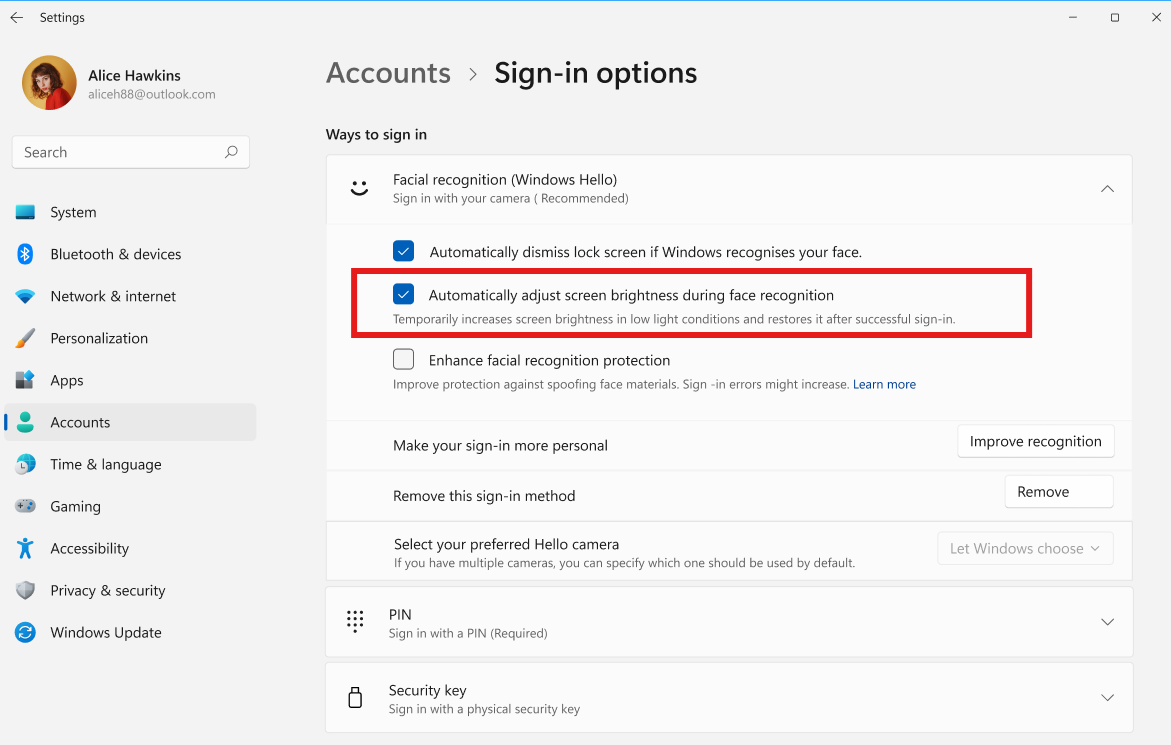
Microsoft has also released a new Windows 11 Beta build with Gaming Task View in Xbox mode, alongside an experimental build introducing automatic screen brightness for Windows Hello.
Meanwhile, the latest Windows 11 26H1 Beta build addresses application and game crashes linked to the MSMPEG2AC3DEC component.
For now, KB5127936 targets Windows Insiders in the Release Preview Channel, and not every device will receive all the new features immediately.

Read our disclosure page to find out how can you help Windows Report sustain the editorial team. Read more



Improve this guide
User forum
0 messages