
Best Logo Makers for Windows in 2026: From AI Tools to Classic Editors


 6 min. read
  Updated on

Every Windows user who is not a trained designer wants the same thing from a logo maker: simplicity, professional-looking results, and tools that help you make a real brand identity without graphic design experience. In 2026, several platforms deliver on these needs by blending logo maker interfaces, and AI logo generator suggestions to make design accessible for everyday users.
1. BrandCrowd – Balanced Design + Usability for Windows Users
Why we recommend it
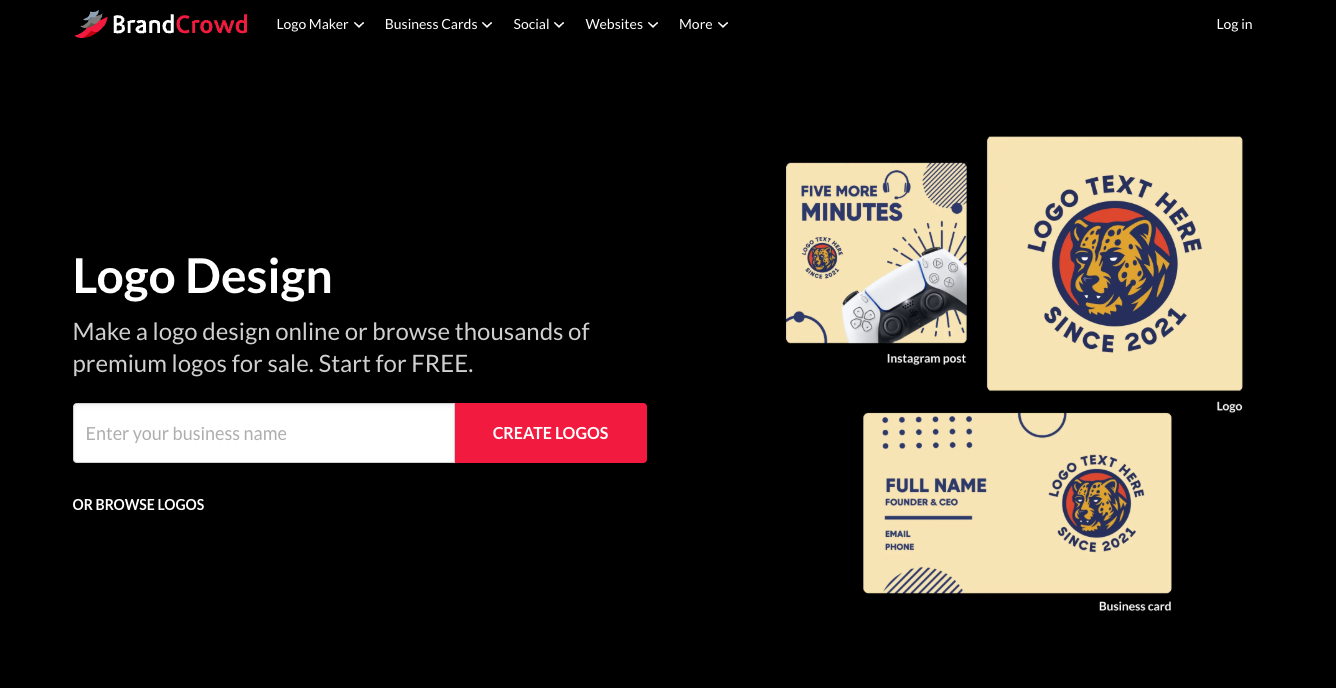
BrandCrowd consistently ranks among the best online logo makers for non-designers thanks to its mix of professional templates and intelligent suggestions. Rather than relying purely on preset art, it uses a logo generator that blends human-designed templates with automated recommendations, giving you a strong starting point every time. The editor is easy to use on Windows browsers and scales from simple logos to broader brand assets.
Key features
- Huge library of over 300,000 design templates
- Simple AI-enhanced logo generator suggestions
- Branding tools beyond the logo such as business cards and social assets
- Unlimited edits with paid plans
- Export in PNG, SVG, EPS, and PDF formats
Price
BrandCrowd’s subscription pricing makes it accessible:
- Starter: about $5 per month billed annually
- Value: about $6 per month billed annually
- Premium: about $7 per month billed annually
Verdict
BrandCrowd hits the best balance for Windows users who want a logo that feels professionally structured without complex tools. It’s great for startups, small businesses, and side projects alike.
2. Design.com – World’s Largest Logo Library
Why we recommend it
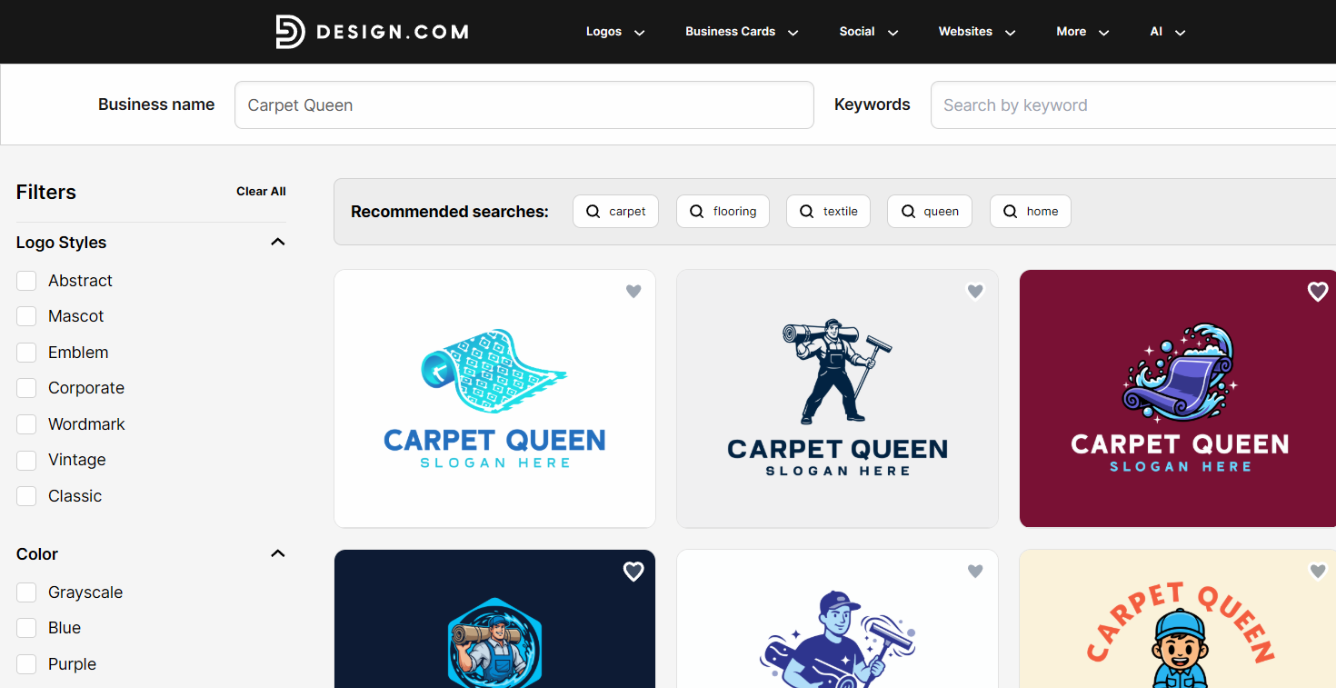
It’s easy to recommend Design.com as it has the largest logo template library in the world, totaling over 500,000 designer created templates.
What’s more, you don’t have to browse these manually. The AI logo generation process quickly takes your business name and keywords, before returning relevant designs in seconds. These can be easily sorted and filtered to your liking.
After generating some initial concepts, you can customize fonts, icons, layouts, colors, and spacing using a beginner-friendly editor that requires no design experience.
Once settled on a logo, the platform will automatically apply it across 50+ branded assets, including business cards, flyers, posters, and even websites. Overall, there are more than 1 million total design templates.
Key features
- Easy AI process that draws from 500,000+ professional logo templates.
- All-in one branding kit with additional AI tools.
- Export in high-resolution PNG, JPG, SVG, EPS, and PDF formats.
- Extended licenses and commercial usage rights.
Price
You can use the whole design platform for free, with a select number of free templates and branding options to export.
For access to all logos and designs for downloading, the top plan is just $5/mo when billed annually.
Design.com also provides logo printing with free delivery, producing physical business cards, mugs, apparel, and more.
Verdict
As a web-based service, Design.com is quick and easy for Windows users. It combines ease-of-use for beginners with the quality professionals need, making it a great choice for anyone that needs a logo.
3. Canva Logo Maker– Best All-Around Easy Editor
Why we recommend it
Canva remains one of the most popular logo makers because it combines broad design tools with ease of use. If you want to do more than just a logo, like create social media banners, directories, or presentations later, Canva’s ecosystem works well on Windows browsers. Its recent AI tools offer suggestions and refinements that speed up creativity.
Key features
- Drag-and-drop interface with massive template library
- Integrated AI design suggestions and brand kit tools
- Export in SVG, PNG, and PDF with Pro plan
- Broad reuse across documents and formats
Price
- Free tier with basic exports
- Canva Pro: around $15 per month or ~$10 per month when billed yearly
Verdict
Canva’s logo tools are ideal for creators who want an integrated design suite rather than a dedicated logo workflow. It works best if you already use Canva or plan to build other marketing assets around your logo.
4. Looka– Fast AI Logo Concepts

Why we recommend it
Looka focuses on speed and quick visual options. It uses an AI logo generator that asks you for basic preferences then produces lots of concepts quickly. This makes it a good choice if you want a solid logo with minimal manual tweaking.
Key features
- AI-driven logo suggestions
- Automatic color palettes and font matches
- Brand kits with multiple logo variations
- Export-ready assets for web and print
Price
One-time purchase options usually start at modest rates (for standard files), with larger brand kit packages priced higher.
Verdict
Looka is excellent for ideation and rapid results. Its output quality tends to be cohesive, though it is less flexible than BrandCrowd for deep customization.
5. Wix Logo Maker– Best for Integrated Website Brand Flow
Why we recommend it
Wix Logo Maker uses an AI questionnaire to generate logo concepts that match your business tone and visual preferences. For people planning to launch a website alongside a logo, this tool’s seamless link to the Wix ecosystem makes the process straightforward.
Key features
- AI-powered generation based on business info
- Drag-and-drop editing
- Export in SVG, PNG, and JPG
- One-click application to Wix sites
Price
Wix offers both standalone logo purchases (around $20–$50 one-time) and bundled logo + website subscriptions from about $11 per month and up.
Verdict
Great for users who want their logo tied directly to a Wix site, though customization outside that workflow can feel limiting.
6. Adobe Express Logo Maker– Best for Adobe Users
Why we recommend it
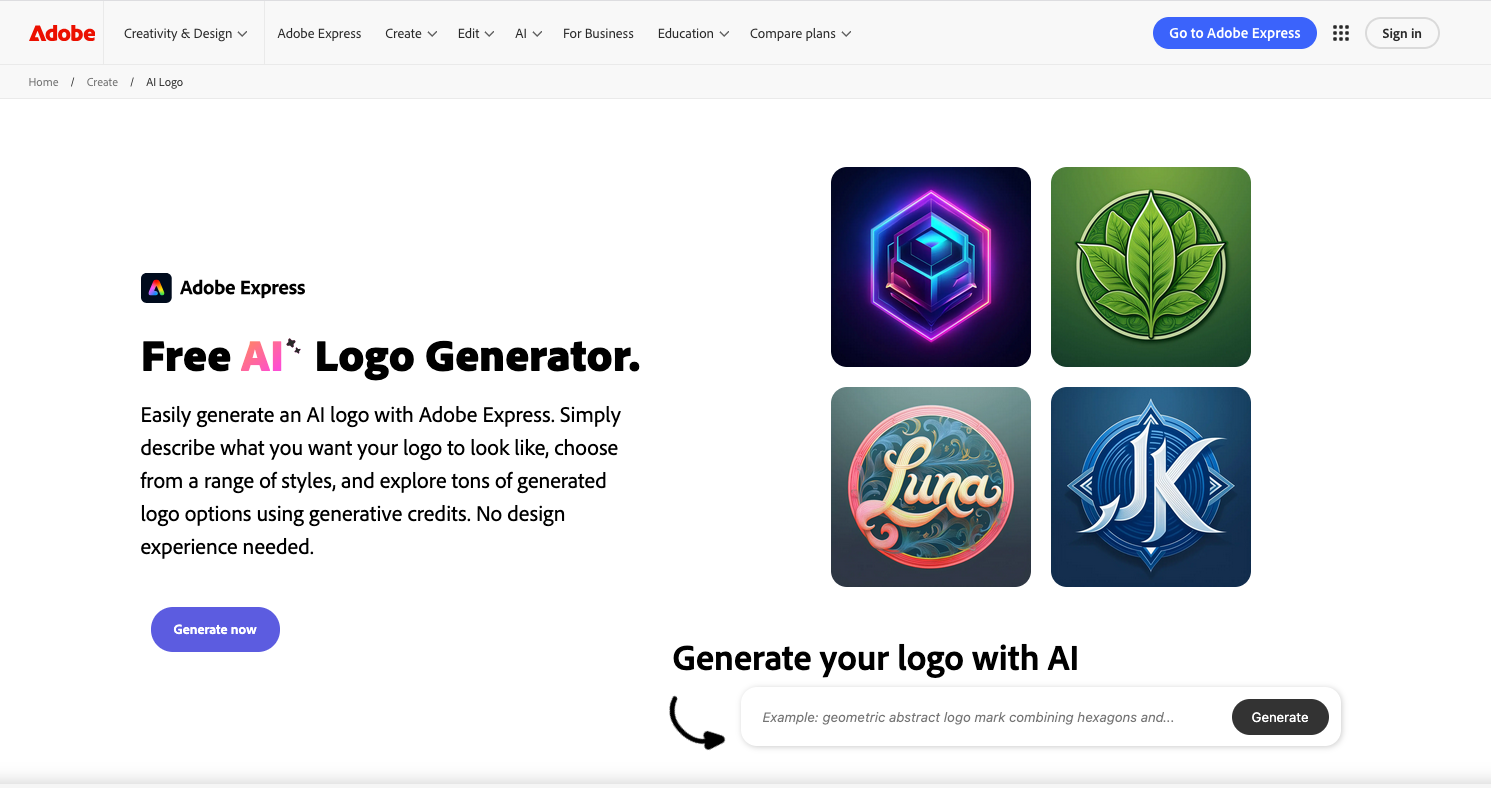
Adobe Express brings Adobe’s design heritage to the browser. While not a deep design suite, it offers polished templates and AI-assisted suggestions that help you generate respectable logos without Illustrator skills.
Key features
- Thousands of templates and Adobe Fonts integration
- Simple editor with cloud syncing
- Works well with other Adobe Express content like social graphics
Price
- Free tier with limited exports
- Premium: ~$9.99 per month or around $99.99 per year
Verdict
Recommended if you already use Adobe services or plan to mix logo creation with broader design tasks.
Wrap-Up
In 2026, Windows users have plenty of options beyond traditional design software. If you want the broadest balance of professional quality and ease of use, BrandCrowd remains a standout choice thanks to its blend of AI-assisted suggestions and designer templates. Canva offers the richest design ecosystem, Looka delivers fast AI-generated concepts, Wix Logo Maker ties directly into site branding, and Adobe Express gives Adobe-flavored polish.
Which tool fits you best depends on whether you prioritize speed, customization, future asset flexibility, or integration with other platforms.


Read our disclosure page to find out how can you help Windows Report sustain the editorial team. Read more



Improve this guide


User forum
0 messages