
Chrome’s AI Mode Now Understands What You Were Just Reading
AI Mode in Chrome Canary now works with recent tabs in the address bar, New Tab page, and on Android


 2 min. read
  Published on
Google has been working on the Chrome New Tab page for some time, and recent Canary versions show that the design is now stable and the AI features behave consistently, with fewer unfinished elements or inactive options.
On desktop, the New Tab search box includes a fully active + menu. You can add images, files, start a Deep Search, or create images directly from the field. All options open the expected flows rather than placeholder screens or partial experiences.
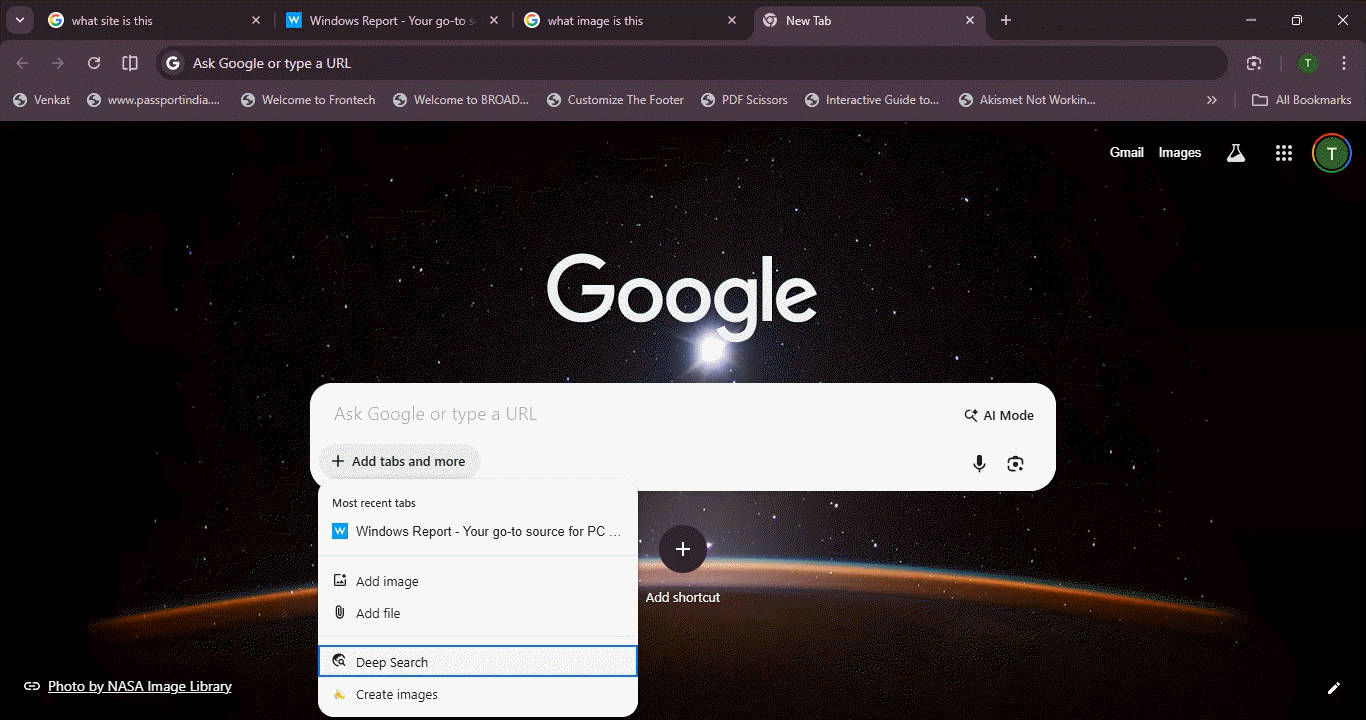
Chrome now lets AI Mode work with your Tabs
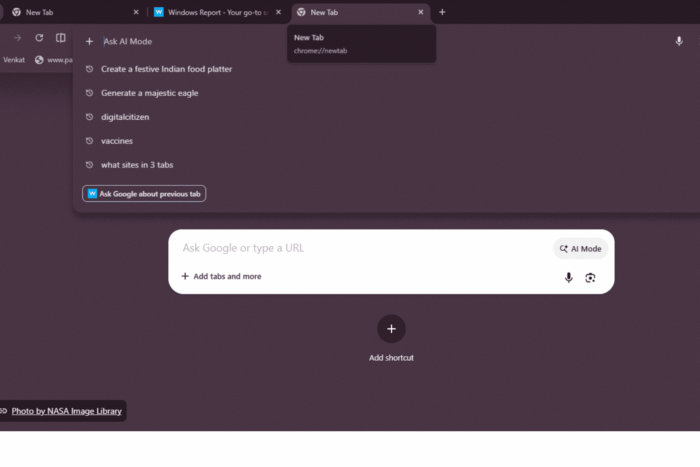
AI Mode on desktop also adds a new context feature. When opened from the address bar, Chrome shows an Ask-style panel with suggested actions rather than a simple text prompt. One of these is a new “Ask Google about previous tab” option, which lets AI Mode use the page you were just reading as context.
The option allows you to ask questions about the page you were just viewing without switching tabs or copying content. The AI panel reacts to recent browsing activity and does not depend only on typed input. This makes it easier to continue a task across tabs.
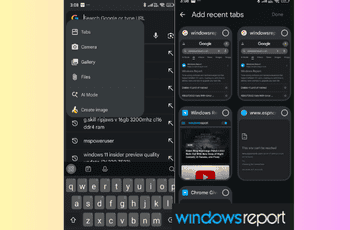
Chrome adds a related feature on Android. In the mobile app, the + button inside the address bar now includes a Tabs option. The option appears next to camera, gallery, and file inputs.
Selecting it opens a recent tabs screen with page previews. You can pick a tab and attach it to your query, similar to adding an image or file, and then continue inside AI Mode.
Chrome also makes a small but clear change to how AI Mode appears in the address bar. When users start AI Mode from the New Tab page search box, the address bar no longer shows a chrome://contextual-tasks URL. Instead, it displays a simple “AI Mode” label. This removes a developer-style address and makes it clearer that users are in AI Mode.
Across desktop and Android, AI Mode can now start with recent tabs instead of relying only on keywords, even though the idea shows up through different interfaces on each platform.


Read our disclosure page to find out how can you help Windows Report sustain the editorial team. Read more



Improve this guide


User forum
0 messages