
Chrome now asks to become the default browser on Windows during first launch
A redesigned first-launch screen in Chrome Canary places the default-browser decision at the start of the Windows experience.


 2 min. read
  Published on

Google is testing a redesigned first-run screen in Chrome Canary on Windows that asks users to set the browser as the default and pin it to the Windows taskbar during the very first launch.
The refreshed first-run screen brings two choices together in one step: set Chrome as the default browser and pin it to the taskbar for quick access.
The default-browser promotional message reads with Set default and No thanks options:
“Set Chrome as default and pin it to the taskbar.
Open links in Chrome from any app and keep the browser accessible on your taskbar.”
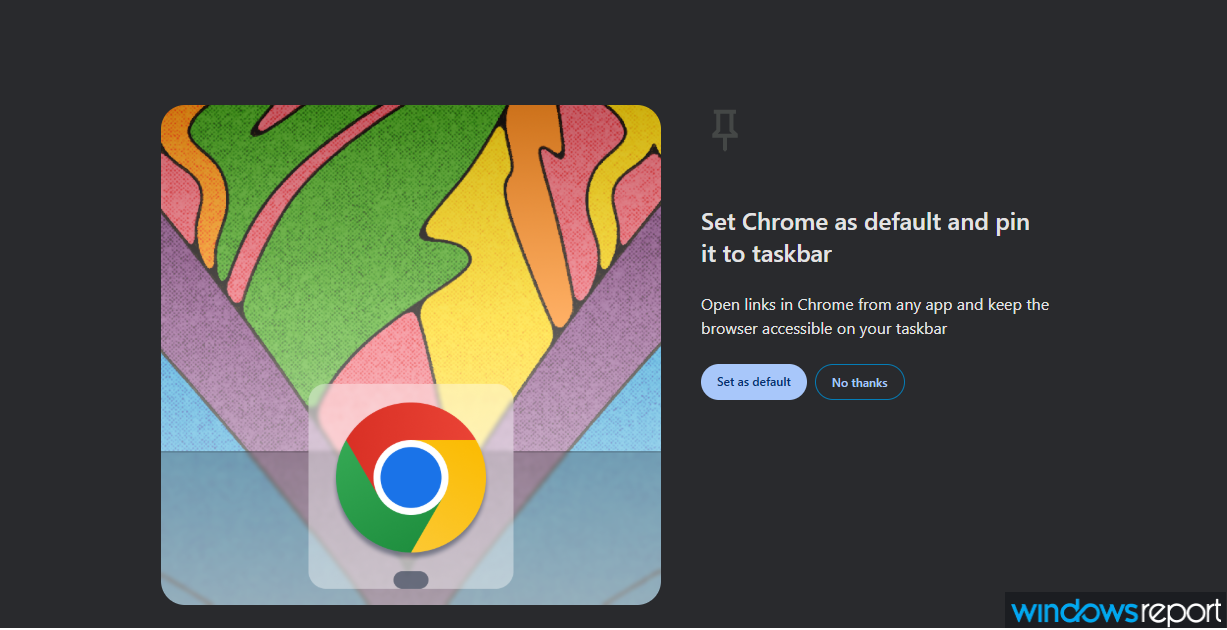
Clicking Set default opens the Default apps screen in the Windows 11 Settings app, where you can make Chrome the primary browser.
Chrome already promotes default-browser switching inside Settings through a visible reminder and a Make default button. The refreshed first-run screen now goes further.
Chrome still includes a simpler default-browser prompt during first launch. That version focuses only on setting the default browser and can appear without the refreshed first-run experience.
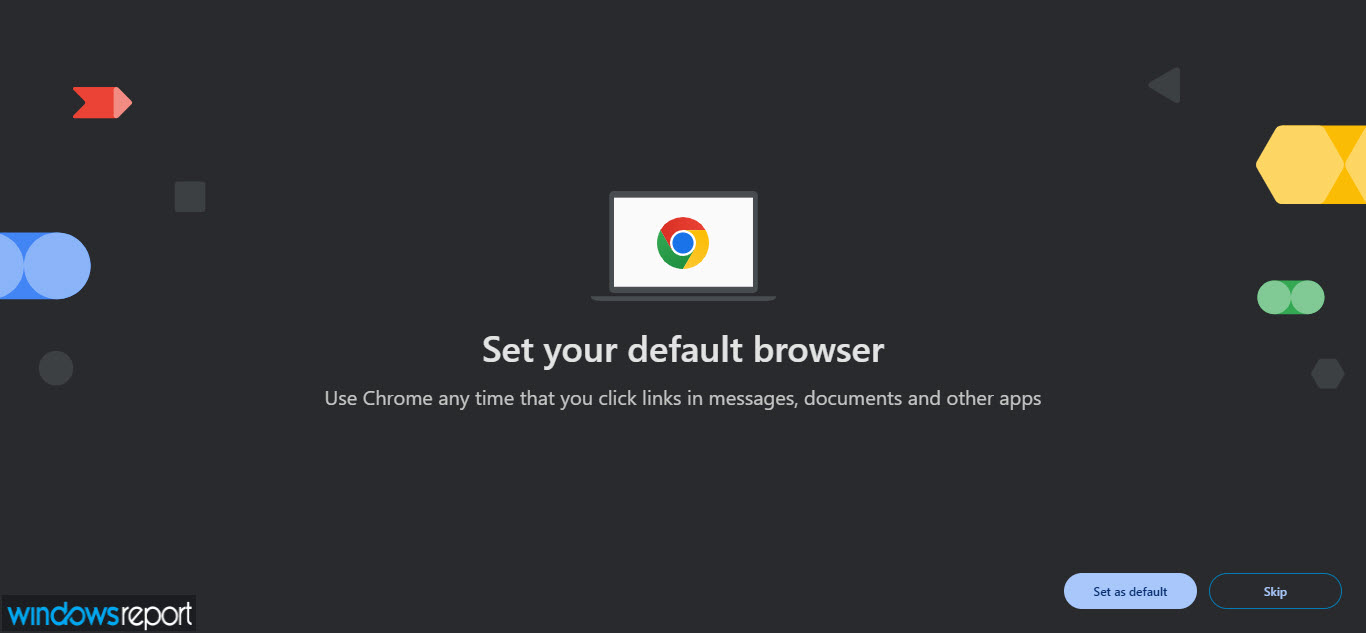
The updated First-Run Experience is being tested behind a flag. Google is also planning to update the Chrome first-run experience with new UI and additional effects.

Chrome has promoted default-browser switching on Windows for many years through infobars and Settings reminders. Showing this in the first-run experience after installing and opening Chrome gives it more visibility. Chrome already has a major market share, and this could help strengthen it further.
Bundling default status with taskbar pinning highlights the value of constant visibility on Windows. A pinned Chrome icon on the Windows taskbar stays next to the Start button and appers alongside Edge and other installed browsers.


Read our disclosure page to find out how can you help Windows Report sustain the editorial team. Read more



Improve this guide




User forum
0 messages