
Top 5 Data Recovery Software for USB Drive Files


 4 min. read
  Published on

Losing files from a USB drive can be stressful, especially when it holds important documents, photos, or work data. Thankfully, dedicated recovery tools can help restore lost files quickly.
What are the top USB drive data recovery tools?
Table of contents
1. Stellar Data Recovery – Reliable and versatile
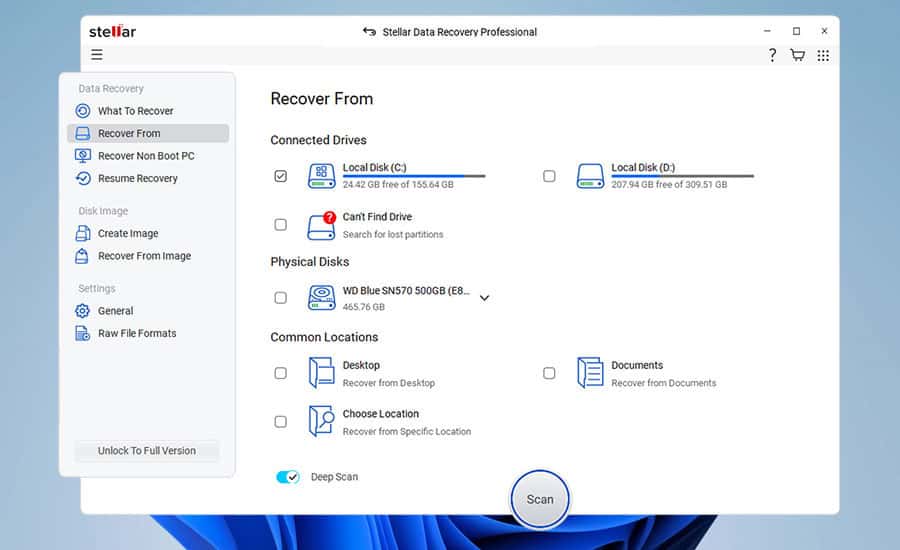
Stellar Data Recovery is one of the most reliable tools for retrieving files from USB drives, SD cards, and external hard drives. It’s widely used by both beginners and professionals thanks to its clean interface.
The software is capable of restoring files in multiple formats, from documents and music to videos and archives. Even if your USB drive is corrupted or formatted, Stellar can usually recover your data.
Other great features:
- Preview files before recovery
- Supports multiple storage devices
- Works with FAT32, exFAT, and NTFS
- Deep scan for better accuracy
2. EaseUS Data Recovery Wizard – Easy to use
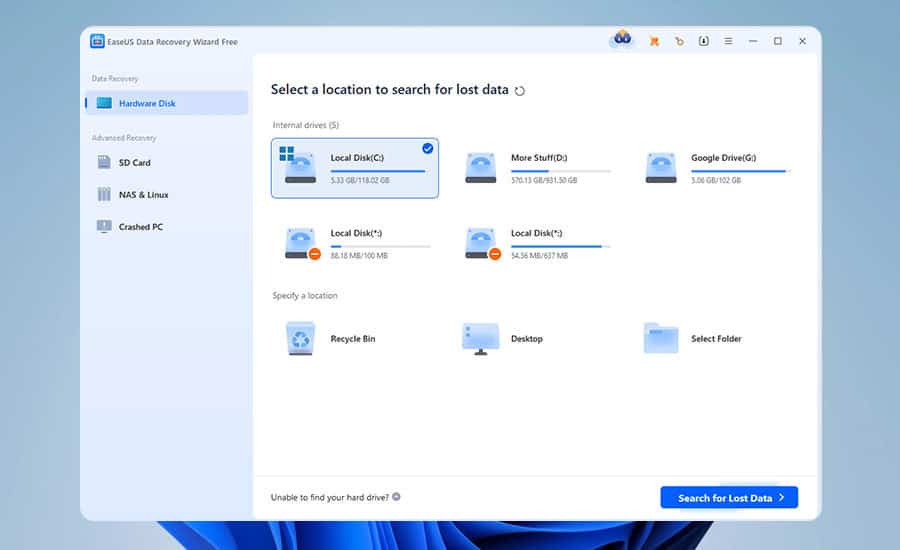
EaseUS offers an excellent balance between ease of use and recovery efficiency. It’s a top choice for restoring accidentally deleted files or recovering data after formatting your USB drive.
Its quick scan finds recently deleted files fast, while the deep scan can recover files that have been lost for months. EaseUS also supports recovery from partitions that have become inaccessible.
Other great features:
- User-friendly interface
- Preview before final recovery
- Works with more than 1000 file types
- Recovers from formatted or corrupted drives
⇒ Get EaseUS Data Recovery Wizard
3. Disk Drill – Advanced scanning power
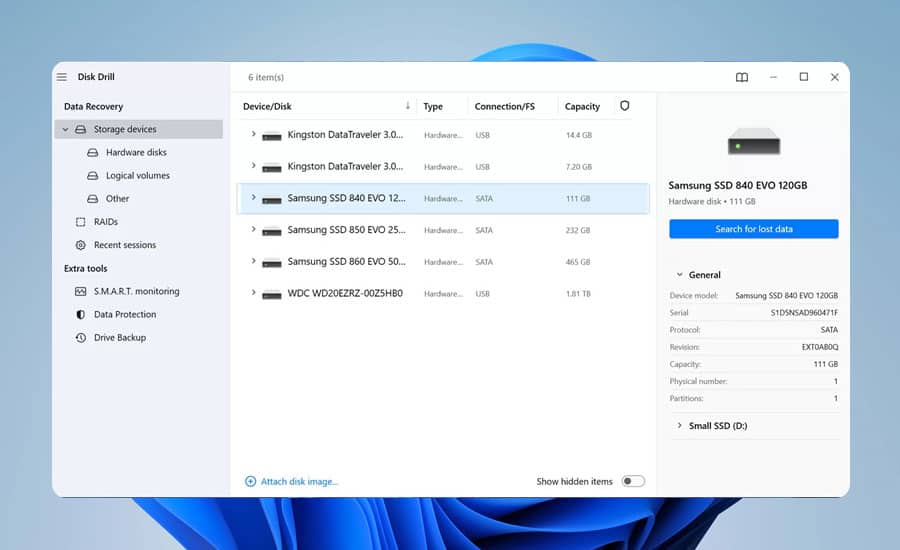
Disk Drill is a powerful recovery tool that combines advanced algorithms with a simple design. It can restore data from USB drives, SD cards, and other storage media with minimal effort.
The software supports over 400 file types and is especially good at dealing with corrupted or damaged drives. Its extra features, such as data protection and backup, make it more than just a recovery app.
Other great features:
- Recovery vault to protect files
- Works on Windows and macOS
- Quick and deep scan modes
- Supports multiple file systems
4. Recuva – Free and lightweight

Recuva is lightweight and free for basic use, which makes it ideal for home users who just want to recover photos, documents, or music files from a USB drive.
It has both quick and deep scan modes, giving you flexibility depending on your recovery needs. Recuva is especially good at handling older or smaller drives where expensive software might not be necessary.
Other great features:
- Portable version available
- Free option for basic recovery
- Deep scan improves results
- Secure overwrite option to delete permanently
5. Wondershare Recoverit – Premium with video repair
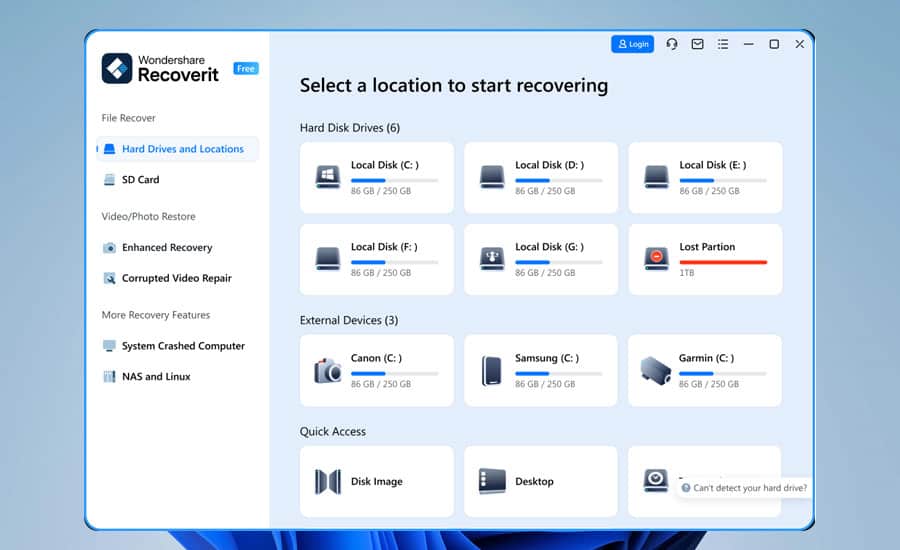
Wondershare Recoverit is a premium solution that stands out for its ability to handle severely corrupted USB drives. It’s designed with an intuitive interface, so even first-time users can recover files easily.
One of its strengths is video recovery, which allows you to restore damaged or incomplete video files. The tool also supports multiple file formats and offers reliable scanning options.
Other great features:
- Repair corrupted videos
- Supports 1000+ file formats
- Clean and simple design
- Cloud-based recovery option
Why use USB drive recovery tools?
USB drives are prone to accidental deletion, corruption, or formatting issues. Having the right recovery software ensures that you can quickly restore your files without advanced technical knowledge.
These tools also support a wide range of file systems, making them useful across Windows and macOS devices. Whether you’re recovering work documents or personal media, they provide a reliable safety net.
For detailed guidance, you can check this step-by-step article on how to recover deleted files from USB drive.
If you’re on an older system, take a look at Windows 7 data recovery software or Windows 8 data recovery software. On modern devices, the best Windows 10 data recovery software will cover your needs.
FAQs
Yes. Most data recovery tools can restore files from formatted drives as long as the data hasn’t been overwritten by new content.
Free tools like Recuva are safe and effective for basic recovery. However, premium tools offer higher success rates, advanced features, and better support.
The duration depends on your USB drive size and the scan type. Quick scans may take minutes, while deep scans on large drives can take hours.

Read our disclosure page to find out how can you help Windows Report sustain the editorial team. Read more



Improve this guide


User forum
0 messages