
Excel’s New Copilot Formula Tool Finally Solves a Familiar Headache
Rolling out to Excel for Web users with a Microsoft 365 Copilot license


 2 min. read
  Published on
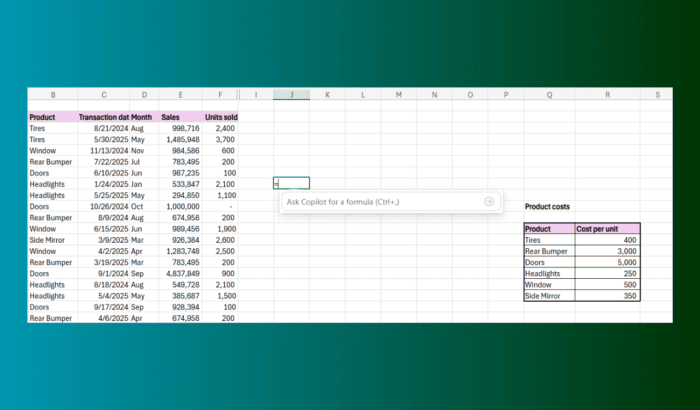
Writing formulas in Excel can still feel like a roadblock, especially with the syntax rules and functions around. A simple wrong bracket can break everything. Microsoft is apparently aware of it and changing the same. If you use Excel on Web, there’s a new on-grid Copilot tool that builds formulas from natural language.
You simply have to select a cell and type “=”. Then, a new option called “Ask Copilot for a formula” appears. As you describe your goal to Copilot, such as “calculate total profit,” Copilot then generates a formula, explains the logic, and shows a preview right on the grid. You can either keep it or try a new prompt.
The update also helps when you already have a formula. You can ask Copilot to modify a date format, make changes to a financial calculation, or pull data from other sheets. It works like a translator between what you want and what Excel expects.
Microsoft shared a few example scenarios in the announcement blog post. You can generate a unique list of sales reps, calculate total units per person, create quarterly totals from a date-only table, and a lot more.
However, there are some known limitations as of now. Copilot handles only one formula or one column at a time. Microsoft says that it’ll upgrade the feature down the line. Moreover, the rollout has already begun for Excel for Web users with a Microsoft 365 Copilot license. If it’s not showing up yet, you’re probably next in line.

Read our disclosure page to find out how can you help Windows Report sustain the editorial team. Read more



Improve this guide




User forum
0 messages