
Google Drive's Ransomware Detection and File Restoration Feature is Now Generally Available


 2 min. read
  Published on
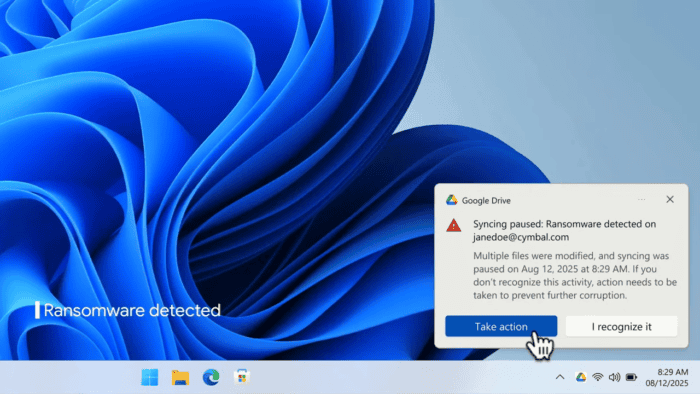
Google has announced that ransomware detection and file restoration in Google Drive are now generally available. In the announcement post, the company says that this update helps users and organizations reduce the impact of malware attacks on their files.
To catch you up, the company first introduced these features in beta back in September 2025. With this release, Google says detection has improved significantly, with faster response times and wider coverage.
As the update is now generally available, Google Drive now detects more types of ransomware encryption using its latest AI model. The company says the system can identify up to 14x more infections compared to the beta phase.
When ransomware is detected on a device with Drive for desktop, file syncing is paused automatically. Users receive a notification on their computer, while admins get alerts in the Admin console security center along with email notifications.

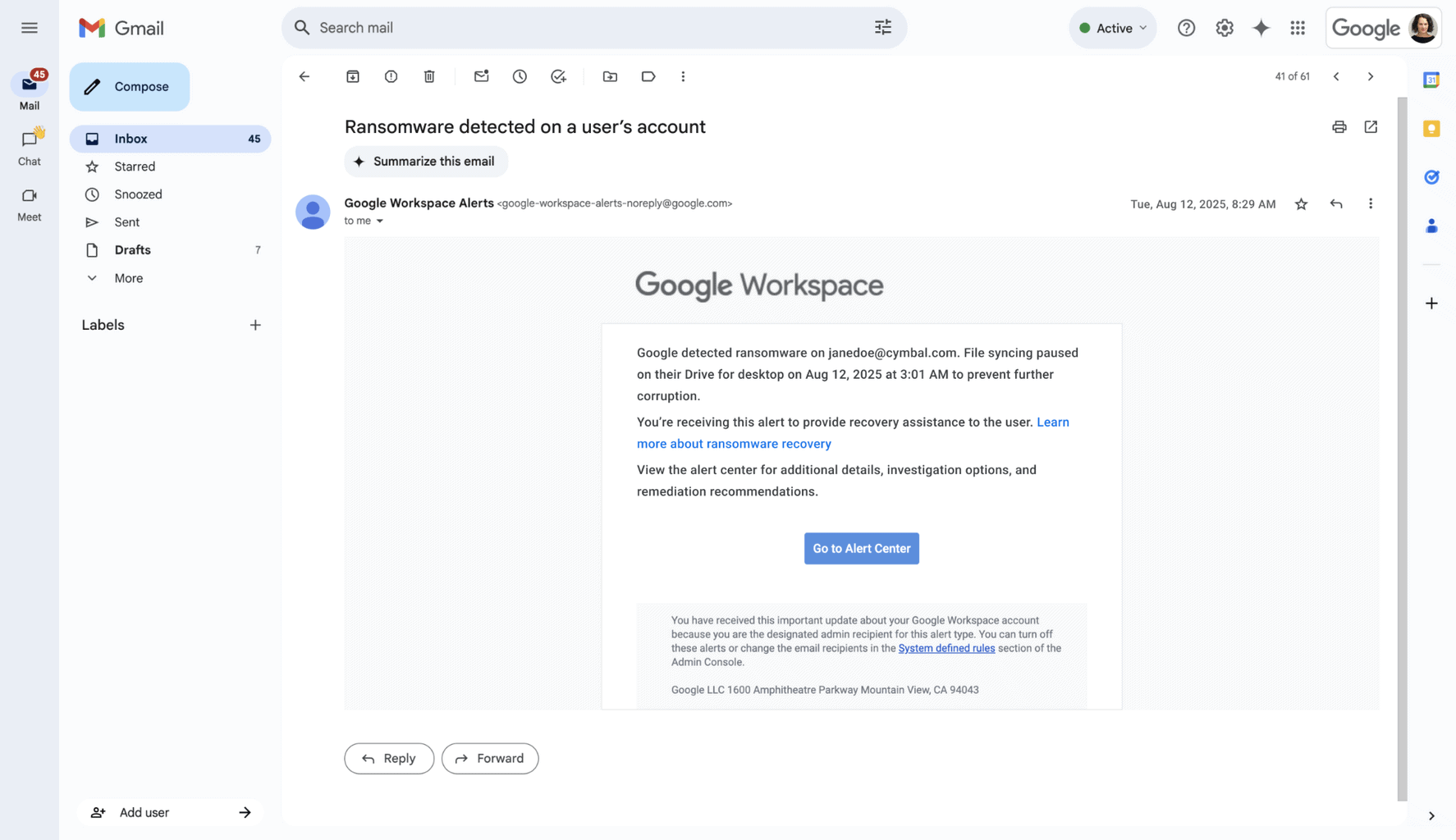
Image credit: Google
Besides ransomware detection, Google Drive now also allows users to restore files in bulk to a previous version before the attack occurred. This helps recover inaccessible files without paying a ransom. Users can select multiple files and roll them back to a safe state. This makes recovery faster and more efficient. Google says that early testing shows the feature is scalable and reliable across different environments.
Ransomware detection is enabled by default for organizations, with controls available in the Admin console under Drive and Docs settings. File restoration is also turned on by default and can be managed similarly. Users need the latest version of Google Drive for desktop, version 114 or later, to receive detection alerts. Older versions will still pause syncing but may not show notifications.
Speaking of availability, file restoration is available to all Google Workspace users, individual subscribers, and personal accounts. Meanwhile, ransomware detection is supported on select Business, Enterprise, Education, and Frontline plans.

Read our disclosure page to find out how can you help Windows Report sustain the editorial team. Read more



Improve this guide




User forum
0 messages