
Google Updates AI Mode & AI Overviews with New Ways to Explore the Web


 2 min. read
  Published on

Google is rolling out a new update to Search, and this time the focus is clearly on how users discover content across the web. The company is expanding its generative experiences, including AI Mode and AI Overviews, to make it easier to find relevant links, deeper insights, and original sources without leaving the search flow.
Google updates AI Search with new ways to explore the web
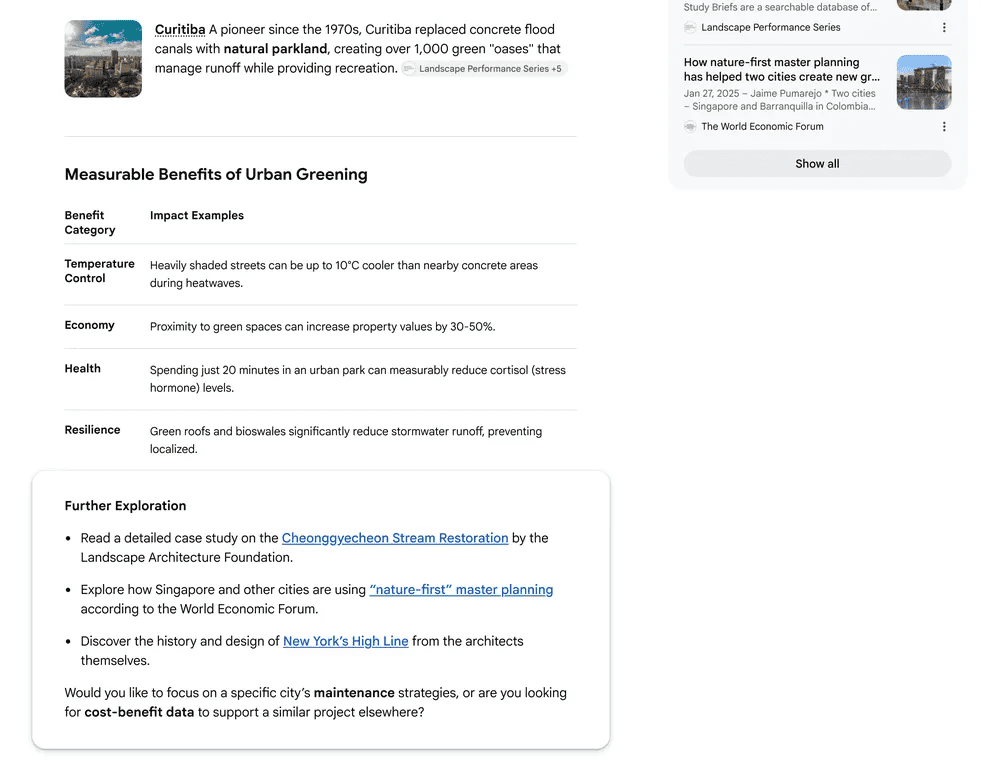
As part of the update, Google is introducing five key changes that aim to improve how links appear and how users interact with them. One of the notable additions is a new “explore more” section, which shows up at the end of AI responses. This section highlights different angles of a topic, linking to in-depth articles, case studies, or reports so users can dive deeper beyond the initial answer.
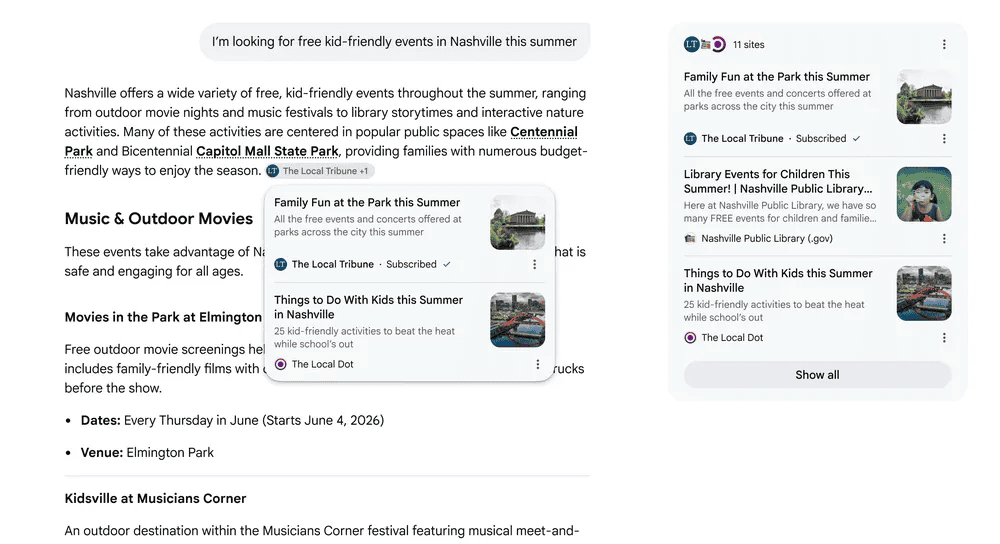
Another change focuses on subscriptions. Google is now highlighting links from a user’s subscribed sources directly inside AI responses, making it easier to access trusted content. Early testing reportedly shows users are more likely to click on links labeled as part of their subscriptions.
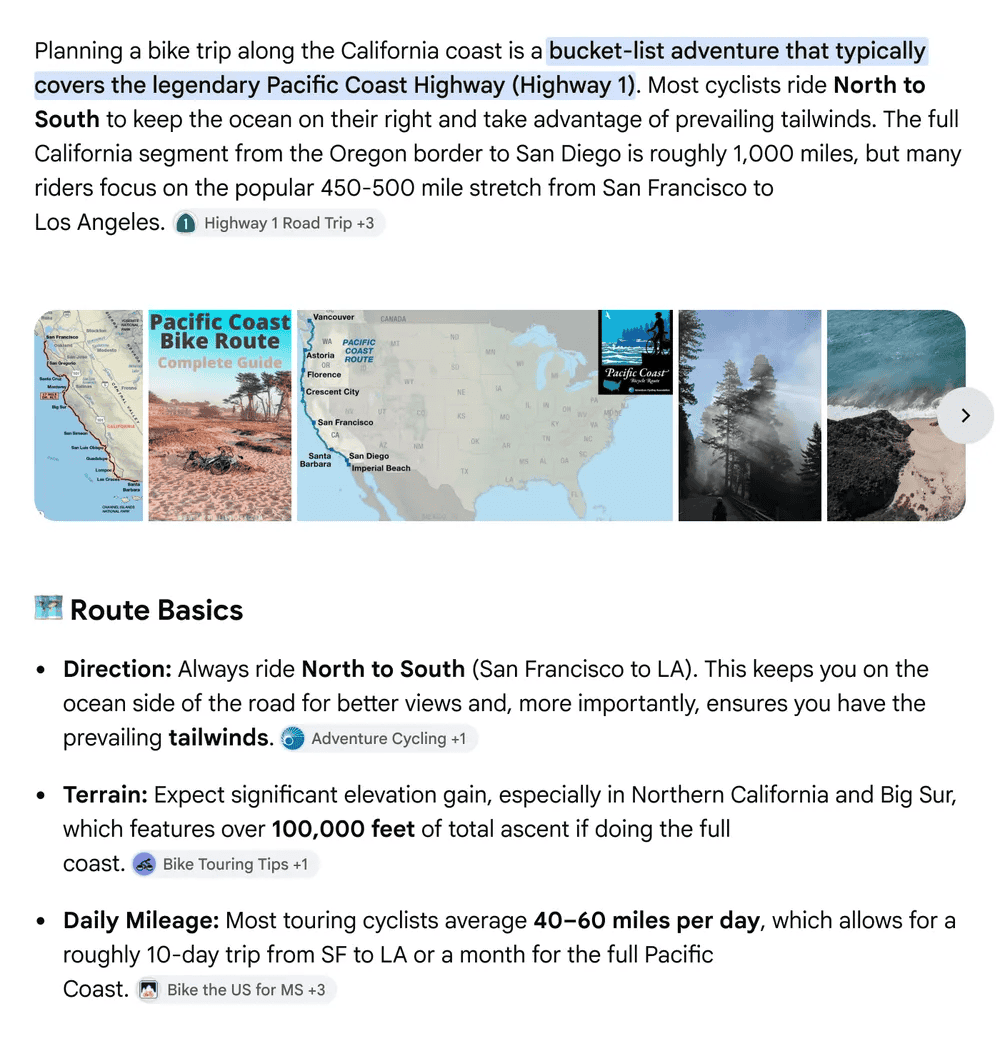
At a time when people increasingly rely on community-driven insights, Google is also adding perspectives from forums, social media, and public discussions. These previews include context like creator names or community tags, helping users decide which sources to explore further.

Links get smarter and more visible inside results
Speaking of usability, Google is now placing more links directly within AI-generated responses, right next to the relevant text. This means users can jump to specific guides or articles without needing to scroll through separate results.
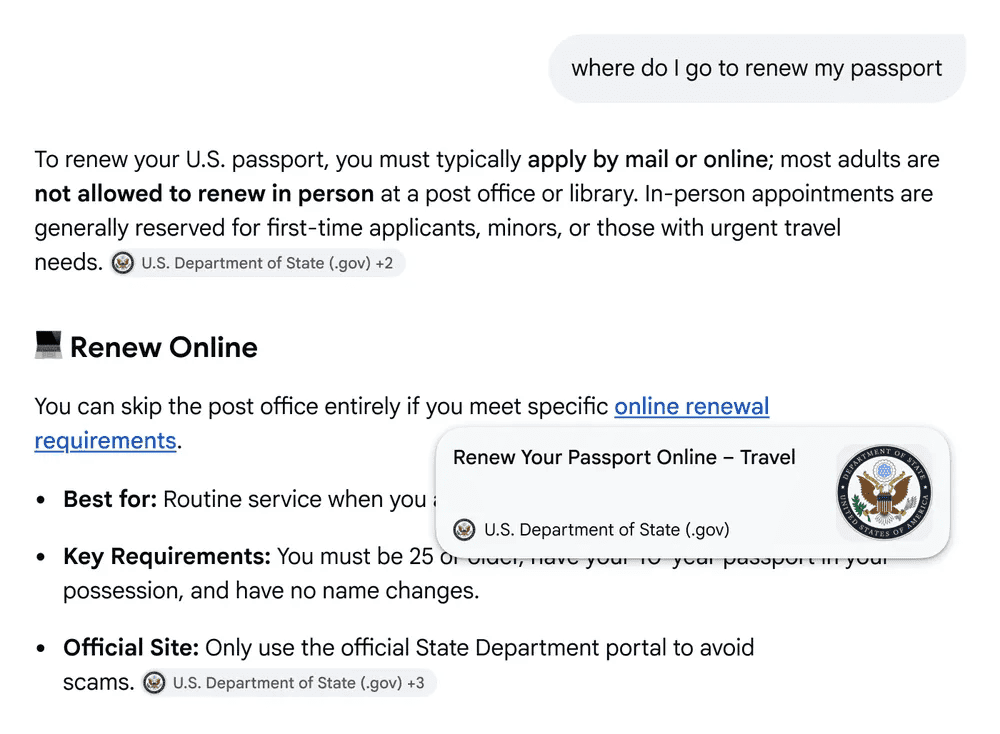
On desktop, hovering over these links will now show a quick preview of the website, including the page title and source. The idea is to give users more confidence before clicking, especially when they are unsure about where a link leads.
All that said, Google notes it is continuing to refine how links are ranked and surfaced using techniques like query fan-out, which helps pull more relevant sources from across the web.

Read our disclosure page to find out how can you help Windows Report sustain the editorial team. Read more



Improve this guide



User forum
0 messages