
How to Log in to Crunchyroll & Get Back to Your Anime Favorites


 3 min. read
  Published on

If you are into anime movies, series, or games, all you need to know is how to login to Crunchyroll.
In this guide, we’ll walk you through different ways to login to Crunchyroll, so you never miss an episode.
How to quickly login to Crunchyroll on PC, iPhone, and Android?
Crunchyroll lets you access your account seamlessly across browsers, smartphones, smart TVs, gaming consoles, and streaming devices. The exact sign‑in steps may differ depending on how your account was originally created, but the process remains quick and straightforward.
How to sign into Crunchyroll on PC via web browser
- Open Crunchyroll website in your preferred browser.
- Select Log In from the Crunchyroll homepage.

- Enter the email address linked to your account.
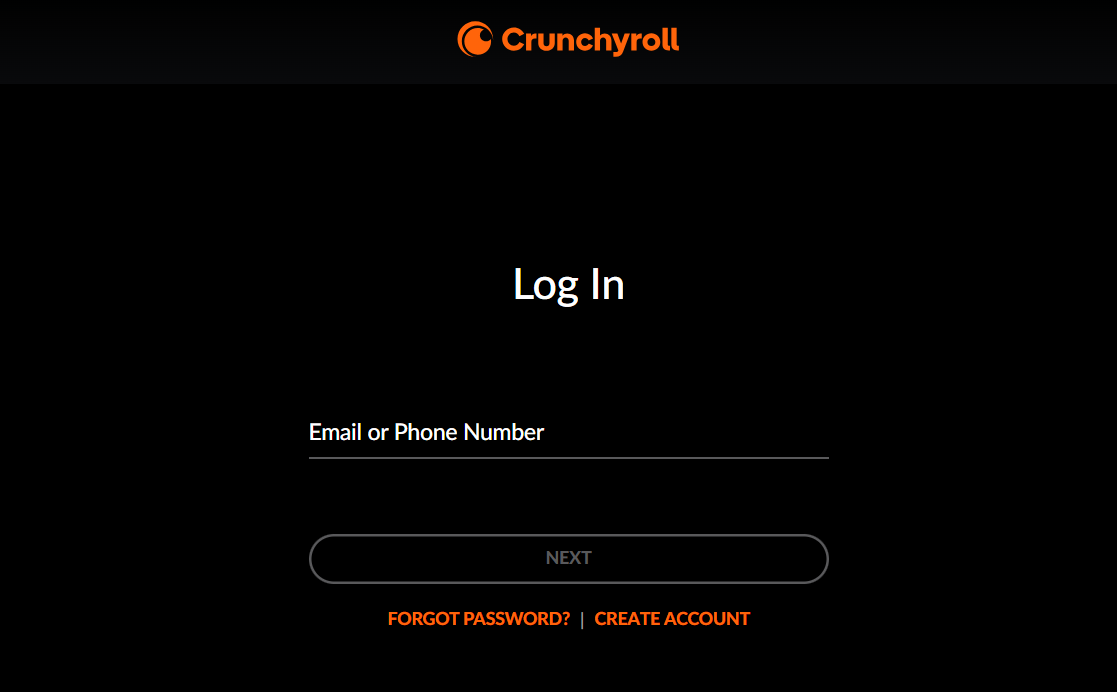
- Enter your password, then select Log In.
If your credentials are correct, Crunchyroll should take you straight into your account.
Quick tip: Check the website address before entering your password. Fake streaming login pages can look surprisingly convincing.
Crunchyroll login on iPhone and Android using app
The official Crunchyroll mobile app is the easiest option for phones.
- Install the Crunchyroll app from your device’s official app store (Download on iPhone & Android)
- Open the app and select Log In.
- Enter your Crunchyroll account details.
- Complete any additional verification requested.
- Start watching once your account loads.
The mobile app also keeps your viewing experience tied to your Crunchyroll account.
What to do when I forget Crunchyroll login password?
A forgotten password doesn’t mean you’ve lost the account.
- Select Forgot Password on the Crunchyroll login screen.
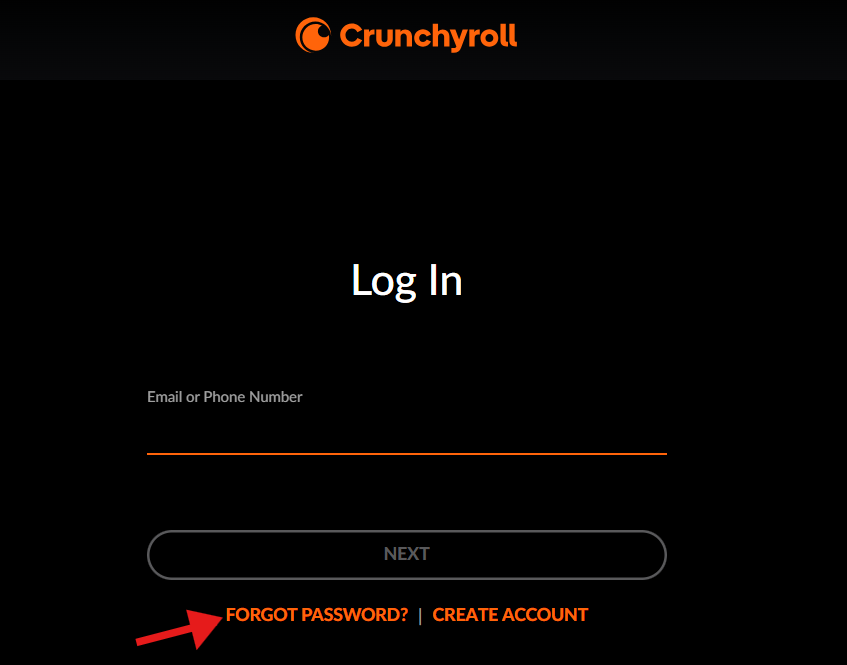
- Enter the email address linked to your account.
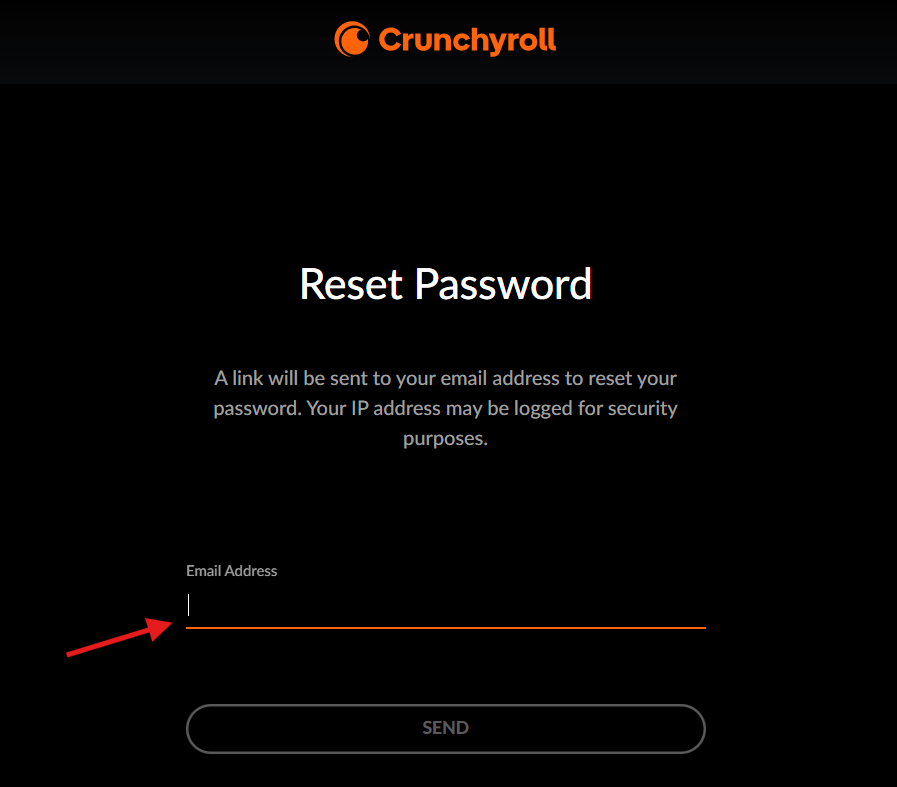
- Open the reset email and follow the instructions.
- Check your spam or junk folder if it doesn’t appear.
- Make sure you’re using the email originally connected to Crunchyroll.
Crunchyroll won’t let you log in? Here’s how to fix it
Most of the Crunchyroll login issues can be fixed with quick, simple steps. Start with the easy checks before diving into account settings, and you’ll be back to streaming anime in no time. Here’s what you need to try now:
- Double-check your email address and password.
- Try another browser or private browsing window.
- Update the Crunchyroll app if you’re using mobile.
- Clear browser cache and cookies if the login page behaves strangely.
- Check your internet connection.
- Reset your password if the credentials may be outdated.
If everything looks correct, the problem could be temporary. Service interruptions can also affect login, playback, or account-related features.
Summing Up
We showed you how to log in to Crunchyroll, but you may still encounter other issues while using the service. If that happens, check out our guides on how to fix Crunchyroll Error Code 1020, what to do when Crunchyroll payment is not working, and how to resolve problems when your ad blocker doesn’t work in Crunchyroll.
FAQs related to Crunchyroll login
1. Can I log into Crunchyroll without the app?
Yes. You can use a supported web browser and access Crunchyroll through its website.
2. Why does Crunchyroll say my password is wrong?
Check for typing mistakes first. If you’re still locked out, use the password-reset option and try again.
3. Can I use Crunchyroll on multiple devices?
Crunchyroll supports access across multiple device types. Playback limits can depend on your membership plan.
4. Why isn’t my Premium membership showing?
You may be signed into a different Crunchyroll account. Check the account email before troubleshooting the subscription.

Read our disclosure page to find out how can you help Windows Report sustain the editorial team. Read more



Improve this guide



User forum
0 messages