
Microsoft 365 Copilot Arrives in People and Files; Support for Calendar Coming Soon
AI meets productivity across Microsoft 365 companion apps


 2 min. read
  Published on
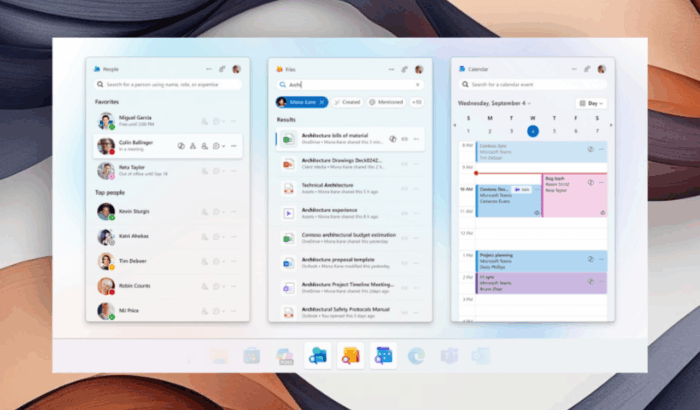
Microsoft is integrating AI deep within companion apps, thanks to the latest rollout Microsoft 365 Copilot inside the People and Files apps, with Calendar support coming soon. With this update, tasks like finding a file, checking your calendar, or looking up a colleague become more seamless than ever.
Copilot in People and Files
In the People app, Copilot can easily fetch recent communications, highlight project responsibilities, and suggest prompts like “What’s the latest from John?” or “Show me follow-up tasks with John.” Thanks to the integration, you understand the context, which eventually helps you connect and collaborate faster.
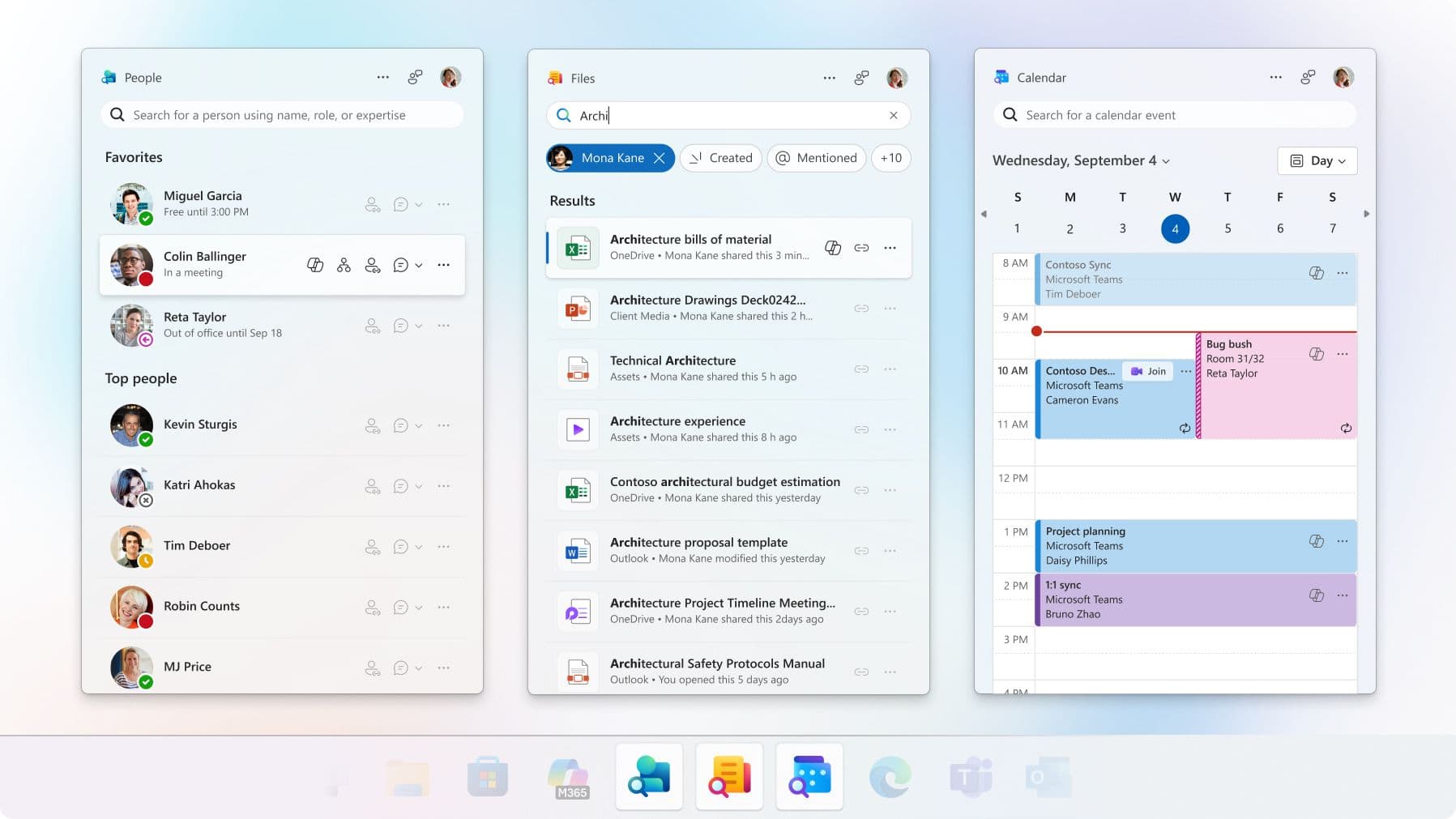
The Files app takes it a step further. You can start Copilot chats directly from documents, spreadsheets, or presentations to summarize content, review edits, or identify trends, all without leaving the file. For example, you can prompt Copilot to ask, “Summarize this workbook” or “Highlight key figures,” and it’ll do its magic.
Meanwhile, Copilot integration will roll out to the Calendar app soon. From meeting summaries, talking points, and action items, Copilot will be there to help you stay on track throughout the day.
Copilot in companion apps is rolling out now for Windows 11 Enterprise and Business users with a Microsoft 365 Copilot license. Moreover, admins can pin these apps to the taskbar on Intune-managed devices for quick access to chat, search, and agent tools.

Read our disclosure page to find out how can you help Windows Report sustain the editorial team. Read more



Improve this guide




User forum
0 messages