
Microsoft Access Finally Removes a 20-Year-Old Form Size Limitation


 2 min. read
  Published on

Microsoft Access is finally leaving one of its oldest design restrictions behind. The company has started rolling out support for larger forms in Microsoft Access, removing a limitation that dates back more than two decades. The feature is currently available in Beta and is heading to Current Channel Preview users with Version 2607 by July 21, 2026.
For years, Access developers have been forced to work around a maximum form size of roughly 22 inches, a constraint originally introduced when CRT monitors dominated the workplace. While display technology evolved rapidly, the underlying limitation remained unchanged.
That created growing challenges as dual-screen setups, ultrawide monitors, and high-resolution 4K displays became standard across many businesses.
With the latest update, Access forms can now extend beyond the historical 22-inch boundary. Developers can place controls further across a form, build larger sections, and design more complex layouts without splitting information across multiple screens.
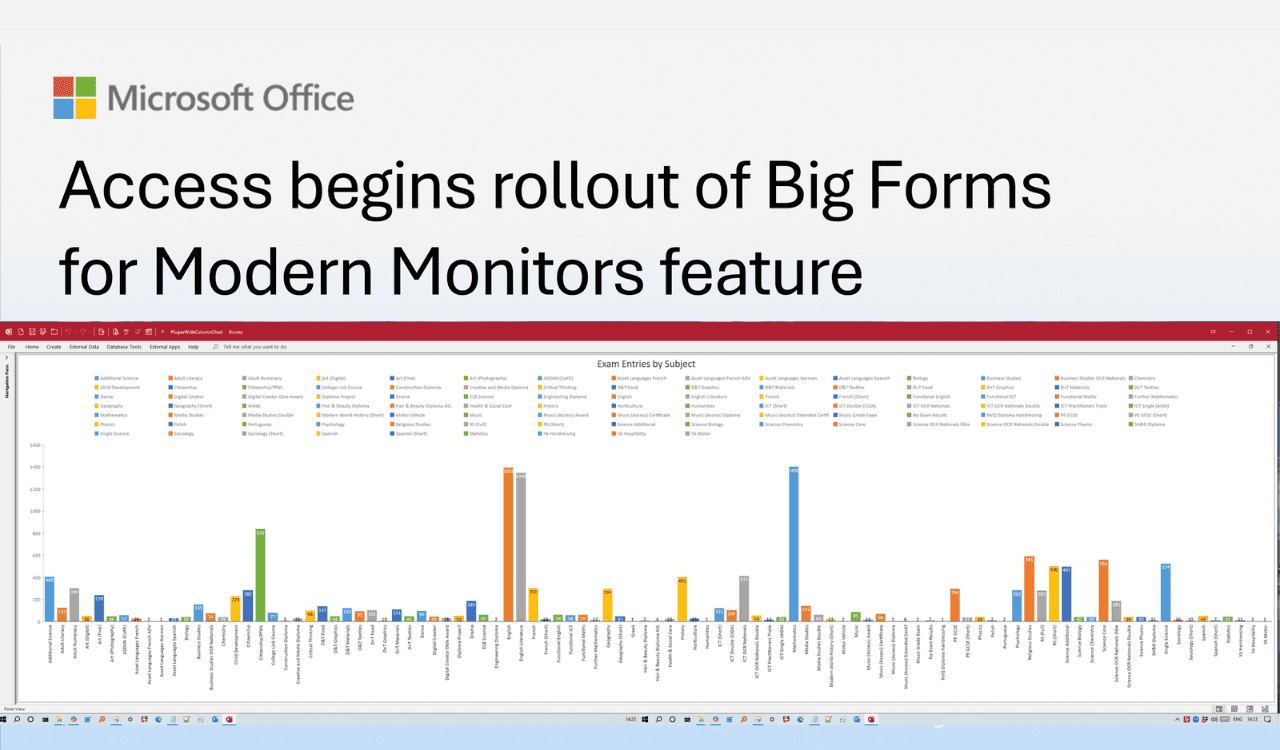
The change is expected to benefit organizations that rely on Access for inventory management systems, customer relationship management tools, dashboards, and operational workspaces where displaying large amounts of information simultaneously is essential.
Microsoft says the update should also reduce excessive scrolling and improve efficiency during data entry and review tasks. Besides productivity benefits, the company highlighted accessibility improvements. Larger form layouts give developers more flexibility to increase spacing between controls, use larger text, and reduce visual clutter for users who benefit from magnified content or enhanced readability.
According to Microsoft, support for larger forms has been one of the most requested features from the Access community and a top-voted request on the Access feedback forum. Not to forget, Microsoft Access also recently got new zoom controls for forms, tables, and queries.

Read our disclosure page to find out how can you help Windows Report sustain the editorial team. Read more



Improve this guide




User forum
0 messages