
Microsoft Adds Liquid Glass Design and Template Filters to Word, Excel, and PowerPoint for iOS
Modern design mimics iOS 26 design language


 2 min. read
  Published on
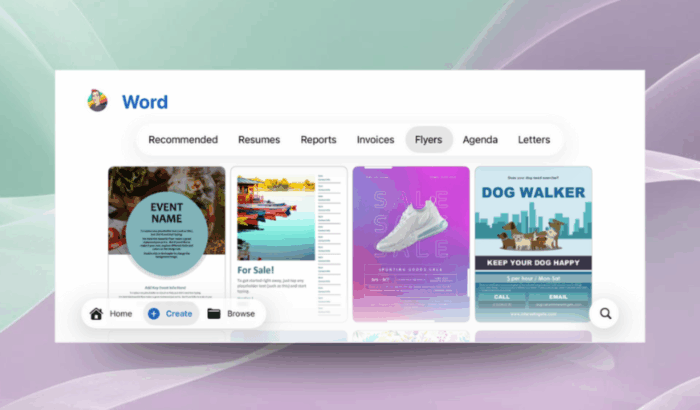
Microsoft, in its latest announcement, said that Office apps on iPhone, iPad, and Apple Vision Pro with a redesigned home experience. The latest version of Word, Excel, and PowerPoint for iOS brings a new Liquid Glass design and template category filters for faster document creation.
The update brings a modern interface that mimics iOS 26’s system layout. The navigation bar now appears at the bottom of the screen, making it easier to reach search and create options with one hand.
Microsoft has also made it easier to browse templates. When you tap Create, you’ll now see quick filter buttons, such as Flyers, Resumes, and Invoices, to narrow down results instantly instead of scrolling through one long list.

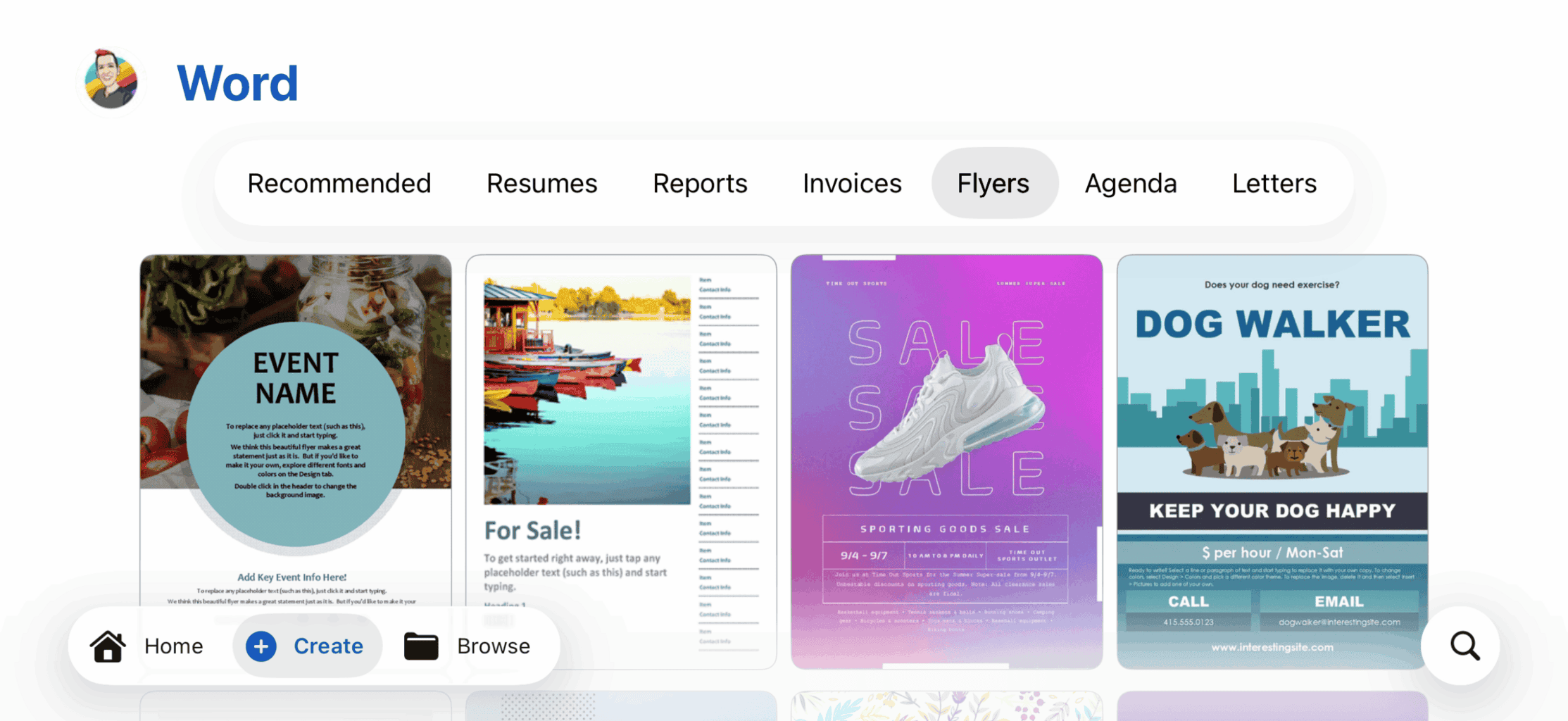
The revamped experience is available in Version 2.102 (Build 25101016) of the apps. Once updated, users can explore the new navigation and filter tools by opening Word, Excel, or PowerPoint on iOS 26 or later.
Earlier this month, Microsoft also rolled out Copilot-inspired icons across its Microsoft 365 suite. The new icons feature cleaner shapes, richer colors and a connected design system that reflects the AI-led future of the apps.
While Microsoft shared the redesigned icons for Microsoft 365 apps, it also gave a sneak peek at rejected icon concepts. Those include some early prototypes featured bold, experimental visuals such as Word icons without letters, Excel grids turned abstract, and PowerPoint designs with ribbons and pie charts.

Read our disclosure page to find out how can you help Windows Report sustain the editorial team. Read more



Improve this guide




User forum
0 messages