
Microsoft Copilot 'Super' App Gets a Major Productivity Upgrade With Built-In Office Editing


 2 min. read
  Published on
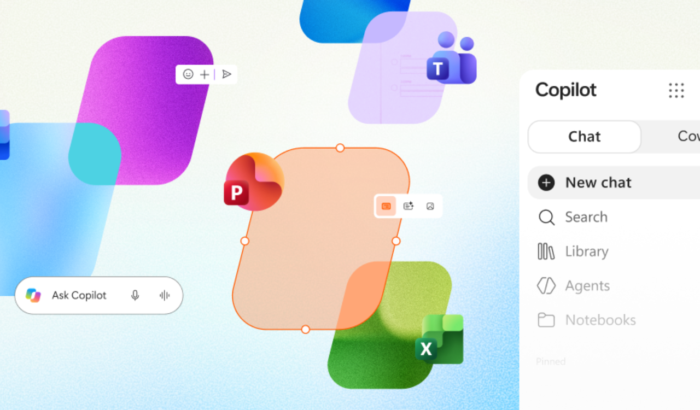
In addition to upgrading Copilot Notebooks, Microsoft is making its new Copilot ‘super’ app a serious productivity hub with the launch of Office editing. The new experience lets users create, edit, and collaborate on Word documents, Excel spreadsheets, and PowerPoint presentations without leaving Copilot.
Microsoft wants Copilot to handle your entire workflow
If you use Microsoft 365 for work, you must be aware of how often projects move between AI chats and Office apps. Speaking of which, Microsoft now wants to bring those experiences together. Announced last week, Office in Copilot combines the familiar editing capabilities of Word, Excel, and PowerPoint with an AI-powered workflow. Users can start in Chat or Cowork, create an initial draft, and continue refining it directly inside the Copilot app.
For instance, you can ask Copilot to turn research notes into a launch brief. The app creates a Word document alongside your conversation, letting you make changes through follow-up prompts or familiar editing controls.
Notably, the experience supports real-time collaboration. Users can share files, add comments, coauthor documents, and see teammates’ changes as they happen. Copilot also retains the conversation history, helping users continue working without juggling separate drafts.
Copilot gets a Library for your Office files
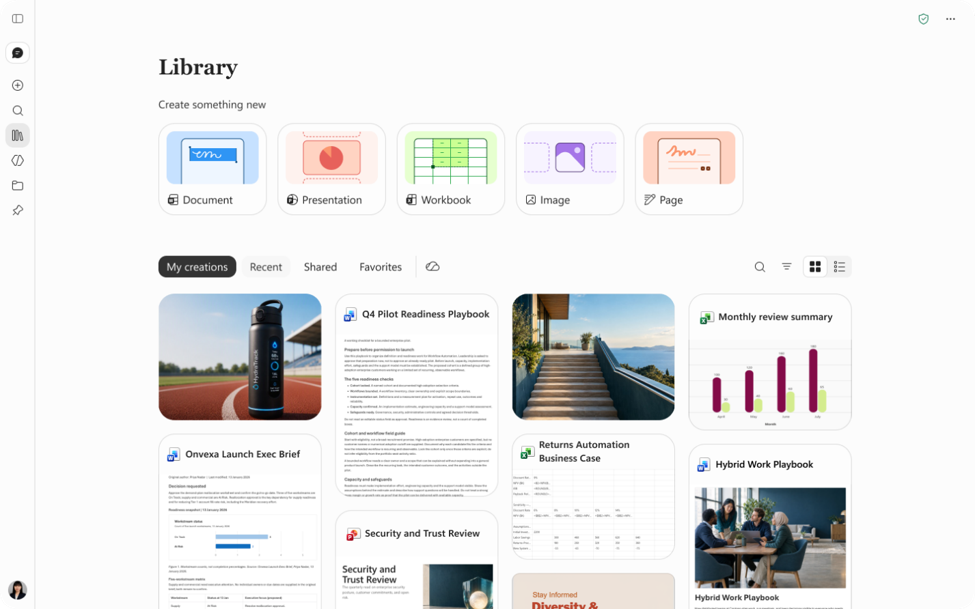
Microsoft is also introducing Library as a central place for finding recent Word, Excel, and PowerPoint files. It includes pages and AI-generated images created in Copilot or standalone Office apps.
Files remain stored in OneDrive, preserving formatting, comments, sharing permissions, and version history. They also retain the security, compliance, and governance controls organizations already use.
Microsoft is connecting Copilot with more Office features
The company is continuing to improve how Copilot works across Microsoft 365. In PowerPoint, Copilot can help refine slides, images, and branded templates. Excel users can review AI-made edits and get chart recommendations for their data.
Microsoft is also bringing Skills and connectors into workflows. These features can provide specialized assistance, including financial analysis in Excel and legal workflows in Word. Office in Copilot is rolling out to Frontier customers in Chat and Cowork. Microsoft has not announced a public release date yet.

Read our disclosure page to find out how can you help Windows Report sustain the editorial team. Read more



Improve this guide



User forum
0 messages