
Microsoft Finally Brings Outlook Classic's Quick Parts to New Outlook for Everyone


 2 min. read
  Published on

There has always been one thing that made switching from Outlook Classic to New Outlook frustrating. While Microsoft kept adding AI tools and visual improvements, one of the most practical productivity features simply never made the jump.
New Outlook gets Quick Parts as Microsoft continues closing the feature gap
As Windows Latest reports, the company has now rolled out Quick Parts to New Outlook, bringing reusable email snippets to everyone after months in preview.
For those unaware, Quick Parts lets you save commonly used blocks of text and insert them into future emails with just a few clicks. Instead of copying and pasting the same paragraph every day, users can create reusable snippets for signatures, instructions, addresses, meeting details, frequently asked questions, or any other content they send repeatedly.
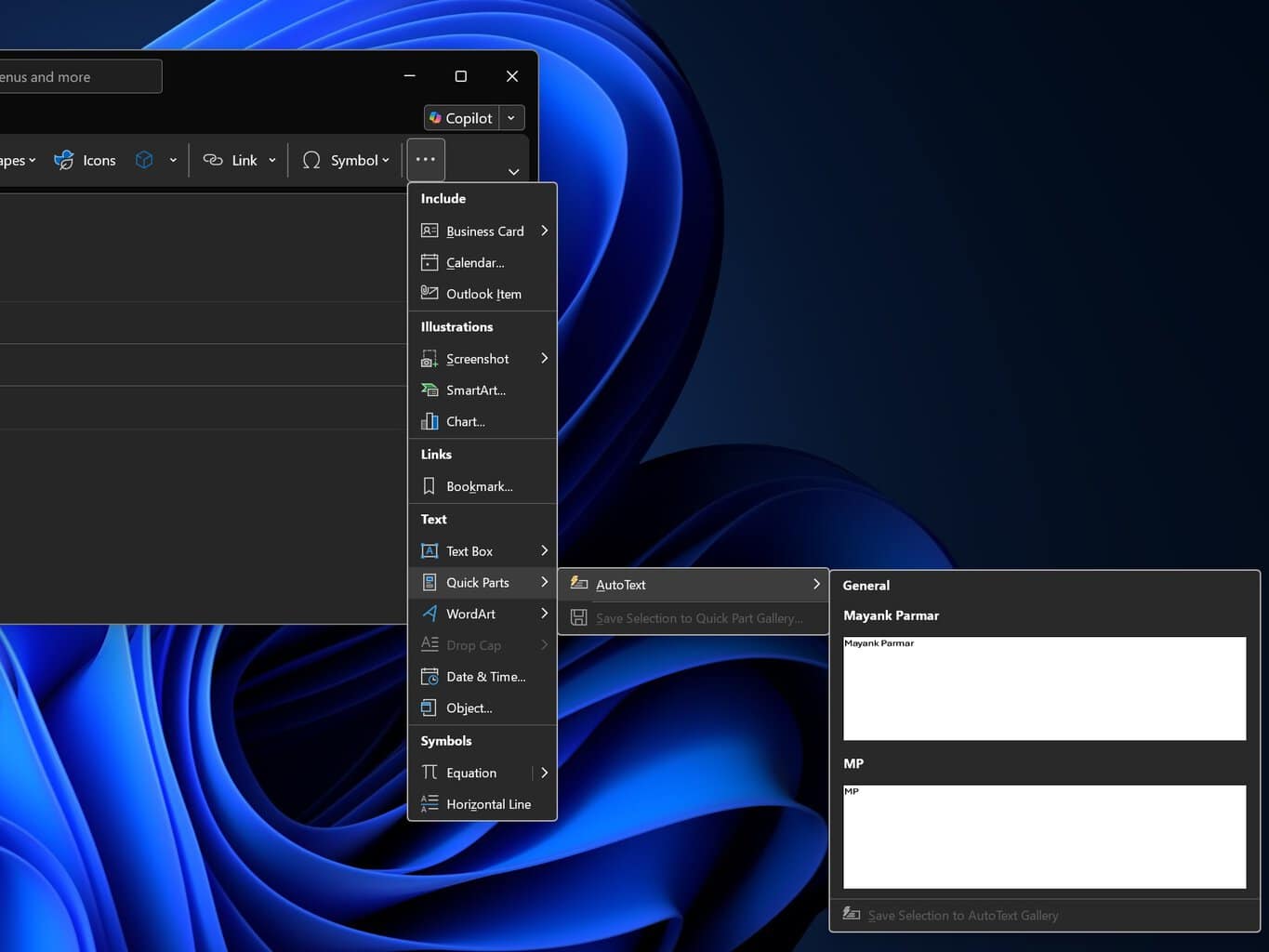
The feature first started rolling out in February 2026, but Microsoft has now made it broadly available. Creating a snippet is fairly straightforward. Users simply compose or reply to an email, highlight the text they want to reuse, open the Insert menu, and choose Quick Parts to save it. The saved content can then be inserted into future emails whenever needed, making repetitive replies significantly faster.
Speaking of new features, let’s not forget that the company has also planned to roll out the grouped notifications feature. As the name suggests, the new feature groups multiple incoming email alerts into a single notification. As of now, the company has marked that the feature will be available starting late July 2026, with plans to roll it out to every user starting mid-September 2026.
No wonder, Microsoft still has work to do before New Outlook reaches feature parity with its predecessor. But it’s safe to say that future feature releases and the ones it is rolling out currently shows it is doing some progress towards it.

Read our disclosure page to find out how can you help Windows Report sustain the editorial team. Read more



Improve this guide




User forum
0 messages