
Microsoft Makes Outlook Contacts Easier to Search and Manage


 2 min. read
  Published on
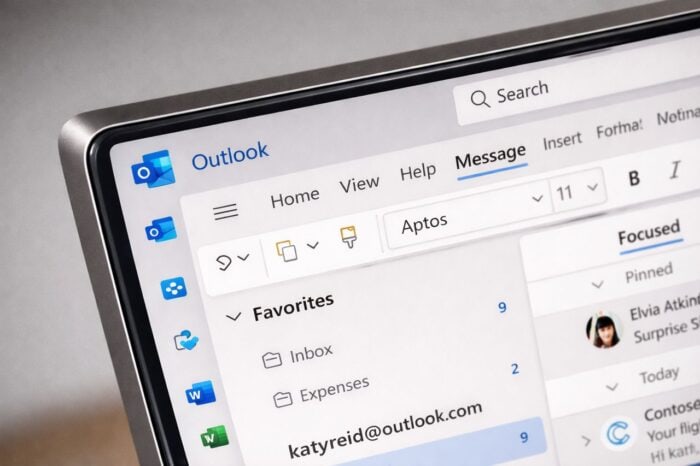
Microsoft has rolled out a major update to Outlook’s People experience, which makes it faster and smarter to find, organize, and connect with your contacts. The redesign is meant to cut through clutter and reduce the time it takes to reach colleagues or key clients.
Outlook gets an intelligent contact search with the latest update
The reimagined People experience in Outlook introduces a powerful, intelligent search that surfaces the right contact immediately. You can search by name, title, department, location, or even personal notes. So, you don’t need to dig through nested directories or long alphabetical lists.
As you type, Outlook offers smart suggestions based on communication patterns and organizational context. Results unify personal contacts, organizational directories, and linked accounts in one view, letting you email, call, or Teams chat directly from search results.
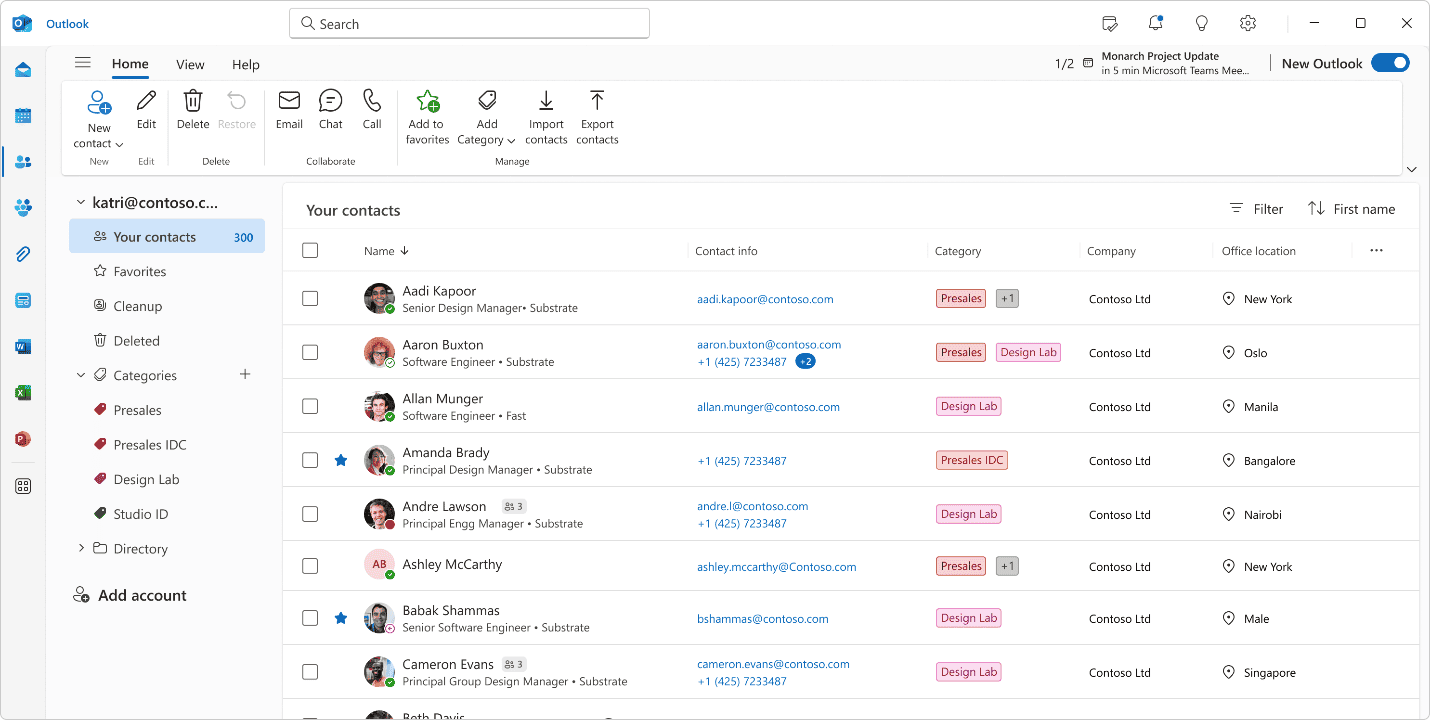
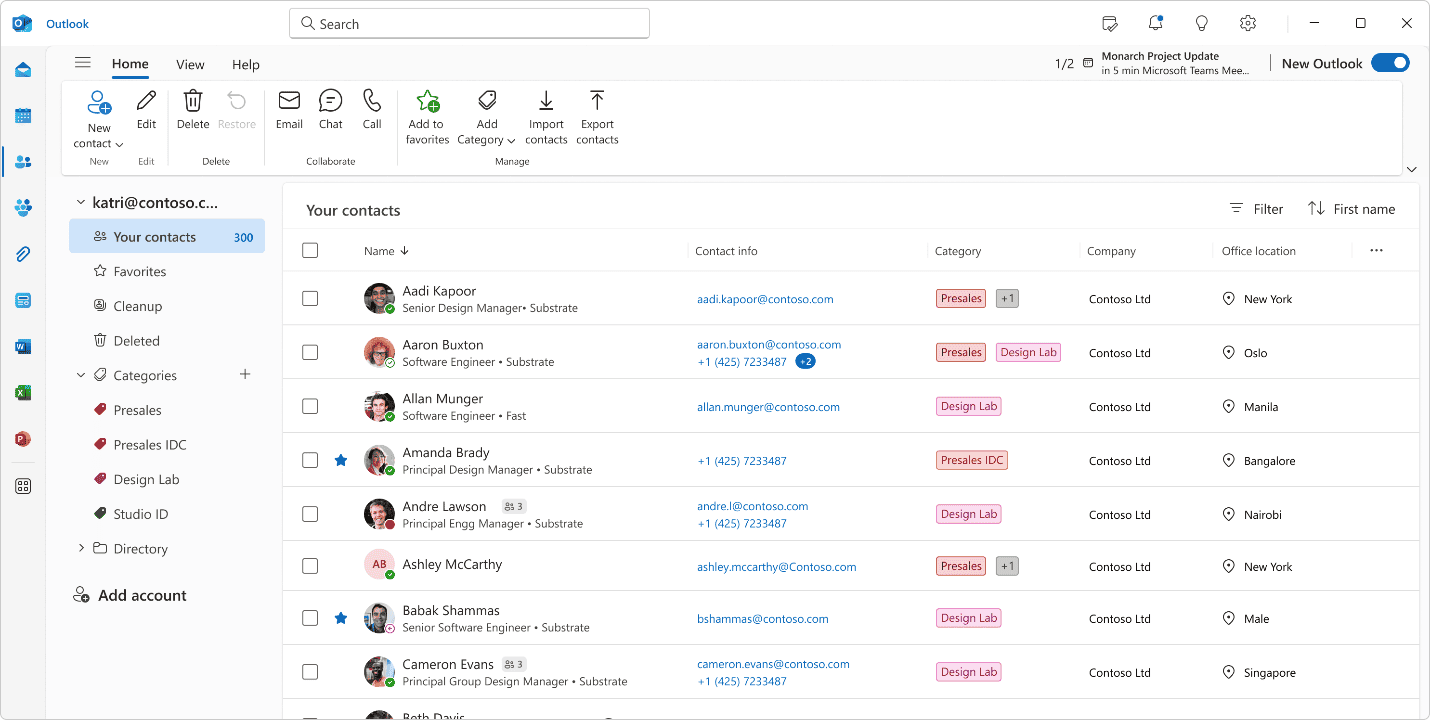
Besides search, Outlook now features a tabular multi-column layout for contacts. You can sort, filter, and scan quickly, with quick actions built in for messaging or calling. Multi-select and bulk actions simplify workflows, while color-coded categories make organization intuitive. Importing and exporting contacts is easier, and the experience is consistent across desktop, web, and Teams.
A modern, unified contact experience
Microsoft further adds that the update is fast, stable, and reliable, even for large contact lists. Every interaction is designed to feel instant, helping you spend less time managing contacts and more time collaborating.
The new People experience is available now in the New Outlook for Desktop, and rolling out for Outlook on the web for all Microsoft 365 users. Here’s how you can get started:
- Open Outlook and click the People icon on the left navigation rail.
- Start searching for anyone by name, title, location, or any keyword.
- Explore your contacts in the new table view and try out quick actions.
Do you find this new feature useful? Do let us know in the comments below.

Read our disclosure page to find out how can you help Windows Report sustain the editorial team. Read more



Improve this guide




User forum
0 messages