
Xbox Insiders Get New Startup Animations, Better Search, Voice Clarity, and 1440p Remote Play


 2 min. read
  Published on
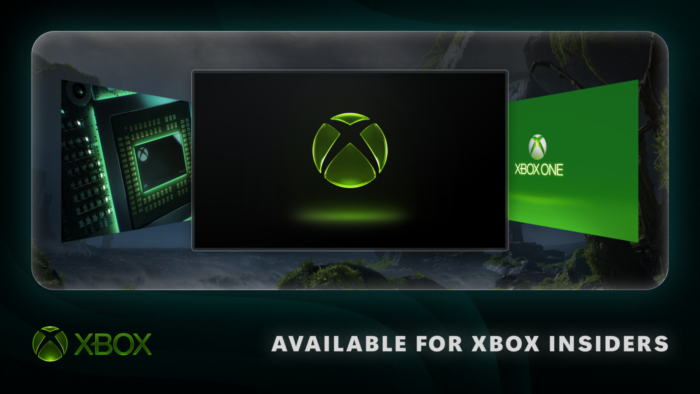
Xbox is giving Insiders bunch of features today, with new ways to customize consoles and find games faster. The latest update also brings better Remote Play, improved voice clarity, and smoother cloud gaming downloads.
More control is coming to Xbox consoles
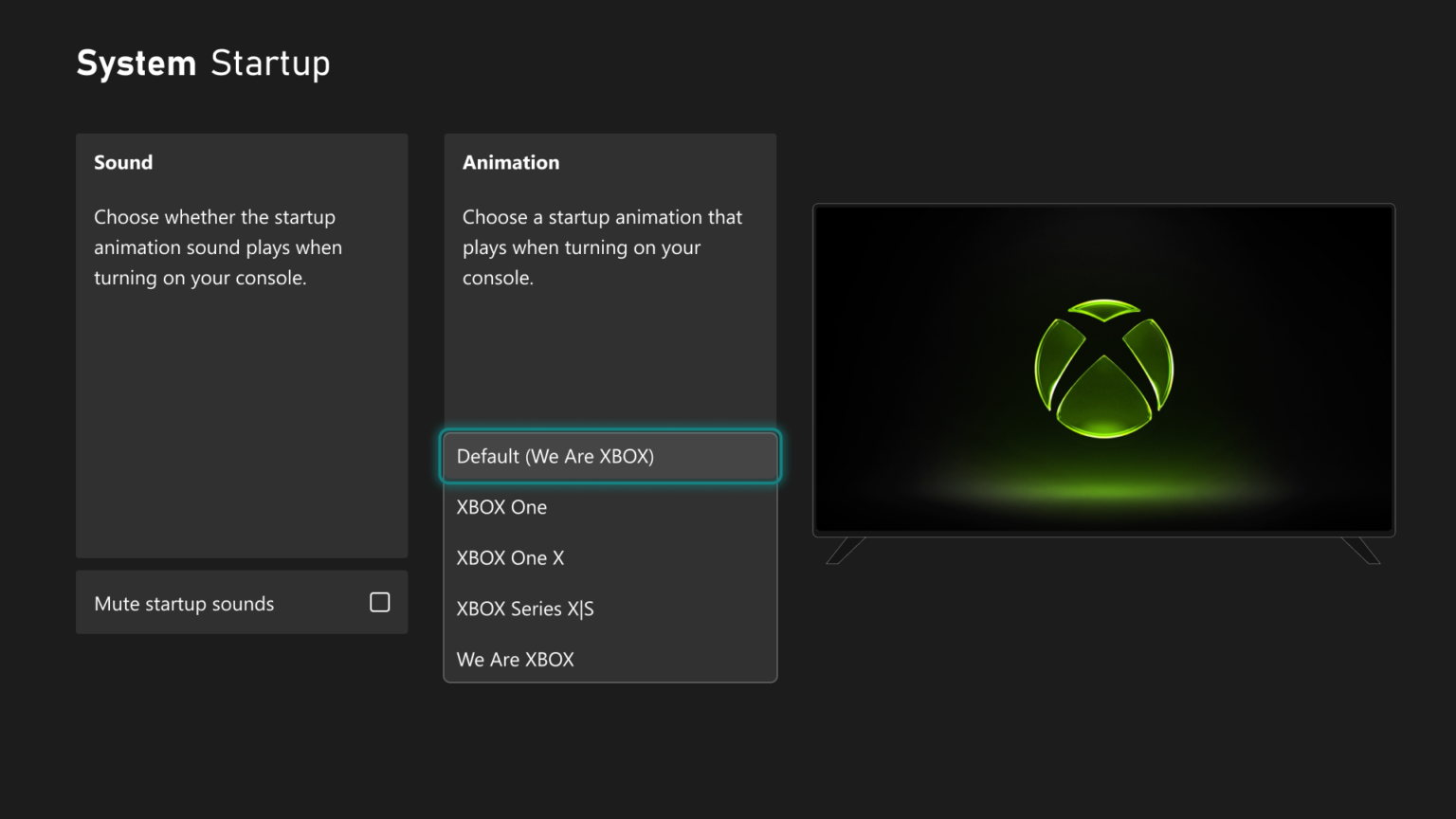
Xbox Insiders can now choose their preferred startup animation from different Xbox generations. The option is available under Settings > System > Startup, and players can also decide whether startup sounds are enabled.
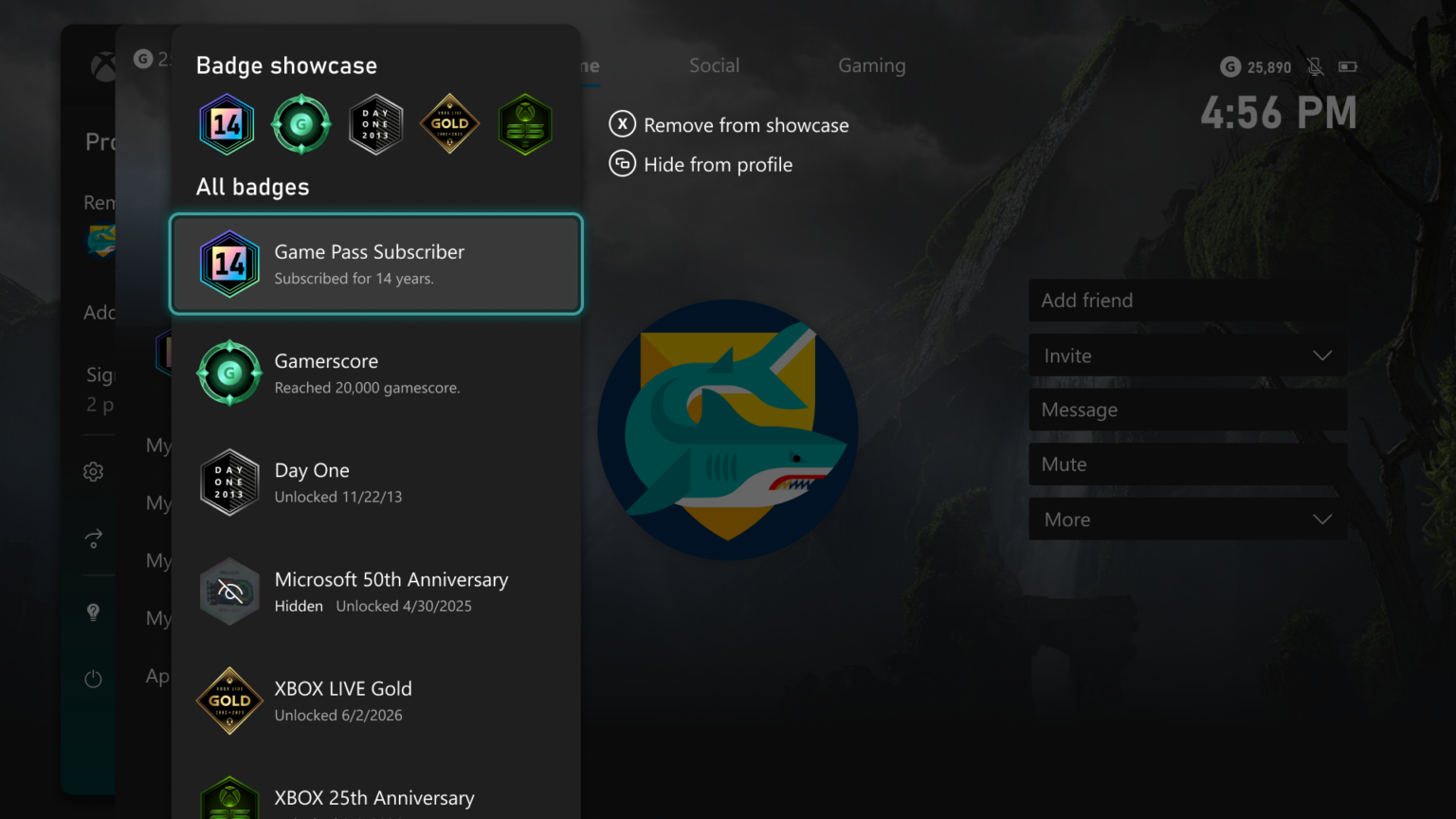
Microsoft is also expanding profile customization. Insiders can feature up to five earned badges on their profile card and hide individual badges from their public profile.
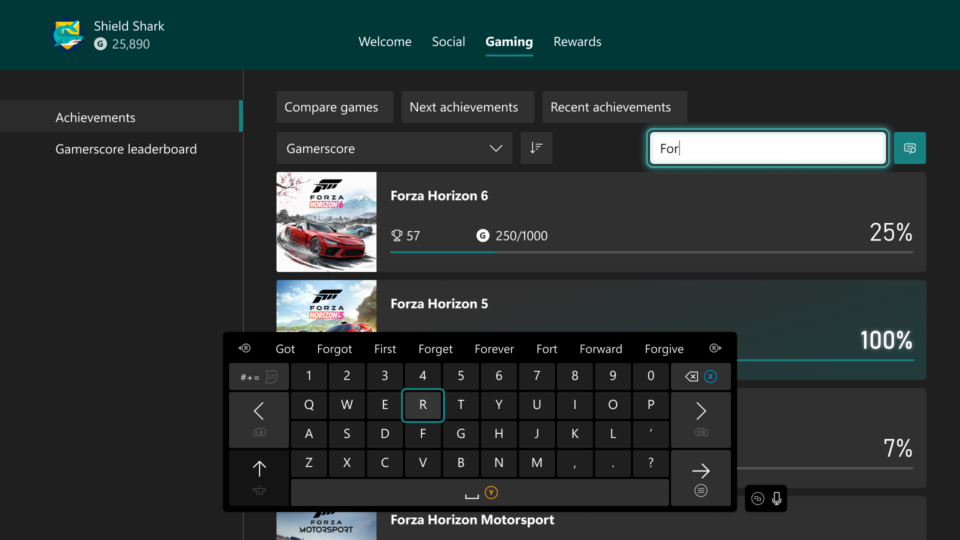
Finding specific content should also become easier. A new local search feature lets players search through games and achievements inside My games & apps, club achievement lists, and profile achievement history.
Remote Play gets a serious quality boost
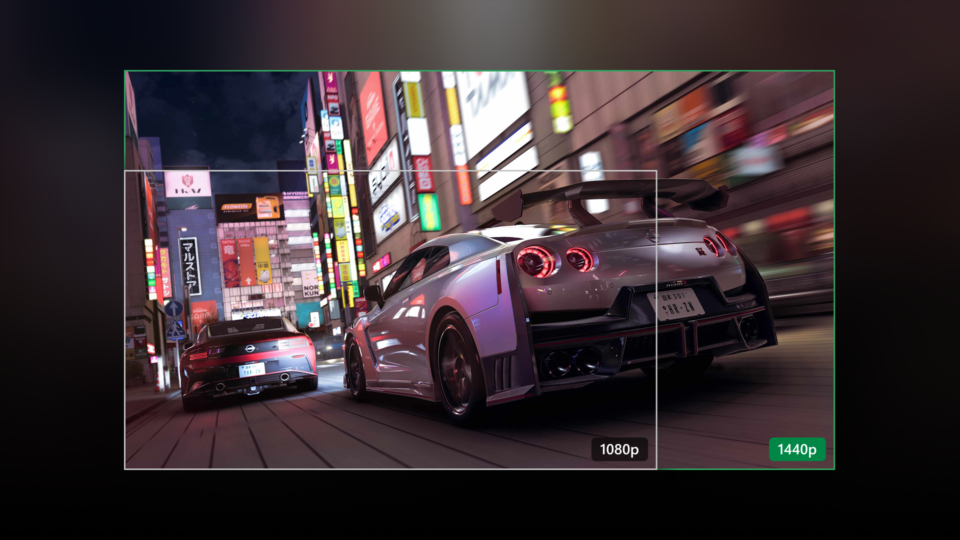
Xbox Series X|S Insiders enrolled in Alpha Skip-Ahead and Alpha can now test higher-quality Remote Play streaming. Supported devices can stream at up to 1440p, with higher video bitrates for sharper visuals and smoother gameplay.
Remote Play does not require an additional subscription, since the feature streams games directly from the Xbox console players already own. Microsoft recommends setting the console display resolution to 1440p or 4K UHD to take advantage of the improvements.
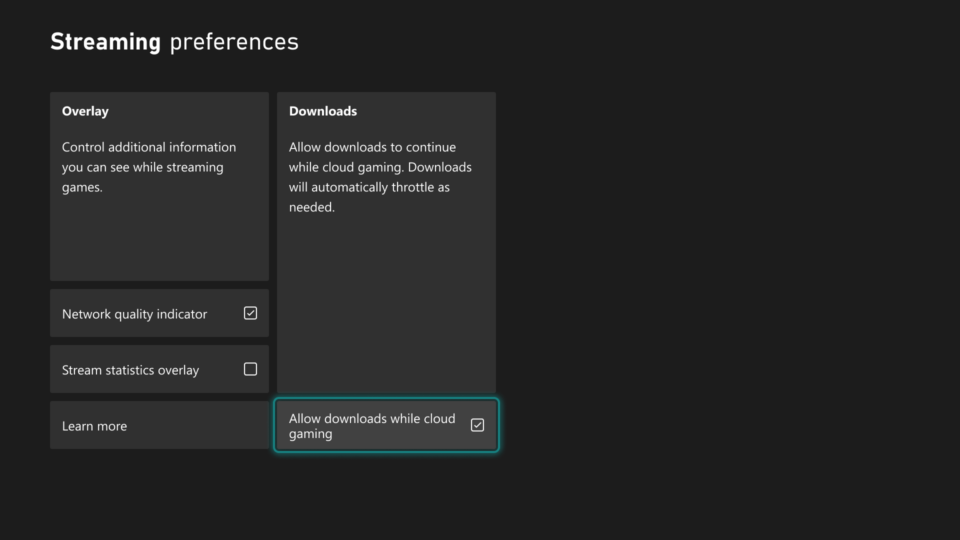
Cloud gaming is also getting a useful change. Downloads can now continue in the background while players stream, when network conditions allow it.
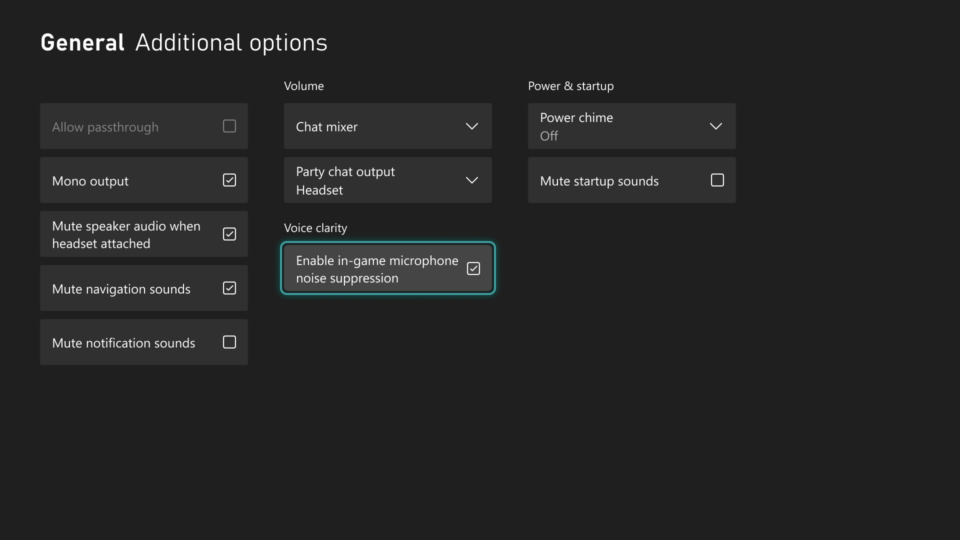
Finally, Voice Clarity is another feature arriving for Xbox Series X|S Insiders. It reduces everyday background noise during party chat and supported games, making conversations easier to hear.

Read our disclosure page to find out how can you help Windows Report sustain the editorial team. Read more



Improve this guide

User forum
0 messages