
Microsoft Retires Picture Password for New Windows 10 and 11 Users


 2 min. read
  Published on
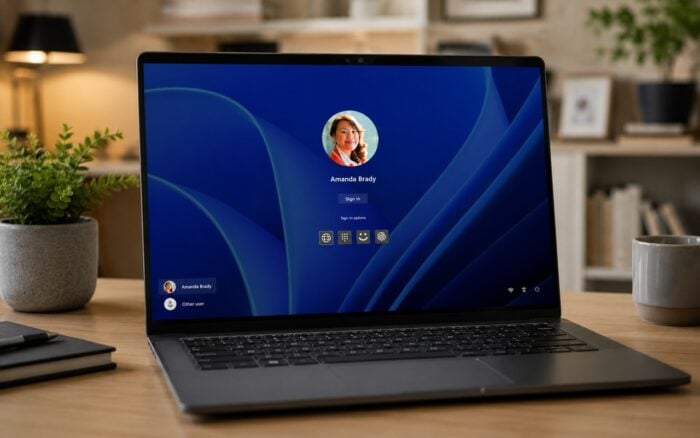
Microsoft has retired picture password as a Windows sign-in option for new Windows 10 and Windows 11 users. The company confirmed the change in the July 2026 security update covered by KB5101650.
Existing users who already configured a picture password can continue using it.
Microsoft blocks new picture password enrollments
Windows users who have never set up a picture password can no longer enable the feature.
People who already use one can continue signing in normally. However, removing or disabling an existing picture password permanently removes access to the feature.
Once users delete it, Windows will not allow them to configure another picture password.
Microsoft says the change helps improve Windows security and pushes users toward newer authentication methods.
Picture password arrived with Windows 8
Microsoft introduced picture password with Windows 8 in 2012.
The feature allowed users to select an image and unlock their PC by drawing a series of gestures, including lines, circles, and taps.
Picture password offered a different approach to signing in, but it never became as widely used as passwords, PINs, or biometric authentication. It could also feel less intuitive than entering a PIN, while offering fewer security benefits than newer Windows Hello methods.
Microsoft recommends Windows Hello
Microsoft recommends Windows Hello as the main replacement for picture password.
Users can sign in with a Windows Hello PIN, facial recognition, or fingerprint authentication when supported by their device.
Microsoft is also continuing to improve Windows Hello. A recent Release Preview build introduced better external fingerprint support.
The picture password retirement comes as Microsoft continues adjusting older Windows features while focusing development on newer options. The company recently also explained why Windows 11 will not receive additional transparency controls.
Via Neowin

Read our disclosure page to find out how can you help Windows Report sustain the editorial team. Read more



Improve this guide



User forum
0 messages