
Windows 11 Release Preview Build Improves Windows Hello and Reliability


 3 min. read
  Published on
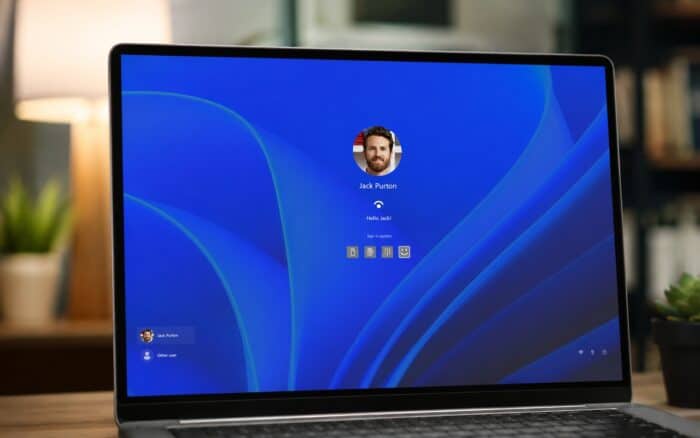
Windows 11 Insider Release Preview Build 26100.8942/26200.8942 is here, and it introduces improvements for File Explorer, Windows Search, Voice Access, and more.
Microsoft is rolling out the changes gradually, so features may reach some devices before others. Availability will vary depending on hardware, configuration, and rollout status.
Windows Hello Supports External Fingerprint Readers
Microsoft has expanded Enhanced Sign-in Security to support compatible external fingerprint readers.
The change brings more secure fingerprint authentication to desktop computers, Copilot+ PCs, and other supported Windows 11 devices. Users no longer need to rely only on fingerprint sensors built directly into their computers.
Accessibility and Input Settings Receive Updates
The Release Preview update improves how Windows remembers the selected mouse cursor size between sessions.
Microsoft has also disabled the Magnifier touch panning bars by default because they could cover content on the screen. Users can still enable the controls manually when needed.
Fluid dictation will now remain disabled by default for new users.
Power and Battery Settings Become More Reliable
Changes made within Windows power settings should now apply consistently across all available power plans.
Microsoft has also restored the option that lets users choose when Energy Saver activates automatically. Additional fixes improve how Windows saves and retains power preferences after restarts and system changes.
Windows Update Improves Progress Estimates and Cleanup
Windows Update now calculates installation progress more accurately, giving users a clearer indication of how long an update may take.
Microsoft has also improved the cleanup process that runs after installing an update. The revised logic should remove unnecessary update files more efficiently and help maintain system performance.
Taskbar, Start Menu, and Explorer Reliability Improvements
The system tray should now work more reliably on touch-enabled devices operating in tablet posture.
Microsoft has also addressed reliability problems affecting the Start menu and taskbar during startup. Explorer.exe receives additional fixes covering jump lists, sharing, Task View, and systems using multiple virtual desktops.
The update also improves the sign-in experience and Lock screen reliability, particularly on devices experiencing low available memory.
Copilot+ PCs Can Remove the Image Generation Component
Supported Copilot+ PCs can now remove the Image Generation AI component.
This gives users more control over the AI features installed on their devices and allows them to uninstall the component when they do not need local image-generation functionality.
Windows Setup Adds a Parental Controls Notice
Windows Setup now displays a parental controls notice that highlights Microsoft’s family safety features.
The notice informs users about available tools for managing screen time, content restrictions, and other protections for family accounts.
Additional Windows 11 Improvements
The Release Preview build includes several other fixes and performance updates:
- Improves system sounds when Windows uses dark mode.
- Improves time zone notifications and daylight saving time accuracy.
- Improves DHCP renewal reliability for network connections.
- Improves IPPS printer performance.
- Improves clipboard reliability in Remote Desktop and Azure Virtual Desktop sessions.
- Improves Myanmar Text and Mongolian Baiti font rendering.
Microsoft Releases Additional Insider Builds
Microsoft has also released Windows 11 Insider Beta Preview Build 26220.8925 and Experimental Preview Build 26300.8935.
These builds target users who want to test newer Windows 11 features and changes before they reach broader Release Preview or stable channels.

Read our disclosure page to find out how can you help Windows Report sustain the editorial team. Read more



Improve this guide


User forum
0 messages