
Opera’s Android Browser Just Got Updated With New AI Features


 2 min. read
  Published on
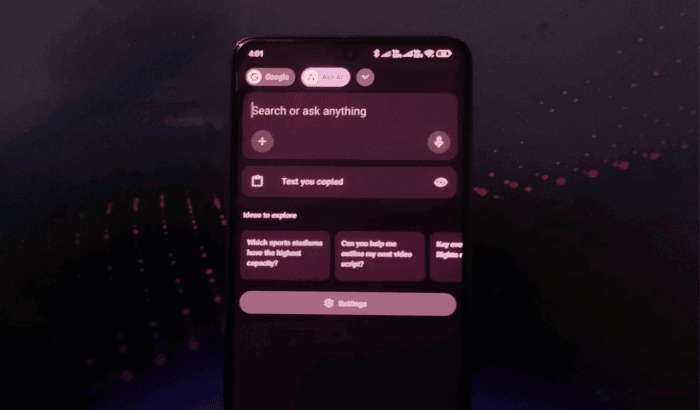
As mobile browser space is getting concentrated with new rivals and AI features these days, Opera is doing its every bit to stay popular among users. To keep up with the pace, Opera today rolled out a major update for its Android browser, and it’s all about AI. The company has introduced smarter AI tools that bring the mobile experience closer to its desktop flagship, Opera One.
Opera’s ‘Ask AI’ becomes more accessible in the latest update
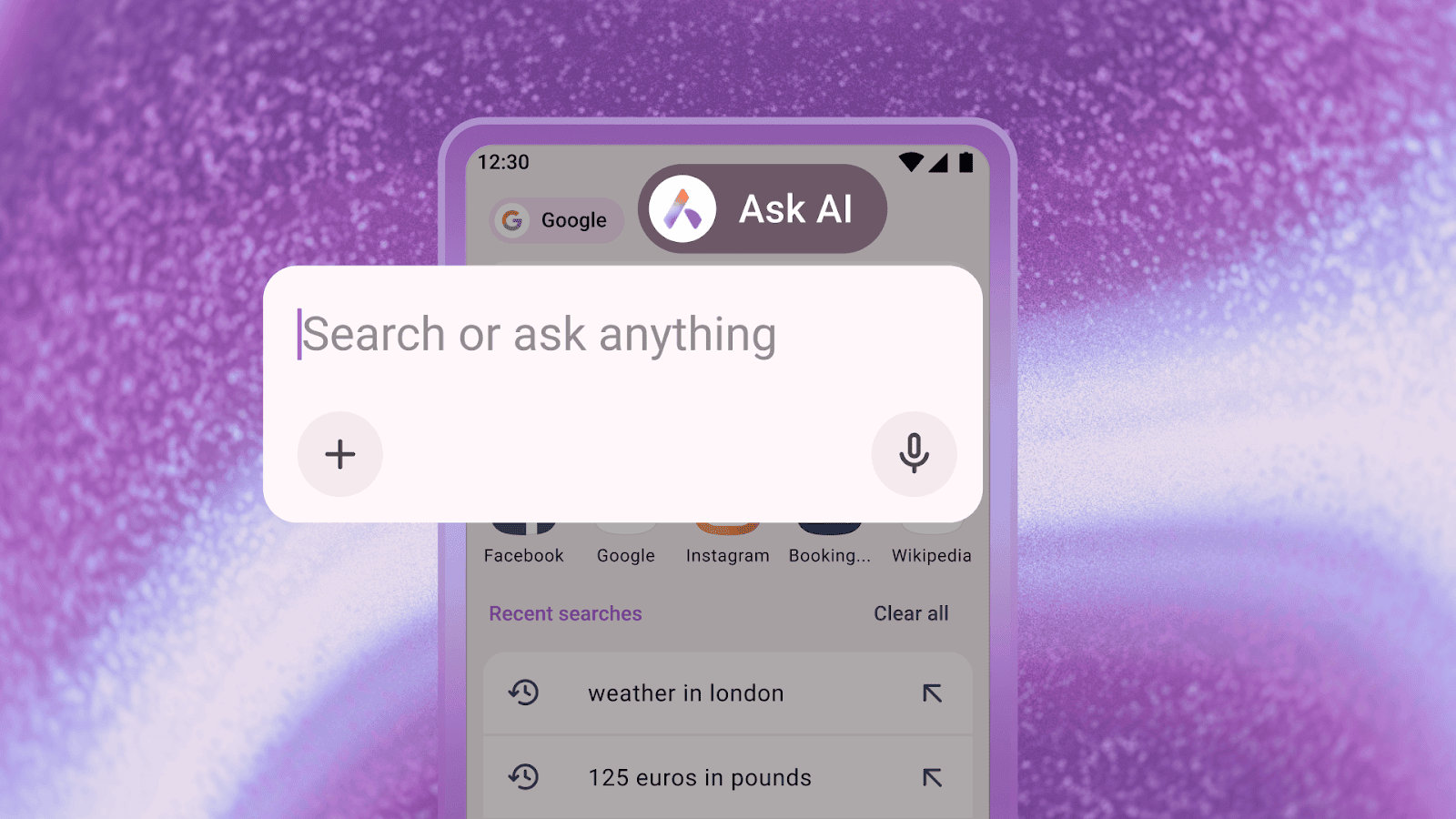
Thanks to the latest update, you can get most of the websites and images you come across while browsing on the Opera Android browser. So, what’s added in the latest update? One of the standout features is the new Ask AI access point in the search bar.
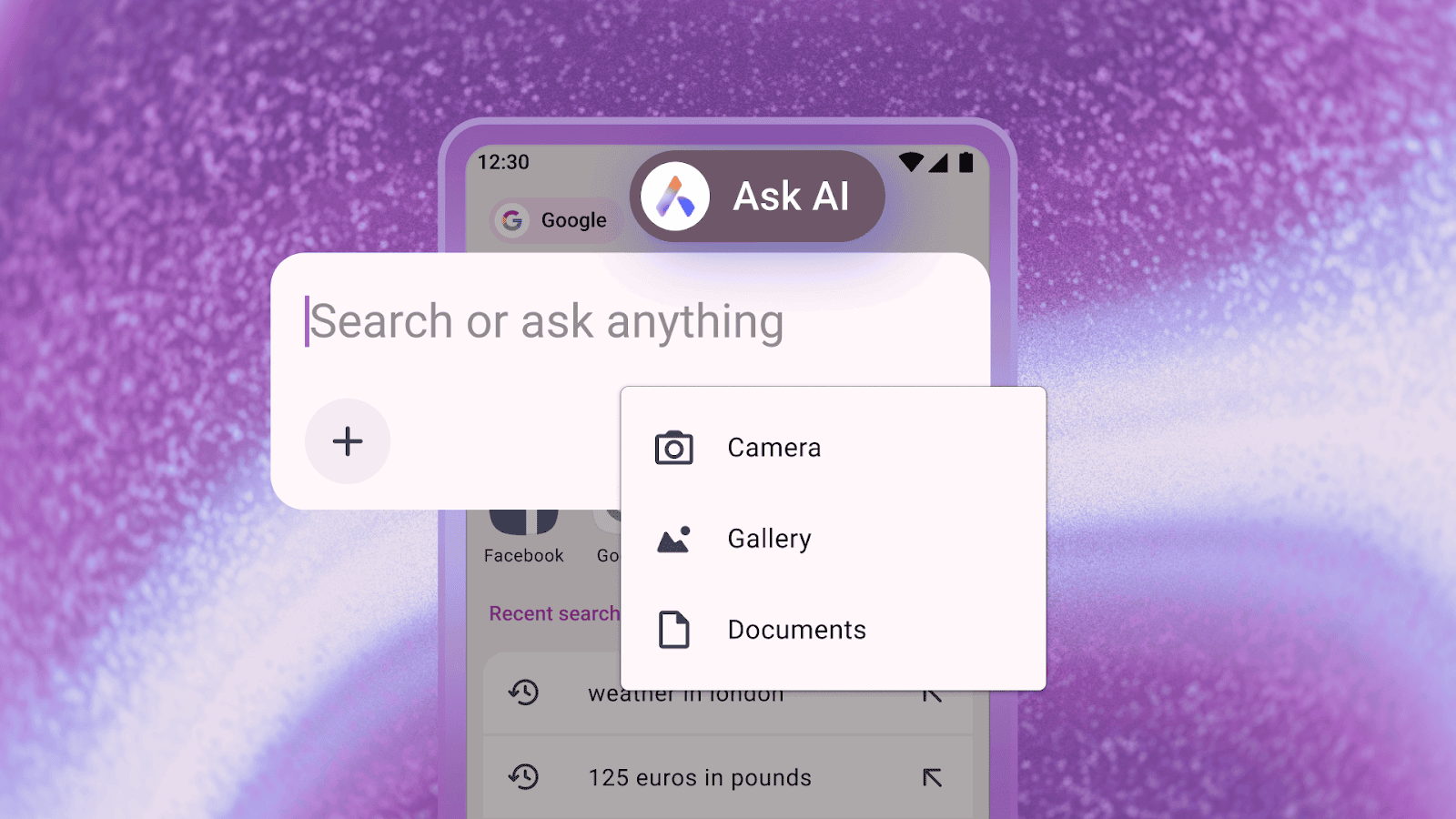
You can now easily switch between traditional search engines and AI-powered queries without leaving the current tab. The AI search bar also supports file attachments, letting users upload documents or take photos for analysis. For example, a PDF can be translated, and follow-up questions can help users understand its content without manually entering data.
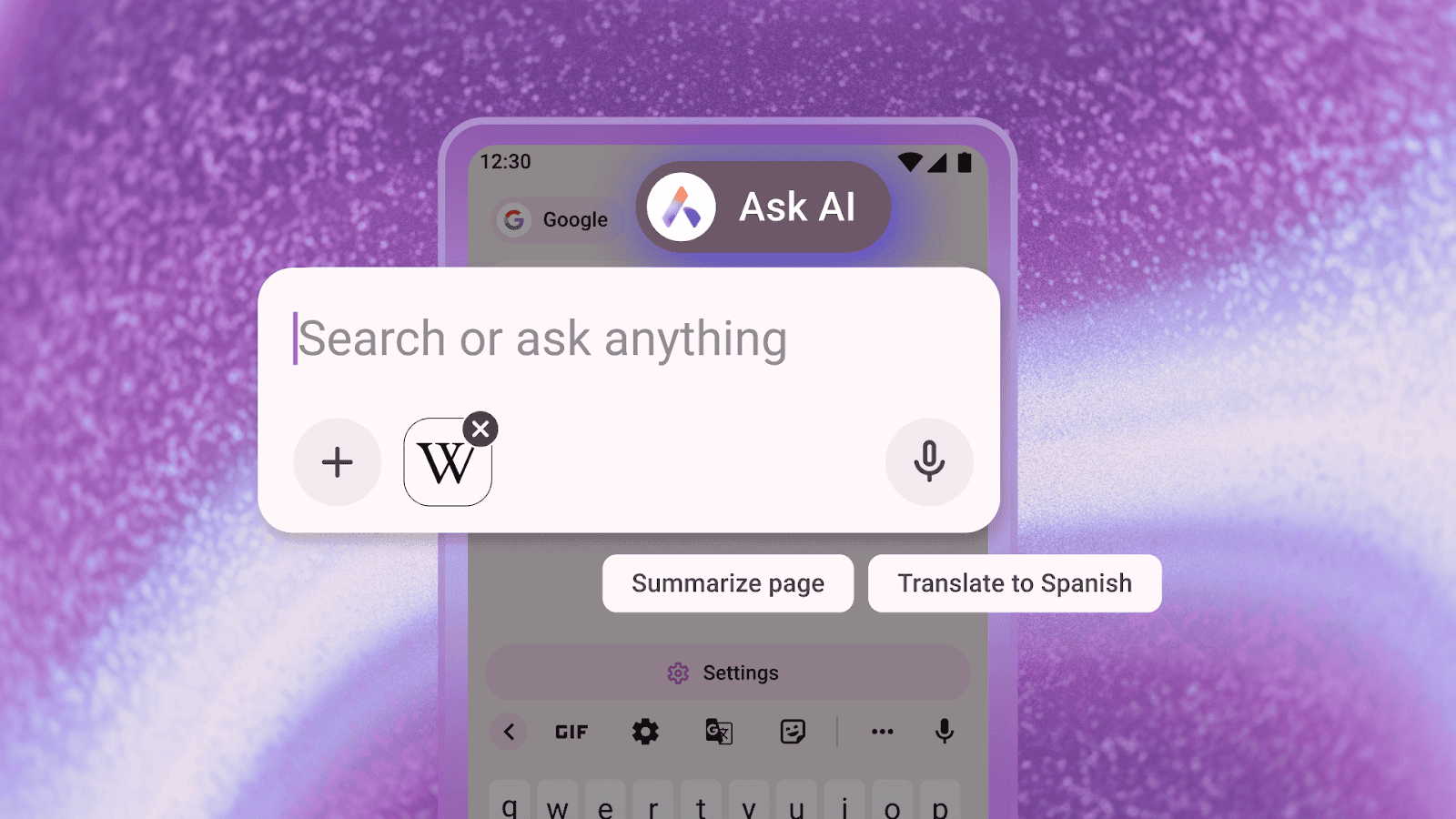
Moving on, you can also use the current browser tab as context for AI prompts. Whether you’re reading a complex article or exploring a technical topic, Opera’s AI can now process the page directly to provide explanations, summaries, or clarifications. You can use this by simply selecting “Ask AI” from the browser menu while on a webpage, and the content is automatically attached to the query.
Opera promises to keep your information safe
With features involving AI, there’s also a worry about privacy and security among users. Well, to address that, Opera assures that AI only accesses data within the selected tab. Additionally, all prompt and context information is encrypted and stored on Opera servers for up to 30 days. More importantly, Opera notes that the data is never used for AI training, advertising, or other purposes and is automatically deleted after the retention period.
You can download the updated Opera browser from the Google Play Store on your Android device.

Read our disclosure page to find out how can you help Windows Report sustain the editorial team. Read more



Improve this guide




User forum
0 messages