
Opera One Puts Gemini And Google Translate Right In The Sidebar


 2 min. read
  Published on
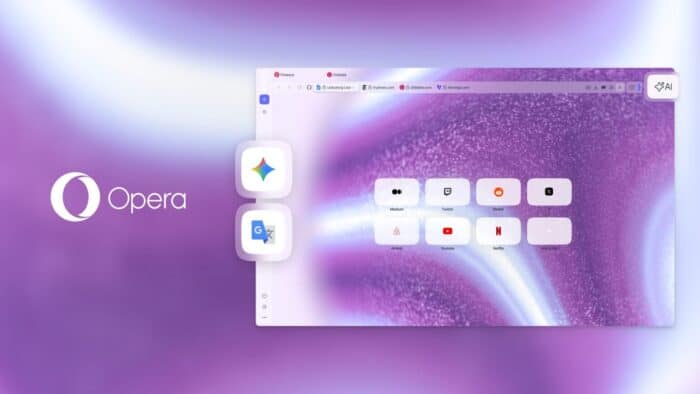
Opera just updated its flagship browser with a few new tools to help you get things done faster. The company released an update for Opera One that integrates Google Gemini and Google Translate directly into the sidebar. This means you no longer have to open new tabs or lose your place on a web page just to ask an artificial intelligence a question or translate a block of text. It keeps your most used tools just one click away while you work or browse.
Opera One puts new tools in the side panel
Google Gemini is incredibly popular, and now you can pin it right next to your active web pages. By opening the sidebar setup menu, you can add Gemini alongside the existing Opera browser AI and ChatGPT. This gives you the flexibility to switch between different models depending on what kind of answer you need.
Google Translate works the same way. If you are reading a foreign website or need to write an email in another language, you can click the Translate icon in the sidebar. This saves you from breaking your focus to open a dedicated translation website.
The update also splits the screen four different ways
Opera also brought its expanded split-screen feature out of the testing phase. Before this update, you could only snap two tabs side by side. Now, the browser lets you view up to four tabs at the same time. You can arrange them in a grid, horizontally, or vertically. You just drag and drop the tabs to create the layout you need. It is incredibly useful if you need to look at a video, a document, an AI chat, and a research page all at once.
If you like customizing how your browser looks, the update includes two new animated themes. Cybervroom gives the browser a dark cyberpunk look with matching keyboard sounds and background music. Mizumi offers a more relaxed, cozy vibe that works in both light and dark modes.


Read our disclosure page to find out how can you help Windows Report sustain the editorial team. Read more



Improve this guide




User forum
0 messages