
PowerToys Latest Update Adds Light Switch, Faster Command Palette, and More
The latest update focuses on speed, customization, and long-awaited features


 2 min. read
  Published on
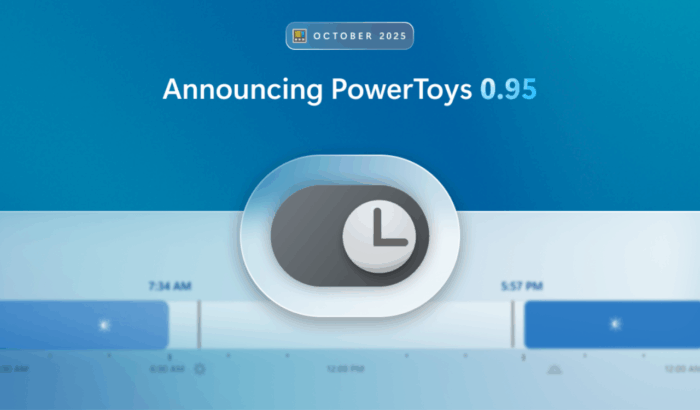
Microsoft has released PowerToys 0.95, with smoother performance, faster tools, and smarter customization. The new version focuses on speed and reliability while bringing in many highly requested features.
One of the highlights of PowerToys 0.95 is Light Switch, which Microsoft promised to add in this release. It will help you automatically switch between light and dark mode when using PowerToys.

What’s interesting is that you can schedule custom times or let it sync with your local sunrise and sunset. It even lets you choose whether to change the shell, apps, or both, and includes a handy shortcut toggle.
Moving on, PowerToys 0.95 also makes the Command Palette faster than ever. Thanks to a new fuzzy matcher and improved query handling, search times have dropped dramatically. For example, “access” now loads in 113ms, down from 633ms. Additionally, the latest update also introduces a gallery view for results and smoother animations.

Other updates include pressing Spacebar to activate Peek, transparency control in Find My Mouse, and new shortcut management options like ignoring or clearing conflicts. PowerToys 0.95 also adds support for Desired State Configuration (DSC) v3, smooth zooming in ZoomIt, and new layouts for Quick Accent.
You can download the update directly from PowerToys or the official release page and check the release notes here.

Read our disclosure page to find out how can you help Windows Report sustain the editorial team. Read more



Improve this guide




User forum
0 messages