
How to Login to Your Tumblr Account on Any Device


 3 min. read
  Published on
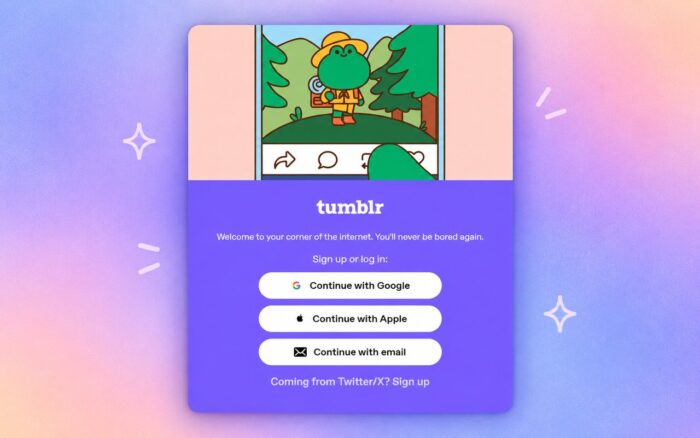
Tumblr login is usually quick, and this guide explains several ways to access your account. Whether you prefer using a web browser or the Tumblr mobile app, you can follow these simple steps to sign in securely and get back to your blogs, messages, and followed accounts.
How do I log in to Tumblr?
1. Sign in through a browser
Before signing in, make sure you are using the official Tumblr website and have your account credentials ready.
- Open the official Tumblr website: Tumblr
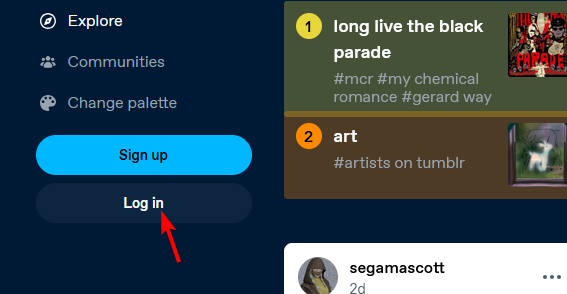
- Select Log in from the homepage.
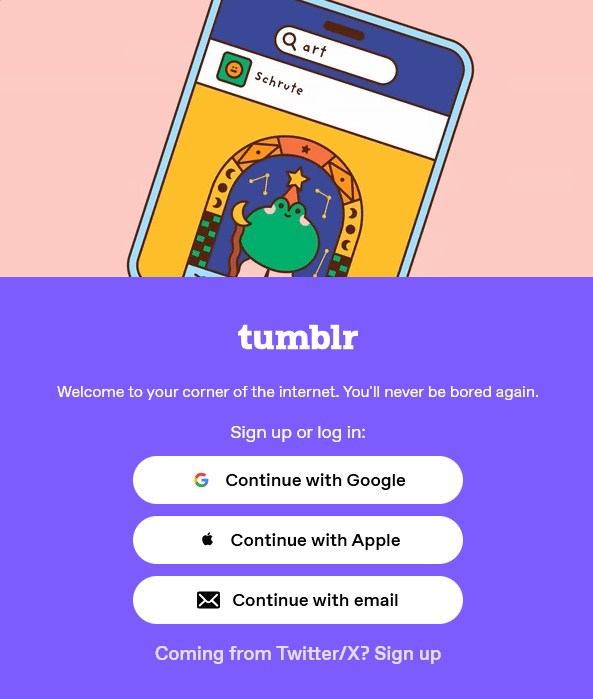
- Enter your Tumblr email address or choose another available sign-in method.
- Enter your password and continue.
- Complete any security check if Tumblr requests one.
If you created your account using Google or Apple, use that same option when signing in. Using another method may open a different Tumblr account.
2. Tumblr login on iPhone and Android
If you prefer the mobile app, you can sign in following these steps:
- Install the official Tumblr app on your iPhone or Android device.
- Open the app and select Log in.
- Choose your preferred sign-in method.
- Enter the requested account details.
- After signing in, your blogs and followed accounts should appear.
If Tumblr Login Is Not Working
A failed login does not always mean your account disappeared. Start by checking your email address and password carefully.
If you forgot the password, use Tumblr’s account recovery option. Check your inbox and spam folder for recovery messages.
Browser problems can also interfere with sign-in, and sometimes Tumblr might not work with a VPN. You can also try a private window, clear cached site data, or switch browsers.
On mobile, updating the Tumblr app may help. Restarting the phone can also clear temporary problems affecting authentication.
Now you know how to properly sign in to Tumblr. Now that you managed to log in, check our guides on how to mass edit posts or how to turn off Safe Mode in Tumblr.
FAQs regarding Tumblr login
1. Can I log into Tumblr without my password?
You may use an available alternative sign-in method. Otherwise, password recovery is usually required.
2. Why does Tumblr keep rejecting my login?
Check your credentials first. Then try another browser or reset your password.
2. Can I use Tumblr on a phone browser?
Yes. Open Tumblr through a mobile browser and use the website’s login option.
4. What if I forgot my Tumblr email?
Try previous email addresses associated with the account. Account recovery may also help identify the correct credentials.
The quickest route is usually the official Tumblr website or app. If login problems continue, account recovery should be your next move.

Read our disclosure page to find out how can you help Windows Report sustain the editorial team. Read more



Improve this guide




User forum
0 messages