
Vmake.ai Review: The AI Video Platform Promising to Transform Agency Workflows


 6 min. read
  Published on
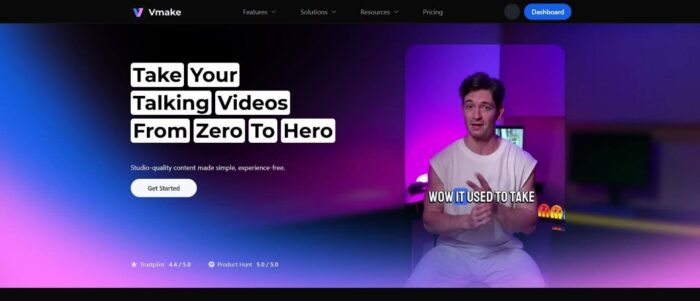
If you have ever spent hours manually masking a subject in a video frame by frame, or trying to clone-stamp a logo out of a moving shot, you know the pain of “fixing it in post.” Video editing has long been a trade-off: you can either have it done fast, or you can have it done right.
But the gap between “fast” and “quality” is closing. Tools like Vmake.ai are popping up with a promise that sounds almost too good to be true for the weary editor: automated, professional-grade video cleanup and generation. It’s not just about slapping a filter on a clip; it’s about reconstructing pixels and understanding video depth.
I spent some time with Vmake to see if it’s actually a viable tool for professional workflows or just another gimmicky app. Here is a breakdown of what the platform offers, specifically looking at its new “Agent” capabilities and its core cleanup tools.
Vmake.ai: The All-in-One Video Suite
Best For: Online sellers, agencies, and video makers who need more output without hiring a big editing crew.
Available: Web and mobile apps.
Rating: Highly rated
Description: Vmake is a complete video editor and video enhancer tool, built to help you produce a large volume of work. In plain English, that means it helps you make more videos in less time. While many tools focus on just one thing—like generating captions or cutting silence—Vmake combines generation with heavy-duty restoration.
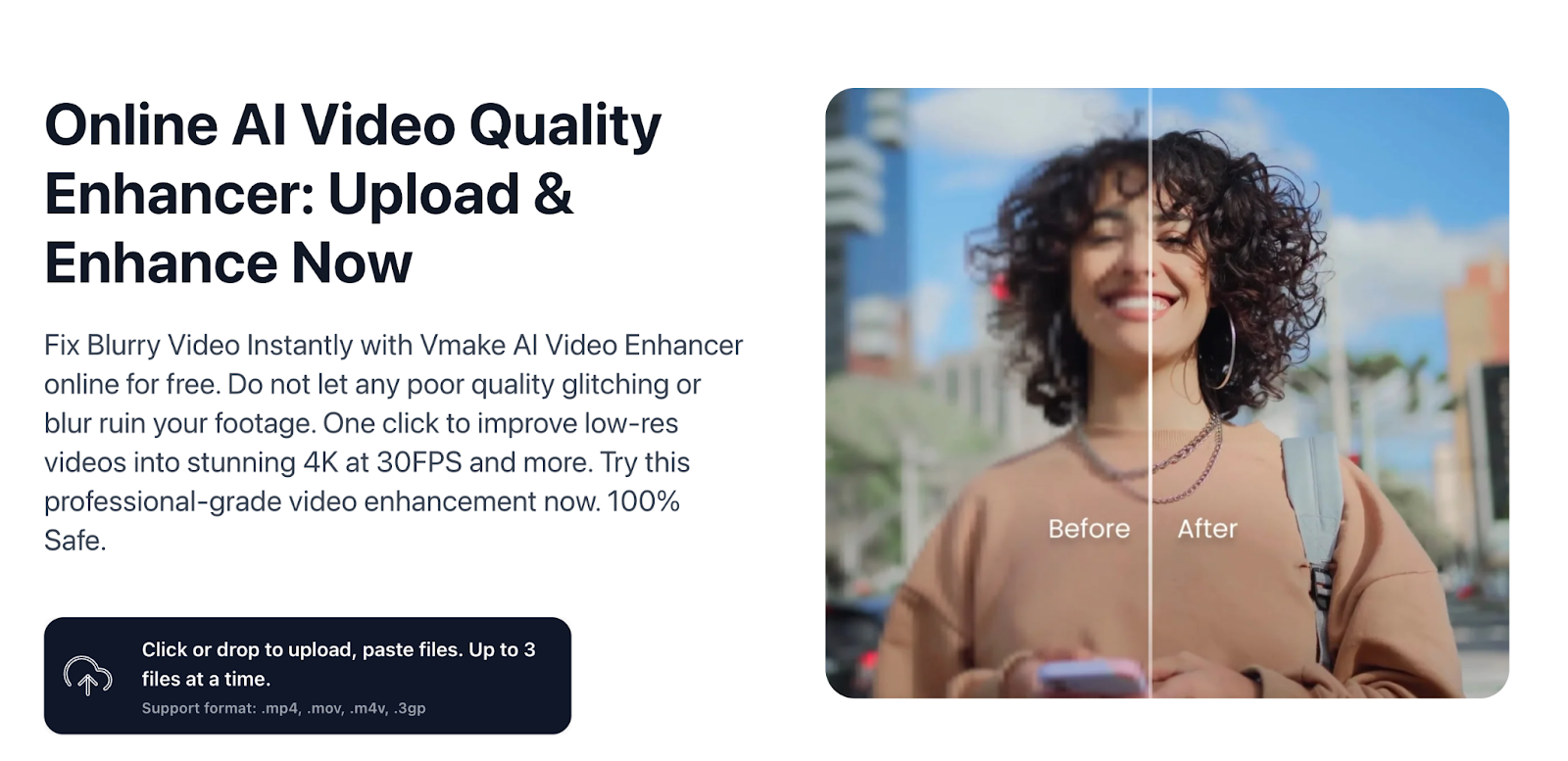
The platform is split into two main sides: Editing/Restoration (removing things, enhancing quality, upscaling) and Generation (creating videos from scratch using the Vmake Agent). What makes it interesting is the focus on commercial utility. It isn’t just making weird AI art; it’s making product videos, ads, and clean social clips that are actually usable.
The browser layout requires no manual to navigate. Simply upload your file and select a tool. The only real question is if the final footage holds up.
Tool Review: Vmake Agent
The most intriguing addition to the platform is the Vmake Agent. This isn’t just a standard “text-to-video” prompt box. The Agent is designed to function almost like a junior video producer. You can feed it a static product photo, a link, or just a rough idea, and it attempts to build a high-converting User Generated Content (UGC) style video.
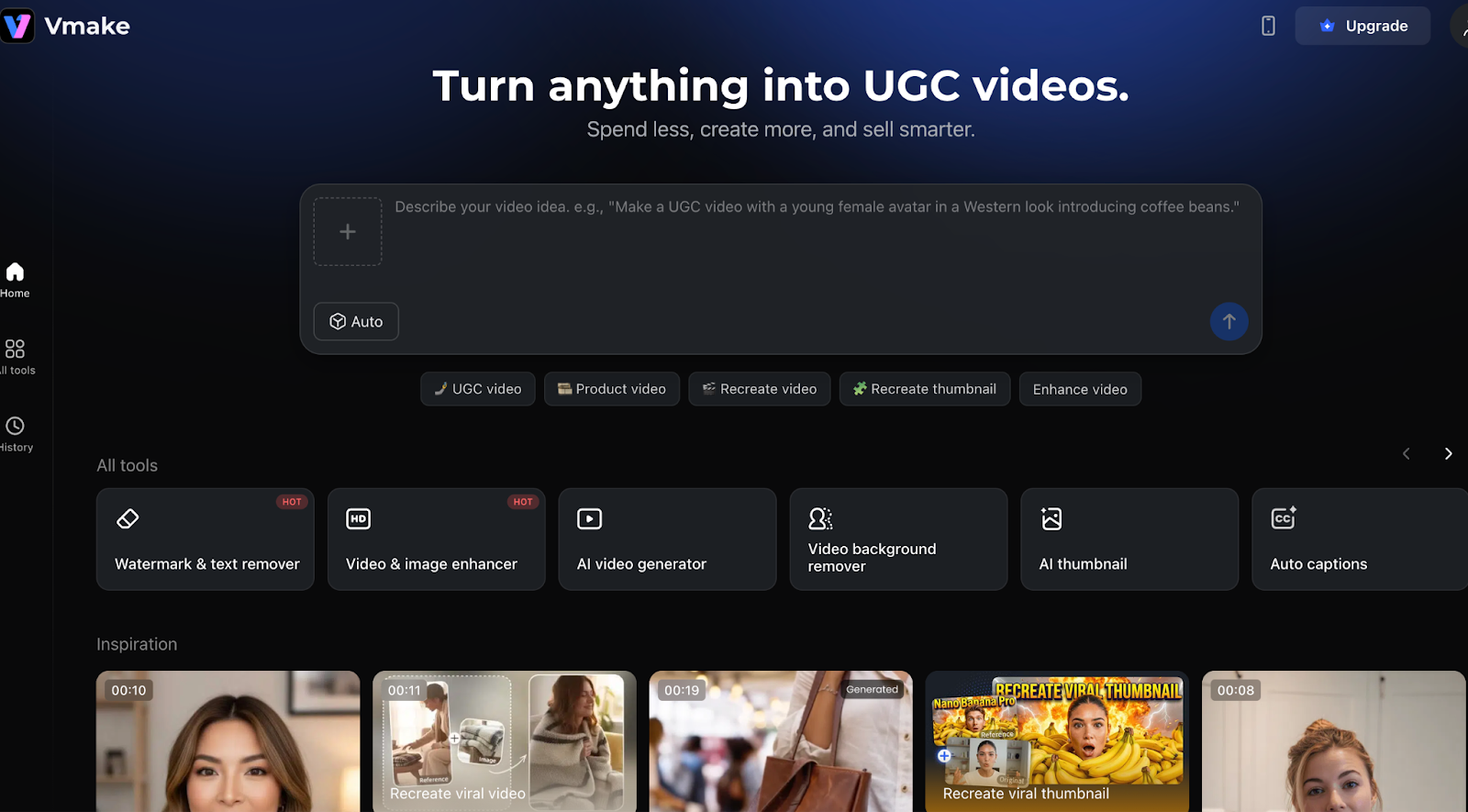
For e-commerce sellers, this is a massive time-saver. Instead of hiring an actor to hold your product and talk about it, the Agent can animate your product images and generate a script and voiceover that sounds surprisingly natural. It’s still in Beta, so expect some hiccups, but the ability to turn a flat URL into a dynamic video asset is powerful. It bridges the gap between having a product page and having a TikTok presence.
How to Use Vmake Agent:
- Select Input: Choose whether you are starting with a product image, a URL, or a text prompt.
- Customize: Set your target aspect ratio (usually 9:16 for mobile) and tone.
- Generate: The Agent processes the inputs and delivers a video complete with motion and audio.
- Refine: You can tweak the output, though the goal is “one-click” readiness.
Tool Review: Vmake’s Video Watermark Remover
This is the bread and butter of the platform. We have all had that moment where we lost the original project file and are stuck with a low-res export containing a timestamp or a “Draft” overlay. Vmake’s video watermark remover uses a process called “smart inpainting.” Older tools just leave a blurry smudge on the screen. This software scans neighboring frames to fill the gap with matching texture.
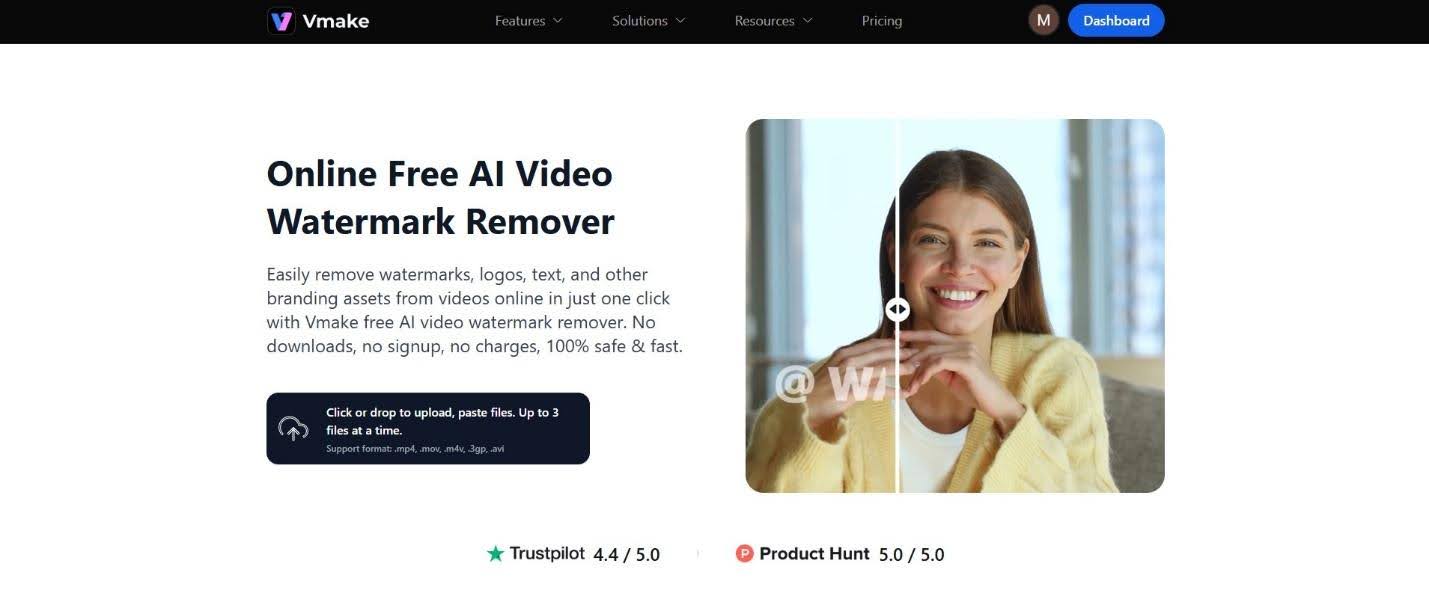
In my testing, it handled static logos on complex backgrounds surprisingly well. Moving watermarks are trickier, but the AI tracking manages to keep up most of the time without the “jittery” artifacting you often see in free tools.
How to Remove Watermarks Using Vmake:
- Upload: Drag your video file into the specific Watermark Remover tool on the dashboard.
- Select: Paint over the watermark with the brush. You do not need to be exact; just cover the spot.
- Process: Hit the remove button. The AI analyzes the clip.
- Download: Preview the result to ensure no ghosting occurred, then export your clean video.
Tool Review: Vmake’s Video Background Remover
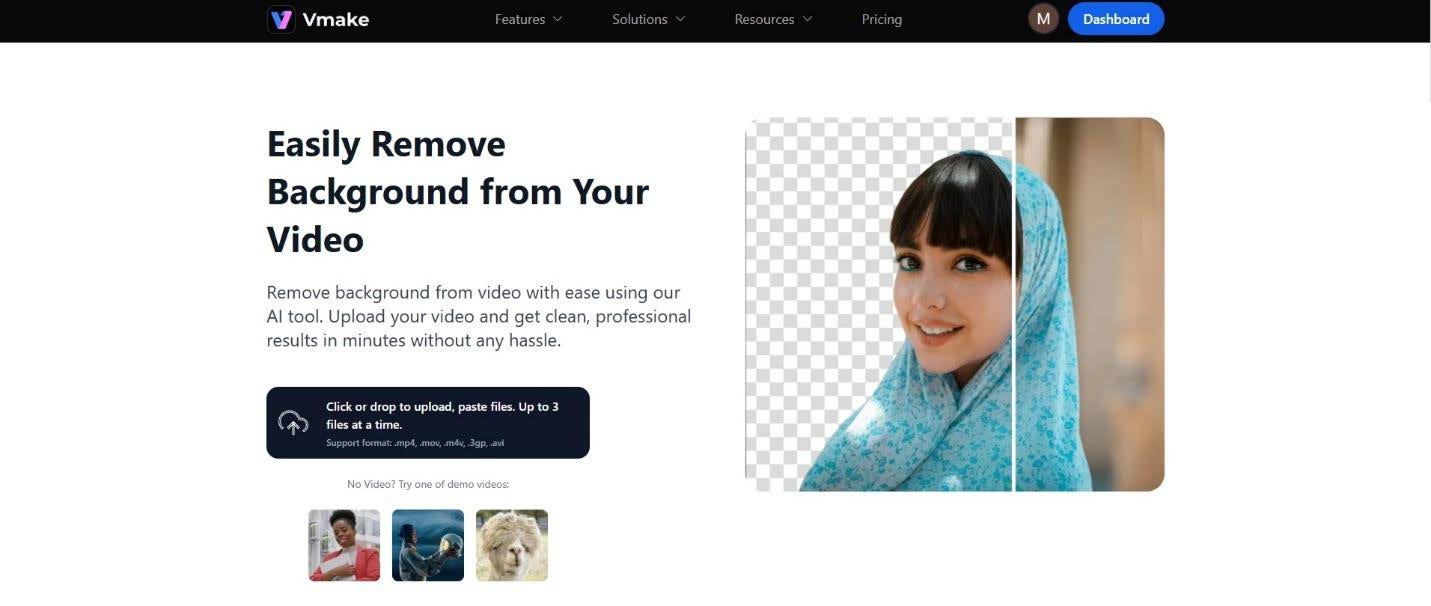
Green screens are great, but setting them up is a hassle. Vmake offers a video background remover that claims to work without a chroma key. This is huge for product demos or talking-head videos filmed in a messy bedroom or a busy office.
The software cuts your subject out of the frame. You get a fully transparent background instantly. Fill the space with any color, photo, or video clip you want. The edge detection is the critical part here. Hair is usually the nightmare scenario for these tools. Vmake does a respectable job of keeping hair strands visible rather than giving you that “helmet hair” look, though extremely low-contrast lighting can still confuse it.
How to Remove Backgrounds Using Vmake:
- Import: Upload your footage. It works best with a clear subject.
- Toggle: Switch on the “Remove Background” feature.
- Edit: The background vanishes instantly. You can then choose a new backdrop from the sidebar or upload your own environment.
- Export: Save the video. It renders the subject composited onto the new background automatically.
Pros and Cons
Pros
- Speed: It handles complex edits instantly, saving the long wait typical of pro software.
- Commercial Focus: The output is designed for ads and social media, not just artistic experimentation.
- No “Blur” Effect: The restoration tools actually reconstruct data rather than just hiding it.
- All-in-One: Combining cleanup and creation tools in one place is cheaper than buying separate apps.
Cons
- Resolution Limits: Free tiers cap your visual quality, but it’s good enough for a one-time video.
- Beta Quirks: The automation tool is a little experimental and adds cute quirks to your video.
Conclusion
Vmake.ai feels like a serious contender in the AI editing space. It moves beyond the novelty phase of AI and offers practical, “boring” utility that solves real headaches for editors. Whether you need a reliable video background remover to clean up a product shot or an intelligent agent to generate ad variations, Vmake provides a robust toolkit that is easy to pick up but powerful enough to keep in your workflow.


Read our disclosure page to find out how can you help Windows Report sustain the editorial team. Read more



Improve this guide




User forum
0 messages