
Windows 11 (26H1) Experimental Build Adds New Start Menu Options


 3 min. read
  Published on
Microsoft has released Windows 11 Insider Experimental (26H1) Preview Build 28120.3302, introducing more Start menu customization options, individual privacy controls for desktop apps, and several Magnifier improvements.
The update also brings changes to File Explorer, recovery settings, and Unicode support, although Microsoft has confirmed a known issue with Recall.
Windows 11 Start menu gets more customization options
Microsoft is giving users more control over the Start menu’s appearance and layout.
The update introduces several customization options:
- Start menu size: Choose between Small, Large, and Automatic layouts.
- Profile visibility: Hide your name and profile picture from the Start menu.
- Section visibility: Show or hide the Pinned, Recent, and All sections independently.
- Recent section: Microsoft has renamed the Recommended section to Recent.
Microsoft has also redesigned the Start settings page, adding separate toggles for each section instead of grouping several options together.
Windows 11 adds individual privacy controls for desktop apps
Windows 11 now offers more granular privacy controls for traditional desktop applications.
Users can grant or deny access to the camera, microphone, and location for individual desktop apps, rather than relying on device-wide permission settings.
Applications that have never accessed these resources will request permission the first time they attempt to use them.
Microsoft will preserve existing permissions, meaning applications that already have access or face restrictions will retain those settings.
Windows Magnifier gets multi-monitor improvements
Microsoft is also improving Magnifier for users who work with multiple displays.
The tool now supports independent zoom levels for each monitor, allowing users to magnify one screen without changing the zoom level on another.
Windows enables this behavior by default for extended displays, although users can return to the previous zoom behavior.
A new Viewport Locking feature keeps the magnified view stationary while users interact with another monitor.
Microsoft has also introduced a contrast theme toggle that reduces screen glare without altering the original colors of photos, videos, and charts.
Other Windows 11 changes and known issues
Build 28120.3302 includes several additional improvements.
- Recovery: Microsoft has added a Cloud Rebuild option under Settings > System > Recovery.
- File Explorer: Thumbnails in the Recommended section of the Home page now appear sharper.
- Unicode 17.0: Windows gains text shaping support for 4,803 additional characters, including four newly encoded scripts: Beria Erfe, Sidetic, Tai Yo, and Tolong Siki.
The Unicode improvements also appeared in the recent Windows 11 Insider Beta (26H1) build.
However, Microsoft has identified a known issue affecting Recall on some Copilot+ PCs. After a clean installation of this build, Recall may disappear or fail to launch.
Microsoft is working on a fix but has not announced when it will arrive.
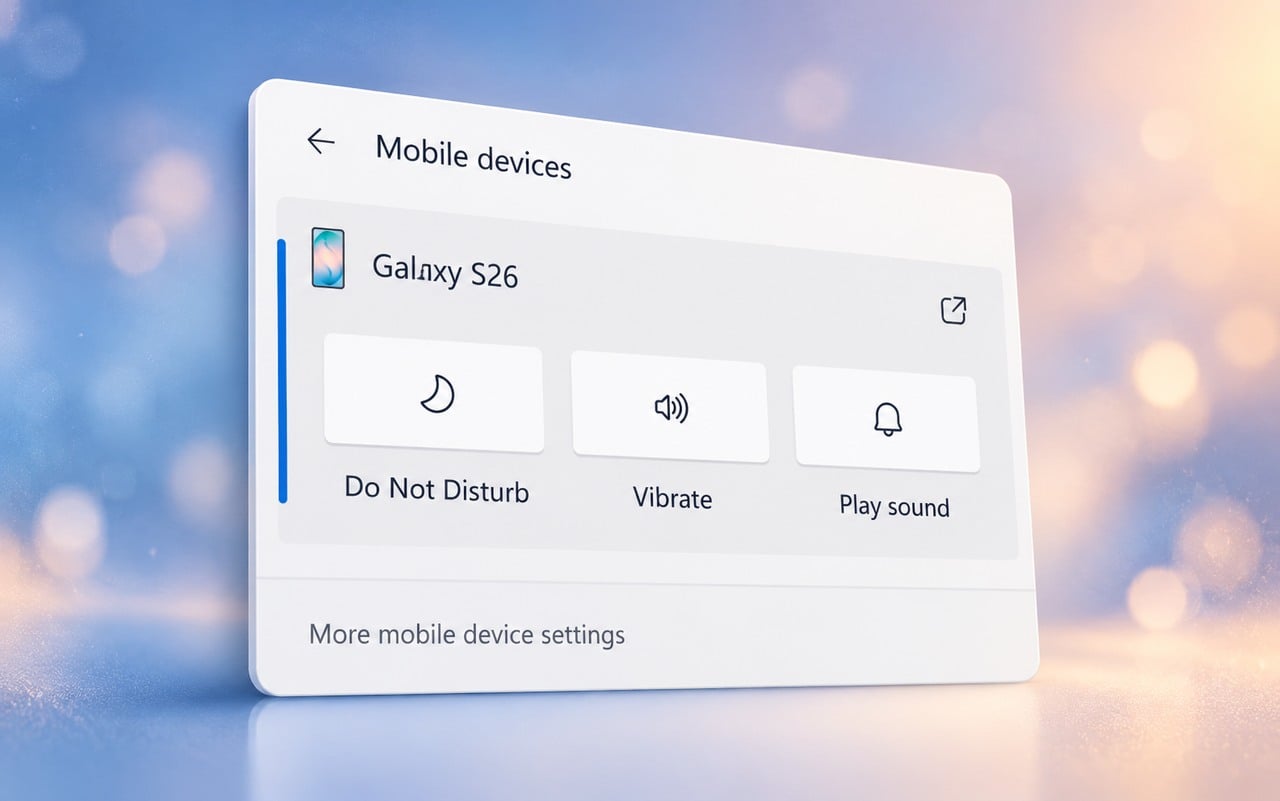
Meanwhile, Windows 11 25H2 users have also received updates through the Insider Experimental build and Insider Beta build, introducing new phone controls, an internet speed test, and File Explorer context menu customization.

Read our disclosure page to find out how can you help Windows Report sustain the editorial team. Read more



Improve this guide
User forum
0 messages