
Windows 11 List Style Taskbar Previews Spotted Alongside Phone Controls


 2 min. read
  Published on
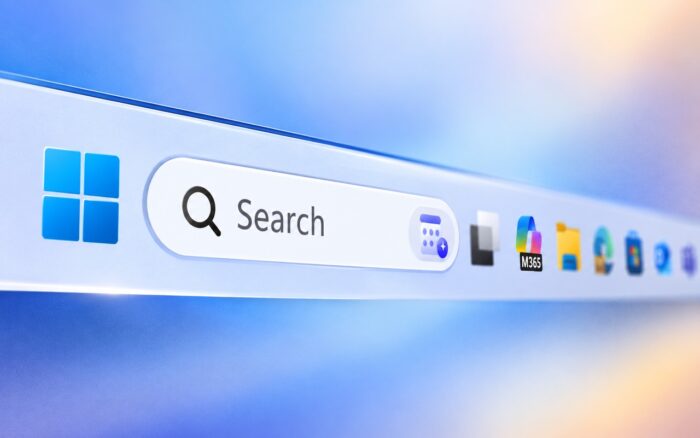
Windows 11 taskbar list previews could soon give users a more compact way to switch between open windows, while Microsoft is also testing new phone controls in Quick Settings.
Microsoft is testing a new “Show taskbar previews as” option that lets users replace thumbnail previews with a compact list of window titles, as spotted by Windows Latest.
Windows 11 could replace taskbar thumbnails with a list
The new setting appears under Settings > Personalization > Taskbar, where users can choose how Windows 11 displays previews for open windows.
Thumbnail remains the default option, while List replaces visual previews with window titles.
The list view could make it easier to identify windows when users have several instances of the same app open. It also takes up less screen space than thumbnail previews.
There is also a privacy benefit. Since list mode does not display the contents of open windows, sensitive information is less likely to appear while presenting or sharing a screen.
Mobile devices controls are coming to Quick Settings
Microsoft is also testing a new Mobile devices tile in Windows 11 Quick Settings, giving users direct access to linked phone controls without opening Phone Link.
From Quick Settings, users can enable Do Not Disturb, control the phone’s ringer, or play a sound to locate the device.
The panel also includes shortcuts for linked devices and device settings, along with an Add device option if no phone is connected.
Windows 11 lets users choose between Android and iPhone during setup, although the new phone controls were only tested with Android in the report.
Microsoft has been expanding Phone Link in other areas as well. The company is also working on a feature that could let Phone Link shut down your Windows 11 PC.
Both features remain hidden in Experimental builds
Both additions are currently hidden in Windows 11 Experimental builds 26340.9577 and 26340.9596, and Microsoft did not mention them in its release notes.
The taskbar list option can currently be enabled through ViveTool using feature ID 62932453, while the Mobile devices tile uses feature ID 62103454.
Since Microsoft is still testing both features, the company could change or remove them before making them broadly available.
In other Windows 11 news, Microsoft finally brought remote PC connections to the Windows App.

Read our disclosure page to find out how can you help Windows Report sustain the editorial team. Read more



Improve this guide




User forum
0 messages