
Windows 11 may soon get AI-powered dynamic wallpapers
Early signs of smarter wallpaper settings


 2 min. read
  Published on
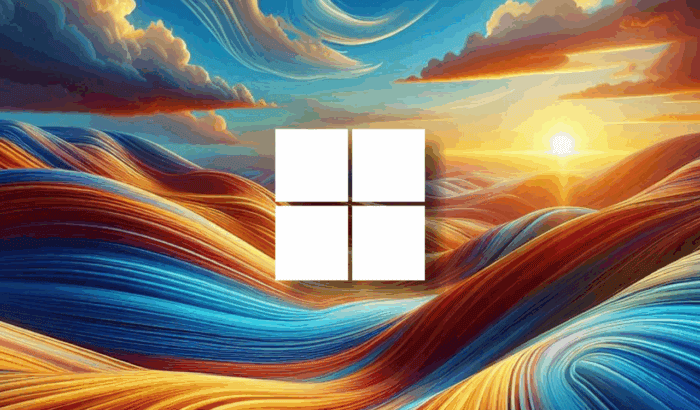
Microsoft’s been experimenting again, this time with AI-powered dynamic wallpapers that update based on your selections. Buried in recent Windows 11 Insider Preview builds are hidden references to something called Dynamic background.
It was first spotted by Windows enthusiast @phantomofearth on X. It’s not active yet, but the system strings suggest a feature that could automatically change your wallpaper based on things you select, or maybe even how you use your PC.
One of the hidden prompts reads, “Your background will automatically update based on your selections.” While it’s still unclear what those selections might be, mood, time of day, or something more behavior-based, it points toward a smarter, more personalized background system.
This isn’t the first time Microsoft has played around with animated or adaptive wallpapers. Back in 2023, reports suggested hints at Depth effects, Parallax Background, and WallpaperMotion. But those were never easy to activate and haven’t made their way into public builds.
Now, with Windows leaning harder into AI across the board, like Copilot Vision and context-aware recommendations, it makes sense that your desktop might eventually reflect your digital habits or preferences.
For now, it’s all dormant code and strings. There’s no toggle in Settings, no preview, and no confirmed rollout timeline. But the clues suggest Microsoft isn’t done with the idea just yet.

Read our disclosure page to find out how can you help Windows Report sustain the editorial team. Read more



Improve this guide


User forum
0 messages