
Windows 11 Update Overhaul Spotted With New Pause Options
New calendar option lets users delay updates until a specific date


 2 min. read
  Published on
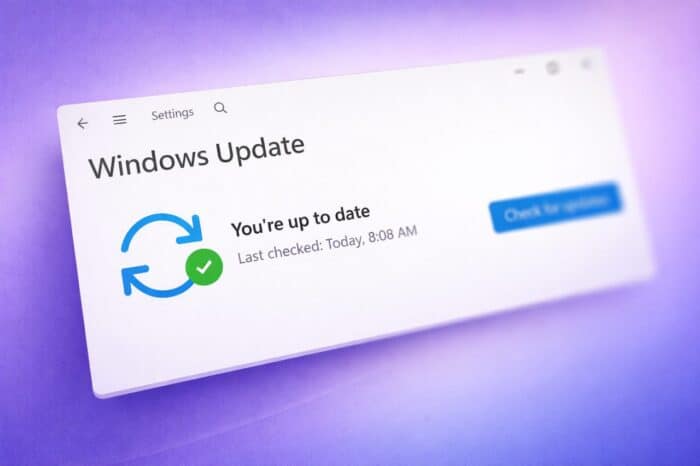
Microsoft is preparing a set of improvements for Windows 11, with a strong focus on giving users more control over updates. One of the biggest changes could remove long-standing limits on how long updates can be paused.
New Windows 11 update controls spotted in testing
According to reports highlighted by Neowin and findings from phantomofearth on X, Microsoft is testing a redesigned update pause system in preview builds of Windows 11.
Instead of the current drop-down menu, users will get a calendar-style interface. This allows them to pick an exact date for updates to resume, making the process more flexible and easier to manage.
More importantly, early indications suggest users might be able to pause updates for much longer than before, potentially without a strict limit. At the moment, Windows 11 only allows updates to be paused for up to five weeks.
Microsoft yet to confirm key details
Despite the early preview, Microsoft has not confirmed how far this change will go. It remains unclear whether there will still be a maximum pause duration or if users will truly gain indefinite control.
Another open question is how this system will behave once a device reaches end of support. In previous versions of Windows, Microsoft has pushed updates automatically on unsupported systems, sometimes causing unexpected issues for users.
The update changes are part of a wider effort to improve the overall experience in Windows 11. Microsoft is also working on refining the Settings app and speeding up Quick Settings, aiming for faster access and better responsiveness across the system.
These changes signal a shift toward giving users more control, while still maintaining system security and reliability.

Read our disclosure page to find out how can you help Windows Report sustain the editorial team. Read more



Improve this guide




User forum
0 messages