
Windows Once Had a Faster Restart Trick Using Shift + Restart


 3 min. read
  Published on
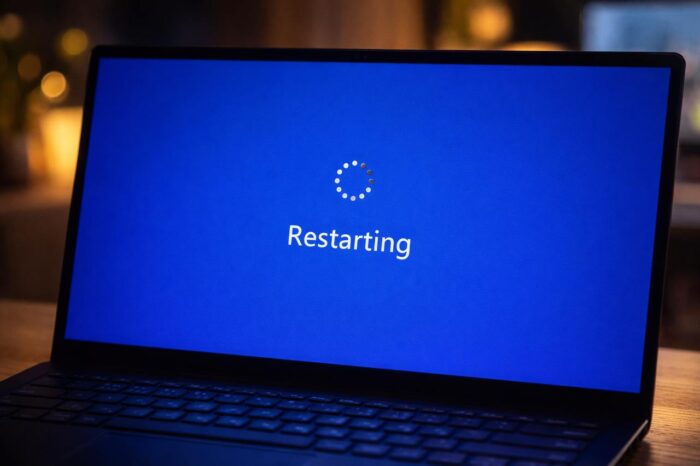
Shutting down or restarting a PC remains a core Windows function, and Microsoft recently confirmed a Windows 11 shutdown bug, followed by an emergency fix. Alongside that news, a lesser-known restart behavior from classic Windows versions has resurfaced, revealing how Windows once handled “fast restarts.”
Shift + Restart worked very differently in early Windows
As Neowin reports, long-time users may remember that pressing Shift + Restart triggered unusual behavior in early Windows releases. In Windows 95, this shortcut did not force a full cold reboot.
Instead, Windows showed a “Windows is restarting” message and attempted a faster restart cycle. That idea closely resembles Fast Startup, a feature Microsoft introduced years later with Windows 8.
In modern systems like Windows 10 and Windows 11, Shift + Restart now opens the Windows Recovery Environment, not a fast reboot.
How the old fast restart actually worked
Microsoft veteran Raymond Chen recently explained the original behavior in a post on The Old New Thing. Early Windows relied on a legacy 16-bit function called ExitWindows with the EW_RESTARTWINDOWS flag.
The restart sequence followed a strict order:
- Windows shut down the 16-bit kernel
- The 32-bit virtual memory manager exited
- The CPU dropped back into real mode
- Control returned to win.com, the DOS-based Windows loader
At that point, win.com attempted to relaunch protected-mode Windows and displayed “Please wait while Windows restarts…”.
Why it felt fast, and why it often failed
Early Windows systems ran in two modes. Real mode supported minimal hardware, while protected mode delivered the full GUI, multitasking, and memory protection. By design, .com files like win.com consumed all conventional memory, then released unused space to create one large, contiguous block.
If memory stayed contiguous, Windows rebuilt core components and relaunched the GUI without a full reboot. If memory fragmentation occurred, the process failed and fell back to a traditional restart.
Reliability remained a major issue. Some users experienced crashes after two consecutive fast restarts, while others saw no problems at all. Faulty device drivers that failed to reset properly likely caused corrupted memory, which only appeared during shutdown or restart.
Today, Microsoft avoids this fragile mechanism. Windows 10 and 11 route Shift + Restart to recovery tools instead, prioritizing stability over speed. This design choice matters even more now, as Microsoft continues to patch critical shutdown and restart bugs through emergency fixes and recent Dynamic Updates.
In short, fast restarts once existed in Windows, but modern Windows leaves that experiment firmly in the past.

Read our disclosure page to find out how can you help Windows Report sustain the editorial team. Read more



Improve this guide

User forum
0 messages