
Wiz App Not Working? 5 Quick Fixes That Actually Help


 3 min. read
  Updated on

If your Wiz app is not working, you may be unable to control your smart lights or devices. This guide will help you troubleshoot the issue and apply quick fixes to get the app running smoothly again.
What can I do if Wiz app is not working?
Table of contents
1. Fix connection and network problems
- Restart your Wi Fi router and reconnect your phone.
- Switch from 5GHz to 2.4GHz Wi Fi for better compatibility.
- Test internet speed to make sure your network is stable.
- Turn off VPNs or firewalls that might block the app.
- Forget and re add your Wi Fi network on your phone.
For broader control options, see this guide on smart home software.
2. Update and refresh the app
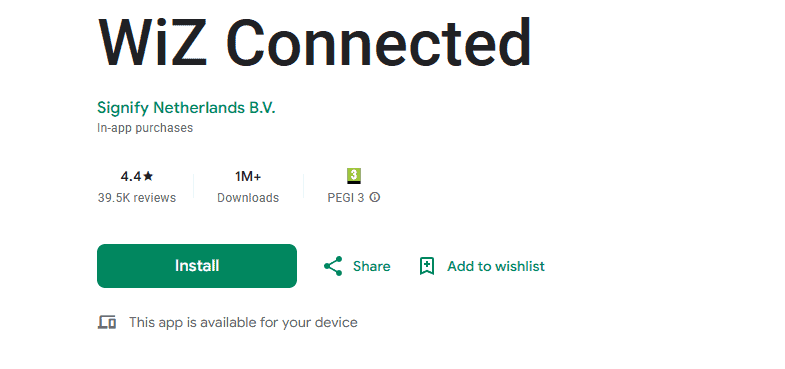
- Open the App Store or Google Play and install the latest update.
- Restart your phone after updating the app.
- Clear the app cache and data in settings (Android only).

- Reinstall Wiz for a fresh copy if issues persist.
- Sign out of your Wiz account and sign back in.
Keeping your app up to date is the simplest way to avoid bugs and crashes.
3. Reconnect and manage devices
- Remove unresponsive lights from the app.
- Add the devices back using the setup wizard.
- Update firmware if available for your Wiz devices.
- Reset the devices by turning them on and off per instructions.
- Confirm they are on the same Wi Fi as your phone.
Device reconnection usually solves sync issues quickly.
4. Fix compatibility and conflicts
- Close other smart home apps that may interfere.
- Update all connected smart home software.
- Test Wiz with a different phone or tablet.
- Restart integrations like Google Home or Alexa.
- Check if the devices respond via other platforms.
For more reliable setups, you can explore smart home apps for Windows 10.
5. Explore alternatives if Wiz still fails
- Try another control app with Wiz device support.
- Use physical switches until the app works again.
- Install the app on another device to test stability.
- Contact Wiz support for advanced troubleshooting.
- Explore automation platforms for stronger device compatibility.
Conclusion
Considering alternatives ensures you do not lose control of your devices entirely. If you also face problems with Sengled bulbs, see this guide on Sengled not working for fixes that cover Wi-Fi, app, and pairing issues.
FAQs
Your Wi Fi may be unstable or set to 5GHz. Use a 2.4GHz connection.
Yes, it syncs your settings and enables remote access.
Yes, always update both the Wiz app and device firmware.
The mobile app is primary, but you can connect devices via integrations.

Read our disclosure page to find out how can you help Windows Report sustain the editorial team. Read more



Improve this guide




User forum
0 messages