
How to Turn Off Xbox Controller in 4 Simple Ways


 3 min. read
  Published on

Wondering how to turn off Xbox controller when you are done gaming? You can do it directly from the controller, console, or your PC. Follow these quick steps to save battery and shut it down easily.
Table of contents
How to Power Down Your Xbox Controller?
1. Directly from the Controller
The most common method is using the power button.
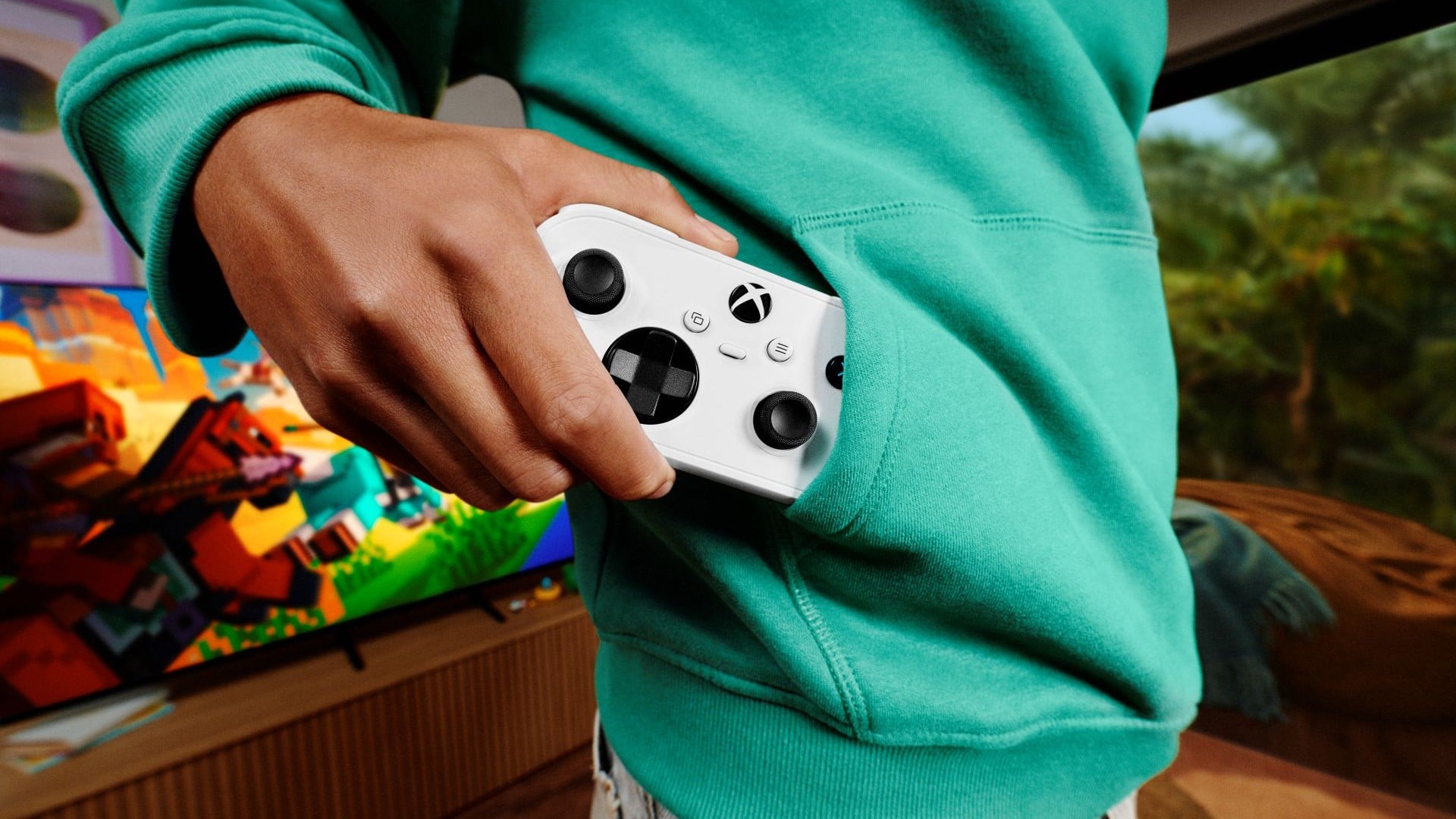
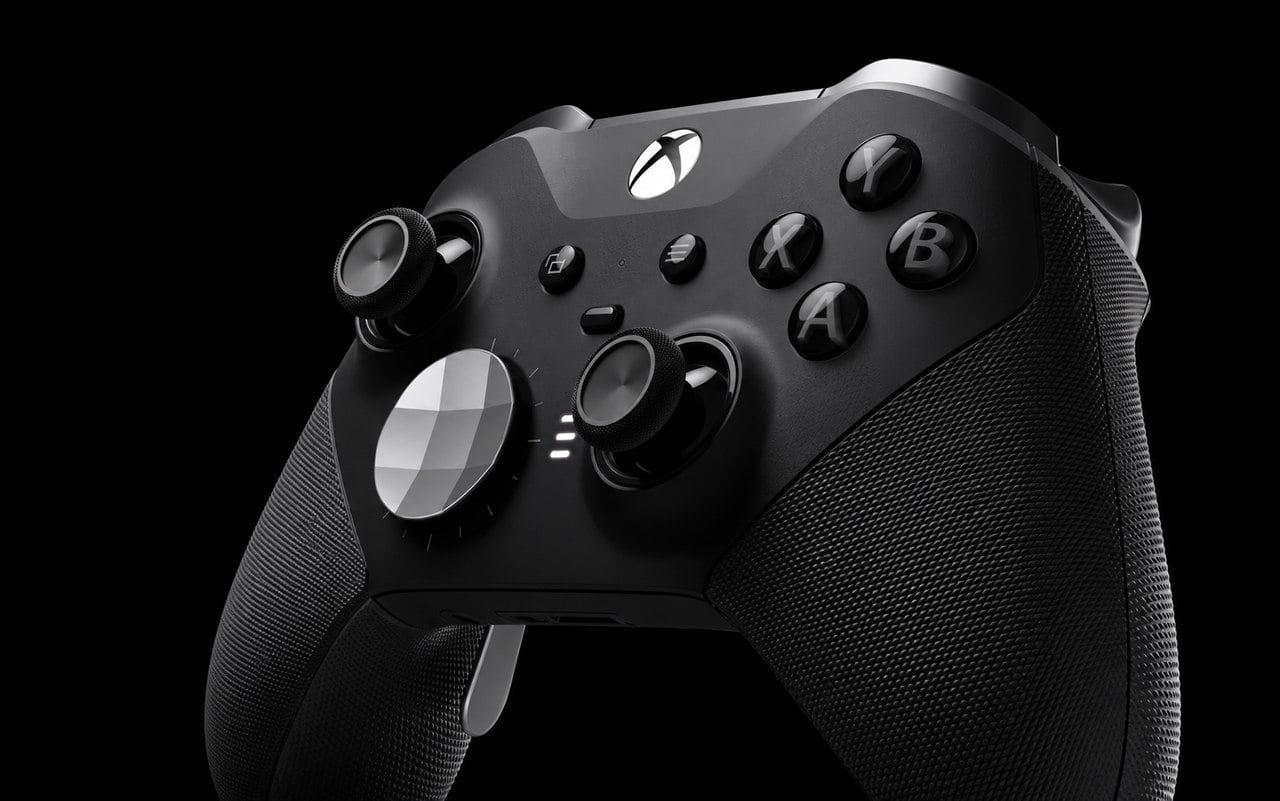
- Press and hold the Xbox button in the center of the controller.

- Wait for 5–10 seconds until the light goes off.
- Release the button to power it down.
This works for both Xbox Series X|S and Xbox One controllers. For related setup help, see how to connect an Xbox One controller to Windows 10.
After powering down, you may also want to pair your Xbox controller again to ensure a smooth connection when you power it back on.
2. Through the Xbox Console
You can also shut it off by controlling the console.
- Press the Xbox button on your controller to open the guide.
- Navigate to Profile & system > Settings.
- Select Devices & connections > Accessories.

- Choose your controller and select Turn off.
3. Disconnect on Windows PC
If you use it with Windows 10 or 11, you can disable it via Bluetooth.
- Press Windows + I to open Settings.
- Go to Devices > Bluetooth & other devices.
- Find your Xbox controller in the list and click Remove device.

- Confirm to disconnect and turn it off.
If you experience drifting or response issues, you can calibrate an Xbox One controller in Windows 11.
4. Remove the Batteries or Cable
If nothing else works, you can power it down manually.
- Slide off the back cover of the controller.
- Remove the AA batteries or disconnect the USB cable.
- Reinsert when you want to use it again.
This method guarantees the controller is fully off.
When the batteries are out, it is also a great opportunity to wipe dust and debris. Follow this detailed guide on how to clean an Xbox controller to keep it in perfect condition.
FAQs
Hold the Xbox button on the controller for 10 seconds until the light turns off.
Yes. It powers down after about 15 minutes of inactivity to save battery.
No. Each controller must be turned off individually using one of the methods above.
No. It is safe, though using the button method is more convenient.
Conclusion
Turning off your Xbox controller is simple, whether you use the built in power button, console settings, or your PC. These methods help conserve battery life and keep your setup efficient. To learn more about controller inputs, see what RT means on an Xbox controller.

Read our disclosure page to find out how can you help Windows Report sustain the editorial team. Read more



Improve this guide
User forum
0 messages