
Copilot in Excel Gets Smarter With Personalized Rules & Shared Workbook Standards


 2 min. read
  Updated on
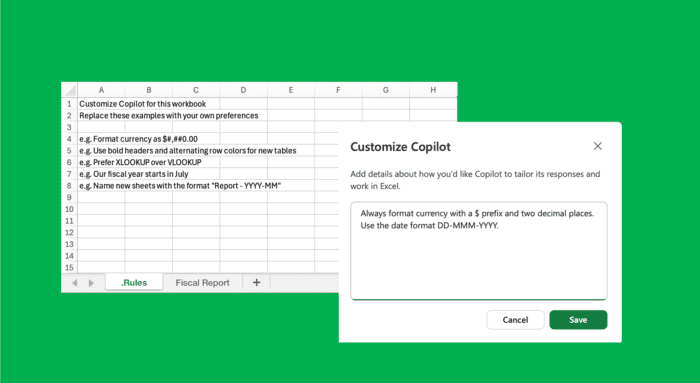
Typing the same Copilot prompts into Excel over and over again may finally become a thing of the past. Microsoft is rolling out two major upgrades designed to make its AI assistant far more consistent when editing spreadsheets.
The new features, called Personalization and Workbook Rules, allow users to define how Copilot should format, organize, and structure workbooks before any edits happen. Rather than repeatedly prompting the AI to avoid merged cells, use specific naming conventions, or apply preferred formulas, users can now set those preferences once and let Copilot handle the rest.
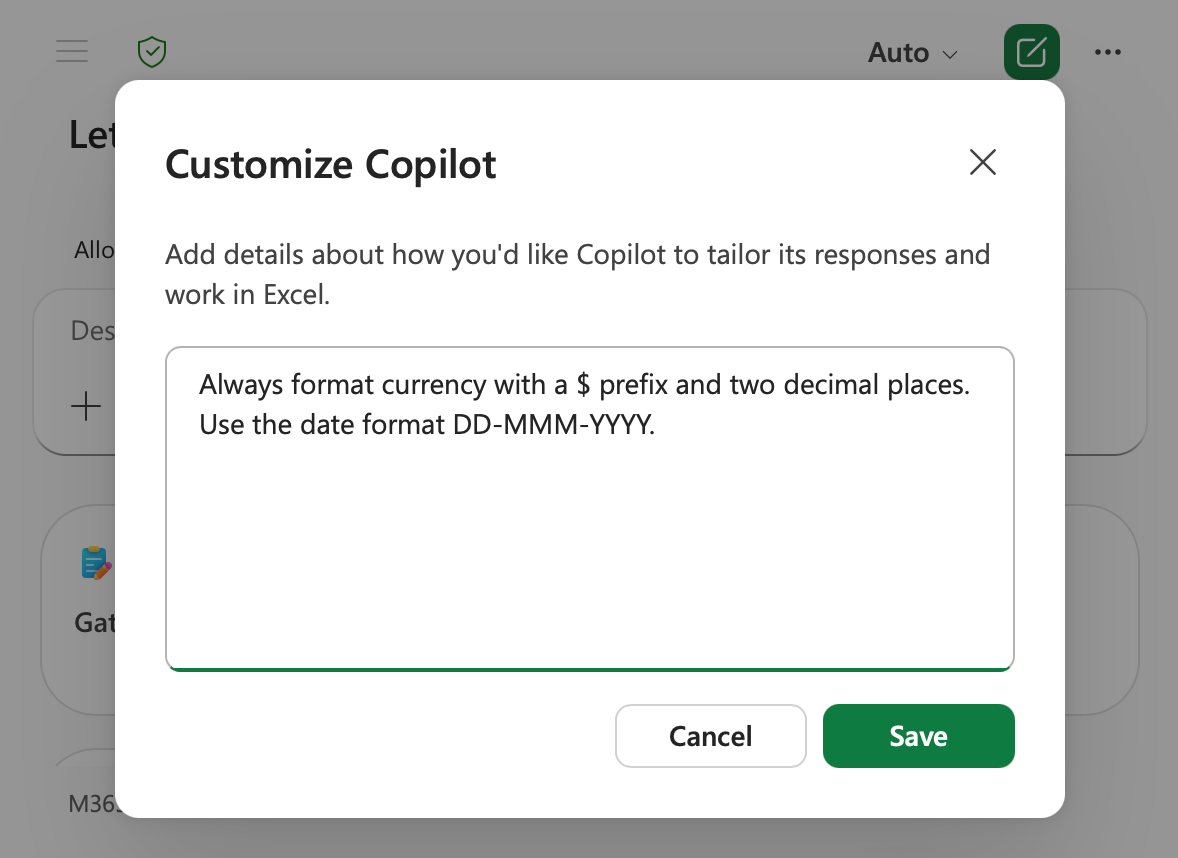
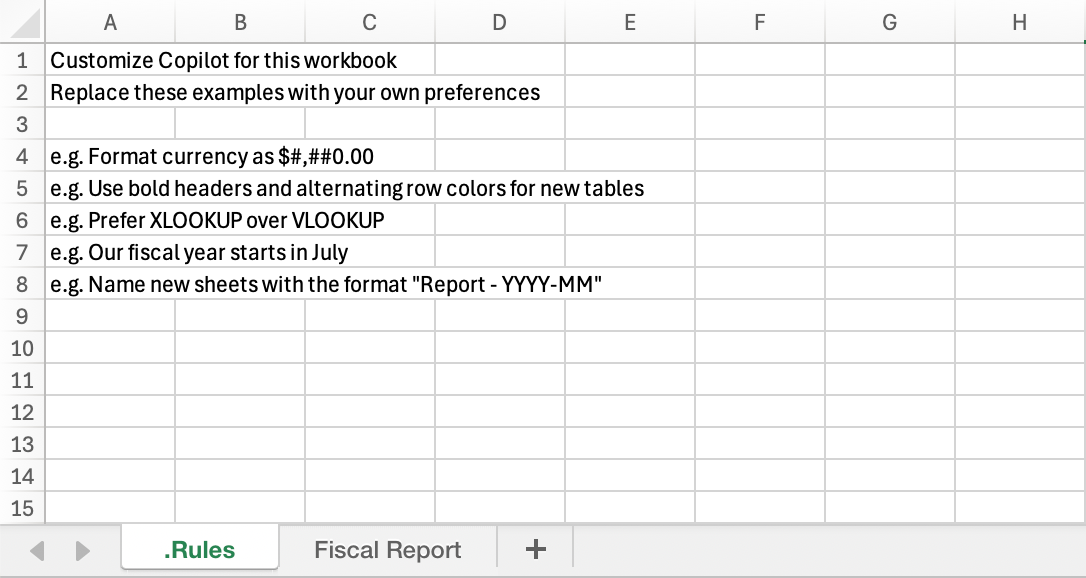
Image credit: Microsoft
Personalization is available now across Excel for Web, Windows, and Mac. The feature lets users create persistent instructions that follow them across every workbook they open. Preferences can cover everything from chart colors and currency formatting to table names, formulas, and PivotTable layouts.
Workbook Rules take a different approach. Rather than following an individual user, these instructions live inside the workbook itself and travel with the file when it is shared. Teams can create a dedicated “.Rules” sheet that tells Copilot exactly how the workbook should look and behave, helping organizations maintain consistent standards across projects.
Microsoft says the feature can even tap into Excel’s calculation engine, allowing rules to change dynamically based on formulas, cell values, or project status. Users can create rules manually in plain language, point Copilot to sample ranges for reference, or ask the AI to generate rules automatically from existing worksheets.
While Personalization is generally available now, Workbook Rules are currently available via the Insiders channel on Windows and Mac and will roll out widely in the coming weeks.

Read our disclosure page to find out how can you help Windows Report sustain the editorial team. Read more



Improve this guide




User forum
0 messages