
Xbox Insiders Can Now Test 'Highlight Reels' on ROG Xbox Ally X


 2 min. read
  Published on
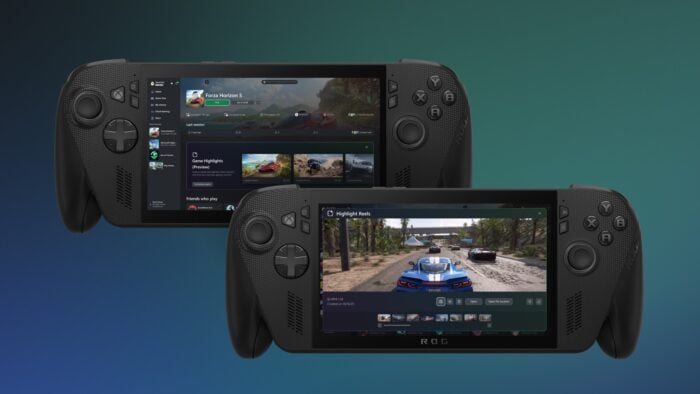
Xbox is rolling out a new feature for the ROG Xbox Ally X. Starting today, Xbox Insiders can test highlight reels. The feature is available via Game Highlights (Preview) on the game page of the Xbox PC app. This feature automatically captures epic moments, like boss fights or victories, and creates short clips you can share with friends, without leaving your game.
The early preview includes popular titles like Forza Horizon 5, Overwatch, Elden Ring, Fortnite, Among Us, Palworld, and Lies of P. Xbox encourages Insiders to provide feedback directly through the experience, the Xbox Insider Hub, or the reporting tool to help expand supported games and features.
Here’s how to use Game Highlights on ROG Xbox Ally X
To use highlight reels, join the Xbox Insider Program and ensure recording settings are enabled. This can be done via Game Bar, Gaming Copilot, or Windows settings. Gaming Copilot captures clips while you play, and a highlight reel is automatically generated at the end of your session. Clips can then be viewed and shared through Game Highlights (Preview) in the Xbox PC app.
Xbox further thanks the Insider community for feedback, which continues to shape features on the ROG Xbox Ally X. Did you aready test Highlight Reels on Xbox Ally X? What do you think about it? Let us know in the comments below.

Read our disclosure page to find out how can you help Windows Report sustain the editorial team. Read more



Improve this guide




User forum
0 messages